 Archicad

Based in Goiania, Brazil, Norden Architecture’s founding principles are quality, efficiency, creativity, and the constant search for innovation, leading the firm to implement BIM on projects in the fields in which they operate: residential, commercial, sports and hospitality.
The execution speed of this project was exclusively due to Archicad, which was able to transform a sketch into data, that was immediately validated by the engineering team.
Paulo Renato, Founder and Partner of Norden^
Always in search of new technologies that bring higher quality and greater efficiency to their architectural projects, their expectations for BIM implementation were to improve the interpretation, analysis, and productivity in project development, as well as the extraction of information that would be a source of quantitative value for their clients.
“Today, processes are getting faster and faster, and the search for error minimization, cost reduction, and agility at the construction site convinces architects that BIM will be an essential technology in the near future — and they must be more than ready for that,” says Jean Marcel, Managing Partner of Norden Architecture.
Archicad implementation happened at the right moment for Norden^, recognizing the need for agility and speed in the development of a large and challenging project, Goiás Arena, with a delivery time of only three months. Archicad had an important role in that process, allowing the architectural team to optimize their creative work without losing quality, while extracting quantitative data for the technical team.
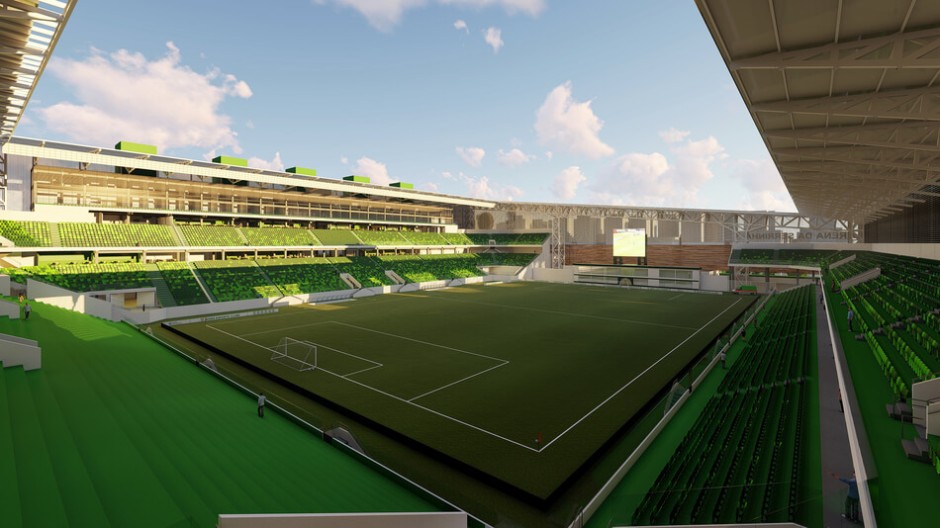
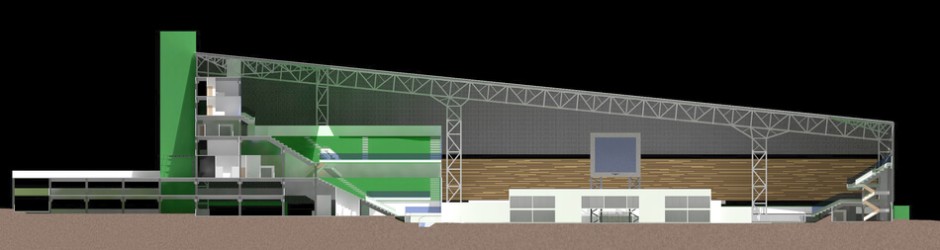
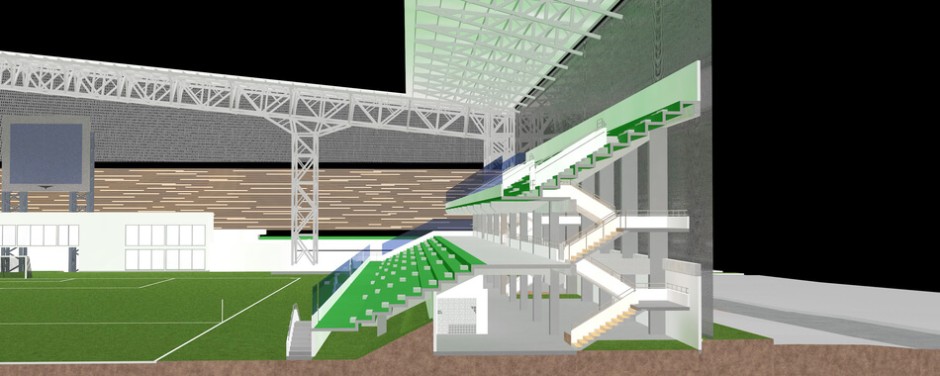
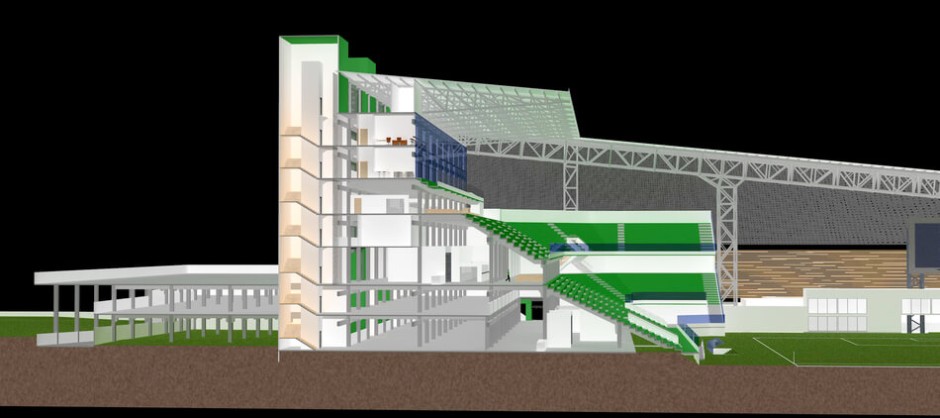
From the sketches we created, the software allowed us to obtain the quantitative information, which was quickly submitted to the engineering team for approval. It was only possible because we were working with Archicad; without it, the arena project would not have been finished in three months.
Paulo Renato, Founder and Partner of Norden^
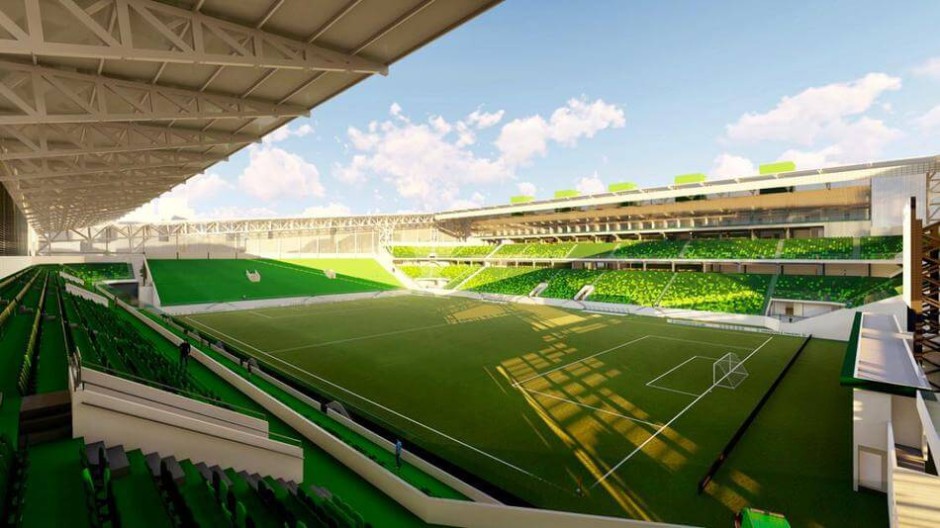
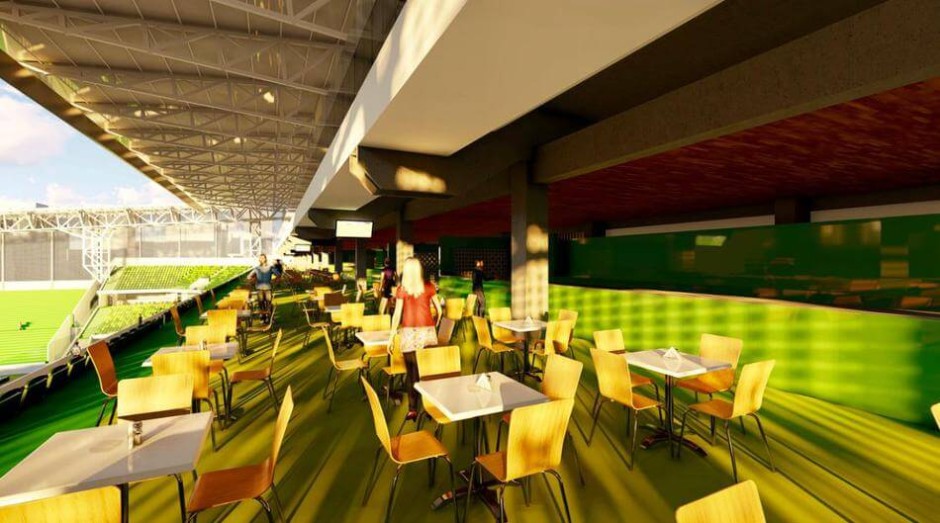
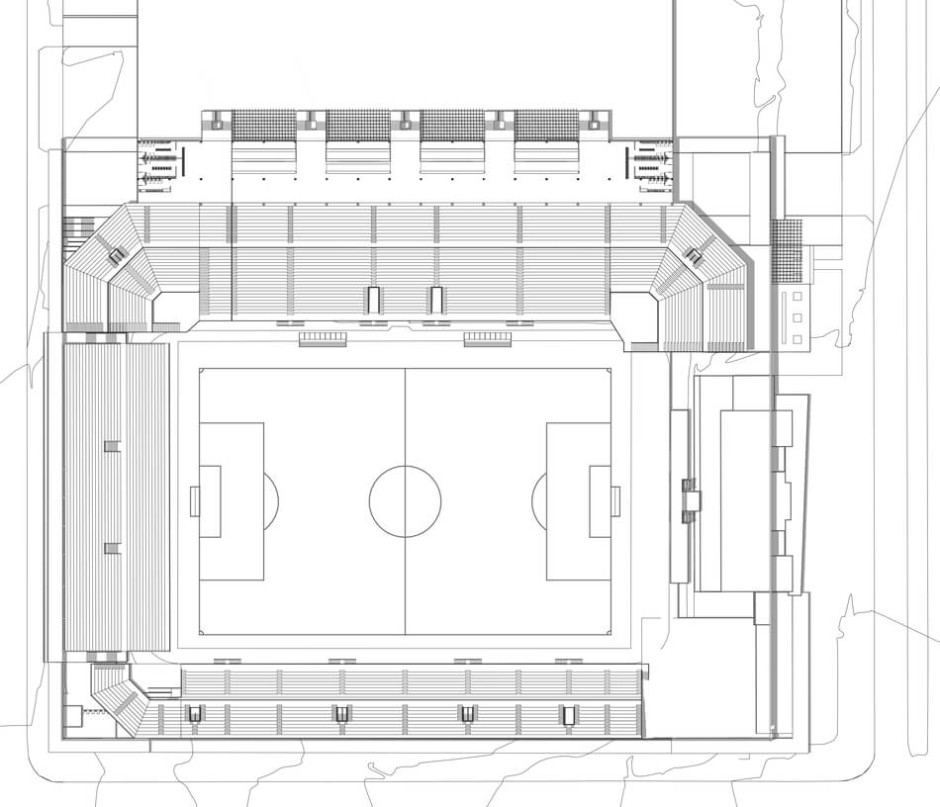
Archicad implementation process
Norden^ decided to implement Archicad through a six-month pilot project, trained and monitored by Lamarck Consultoria, Graphisoft Brazil Sales Representative, in the region. Thanks to this project, the architectural team could experience in practice the software benefits in their daily routine.
“In the beginning, we tried to implement BIM using other software, but we didn’t get the expected results. While searching for software that met our needs, we came across Archicad. Our BIM adaptation was very successful, because Archicad is very intuitive and easy to learn, and has its own library with various types of doors, windows, furniture, etc. Archicad offers a specific template for Brazil and runs very well on the hardware we use in the office today.
We recognize that every new project is an evolution through the program. We are increasingly able to extract more information that helps our clients in the execution of their projects. In addition to evolving in quality, we earn trust from our clients because our delivery is beyond their expectations and what our competitors on the market are capable of,” says Jean Marcel.
Collaboration through Teamwork and using BIMx for client presentations are other advantages that the firm likes to highlight.
According to Jean, one of the biggest advantages of using Archicad is the possibility to improve visualization of projects while they are still being developed, making it possible to predict and correct errors while still in the design development phase.
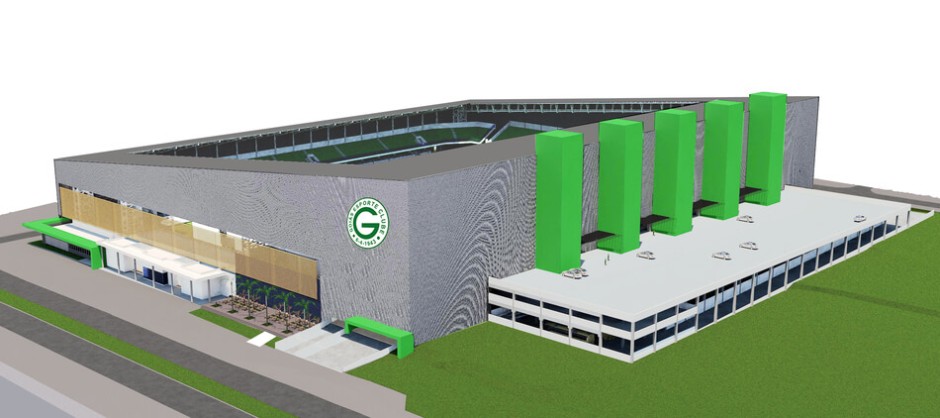
About Norden ^
Norden ^ is a firm that goes far beyond to the project and is always looking to solve efficiently the daily challenges that architecture brings, developing ideas and solutions aimed to people, with functionality and responsibility, always trying to go further.
About Graphisoft
Graphisoft® ignited the BIM revolution in 1984 with Archicad®, the industry first BIM software for architects. Graphisoft continues to lead the industry with innovative solutions such as its revolutionary BIMcloud®, the world’s first real-time BIM collaboration environment; and BIMx®, the world’s leading mobile app for lightweight access to BIM for non-professionals. Graphisoft is part of the Nemetschek Group.