 United States site instead?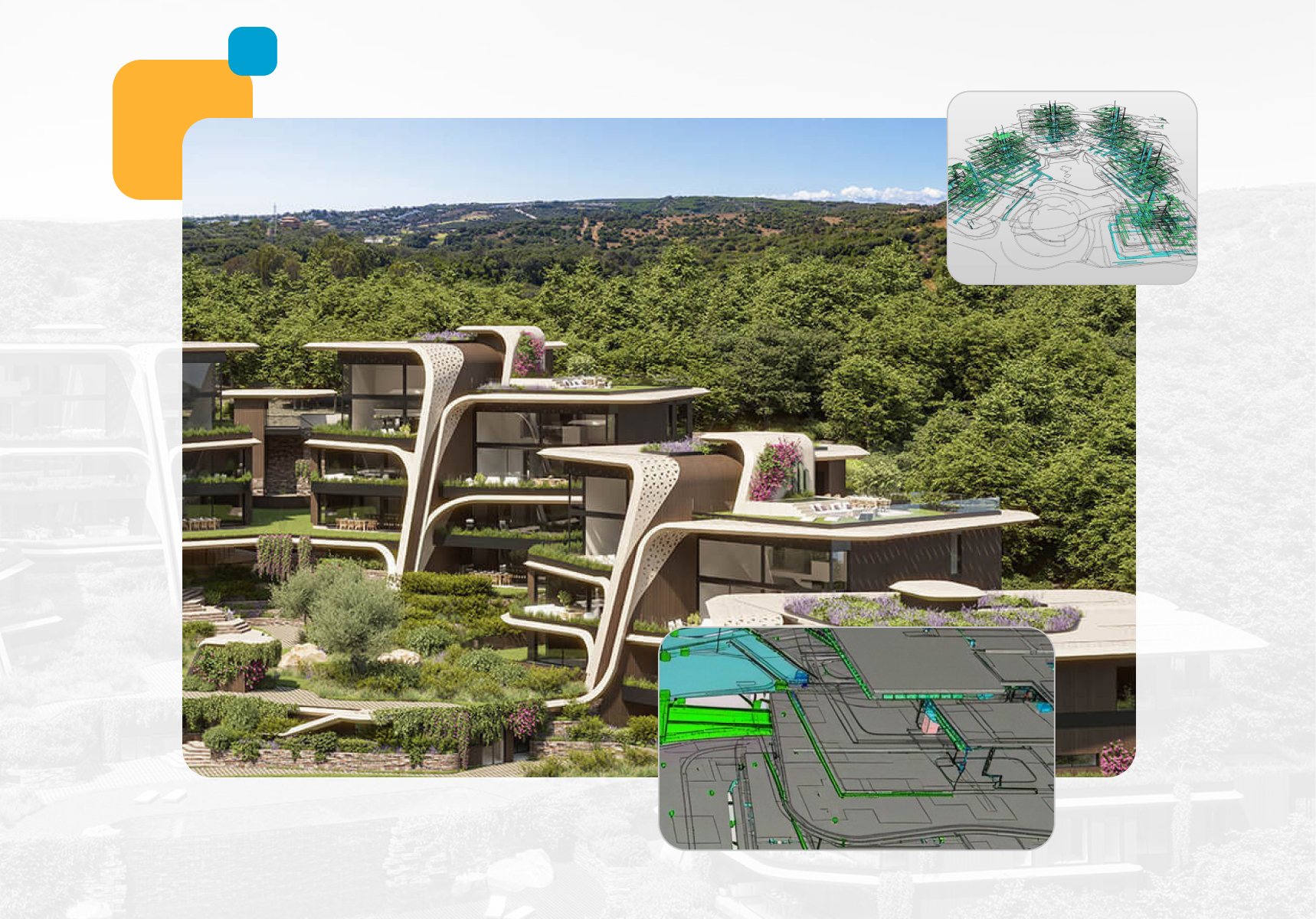
Sotogrande, Spain
morph.es

Build on trusted model data
Solibri embeds structured validation across the entire building lifecycle — maintaining consistency from early modeling through handover and beyond.
Instead of acting as a checkpoint, validation becomes a continuous discipline integrated into digital delivery.
Developed by Solibri, Inc.
What is Solibri?

Reduce rework and deliver with confidence with dedicated BIM quality assurance tools.
-
 Rule-based clash detection and automated model checking
-
 Data validation rule sets and standardized validation workflows
-
 Multidisciplinary model coordination and federated model review
Design & Architecture
Check your design as it develops. Catch clashes, missing information, and accessibility issues early—while changes are easier to make.
BIM Coordination
Bring discipline models together and focus on issues that need action. Assign clear ownership, track resolutions, and verify each fix.
Construction & Handover
Check model quality before work moves to site. Resolve coordination issues and validate the information needed for a more reliable handover.
Operation & Maintenance
Validate asset information before handover. Find missing or inconsistent data so facilities teams receive a model they can put to use.
Renovation & Refitting
Compare the proposed design with existing conditions. Identify spatial conflicts and information gaps before they disrupt work on site.
Build with confidence
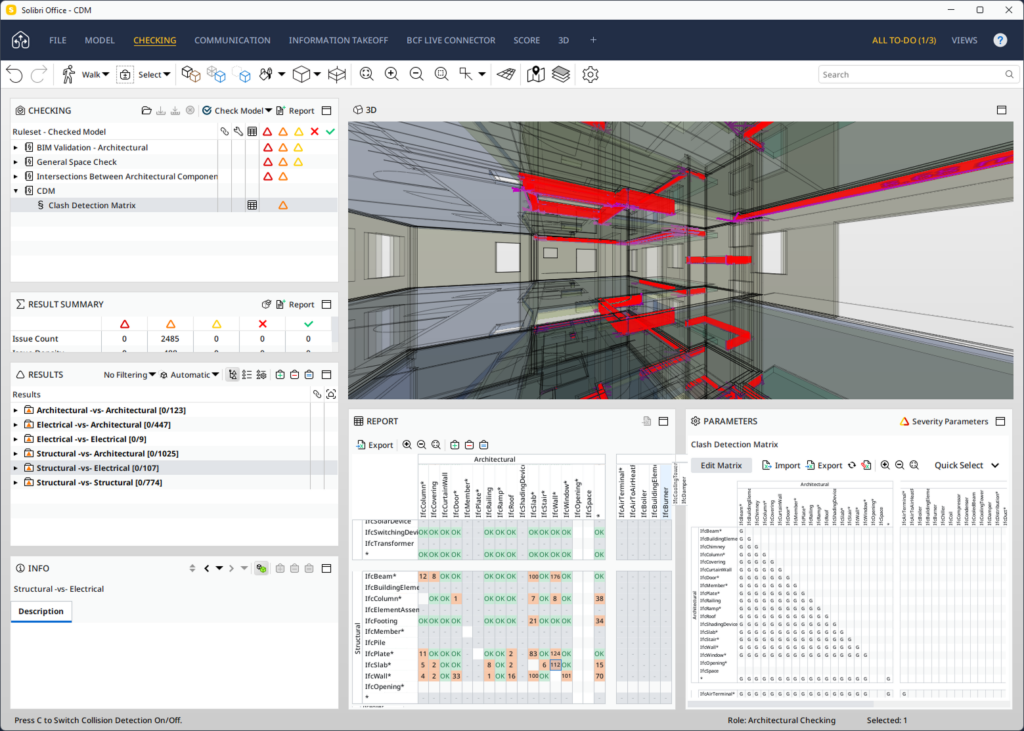
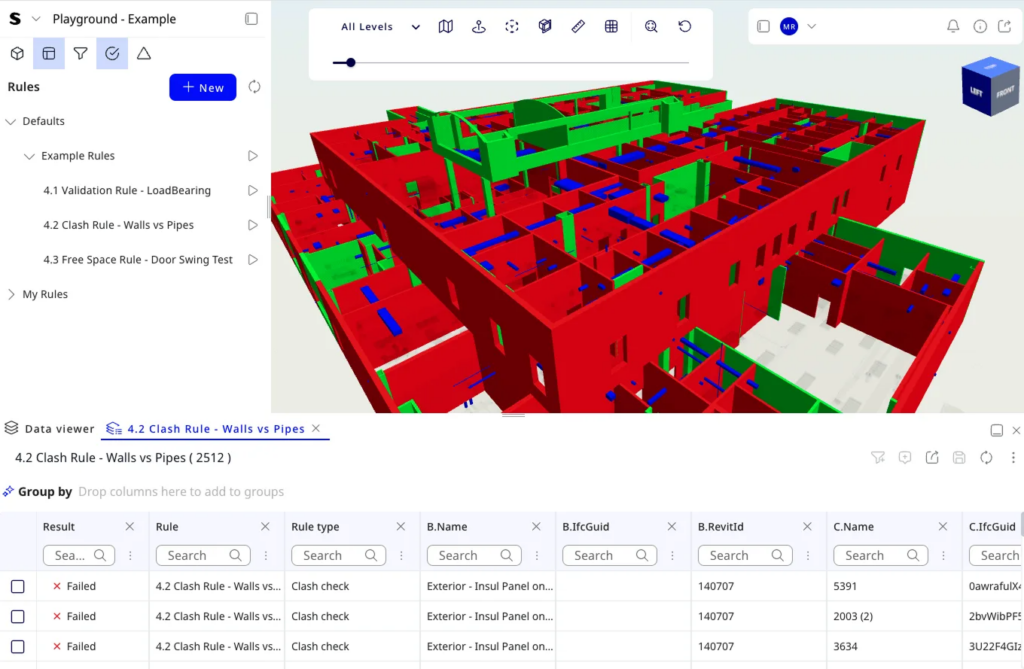
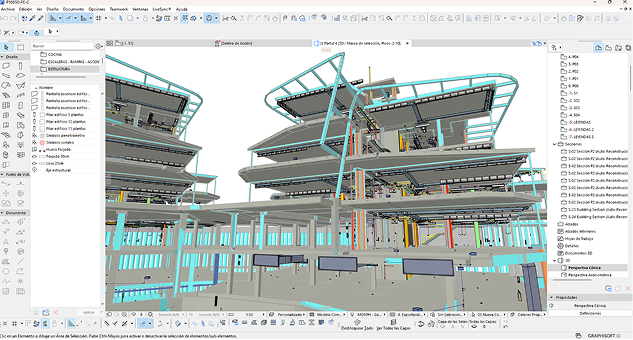
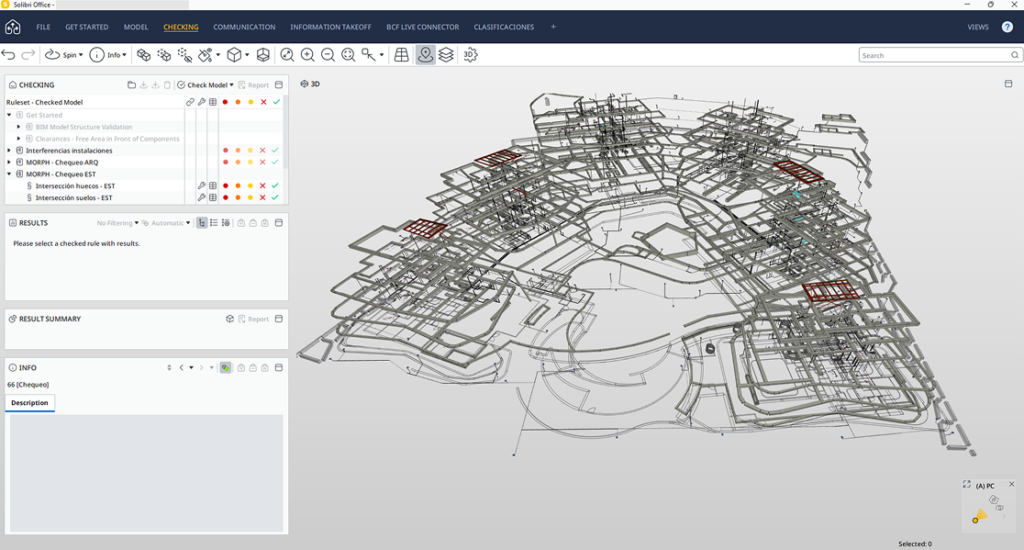
Solibri turns raw geometric conflicts into coordinated, actionable issues. By combining rule-based filtering with context-aware grouping, it reduces noise, highlights the clashes that matter, and keeps every finding linked to its model location and responsible party.
Beyond geometry, Solibri checks that your model carries the right data in the right structure. Automated data validation ensures classifications, properties, and naming conventions meet project, client, and regulatory requirements—reducing rework at exchange milestones.
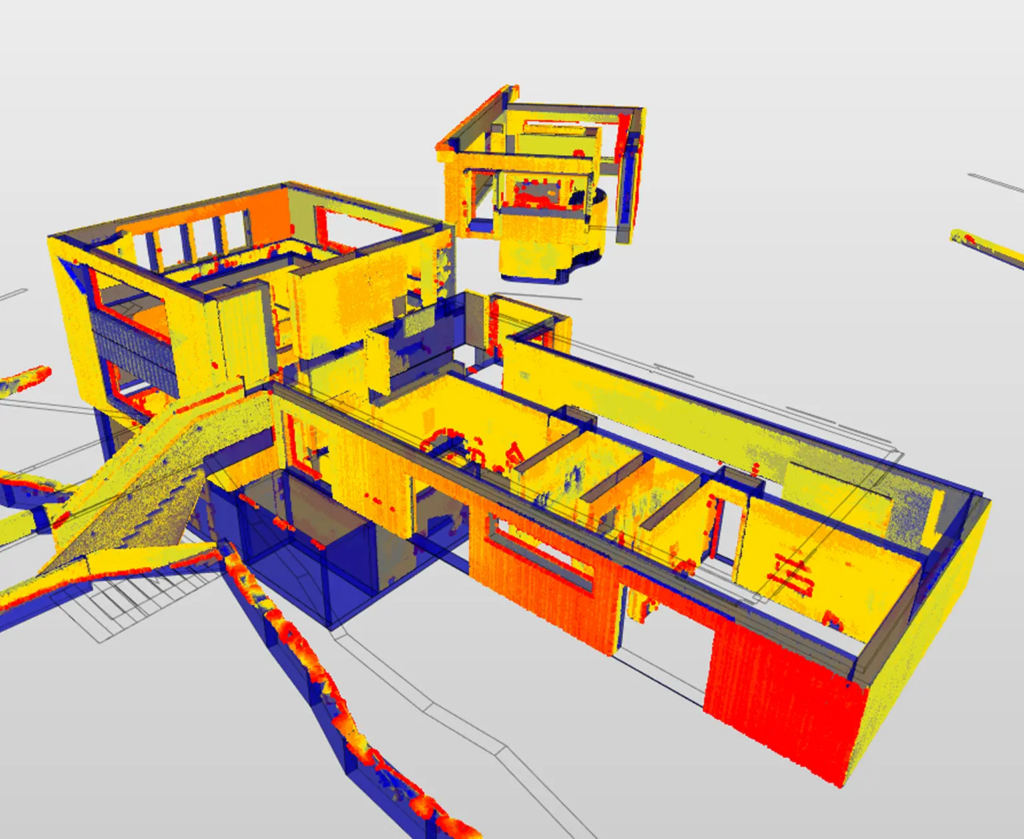
Solibri brings point cloud data into the validation workflow, allowing you to compare as-built conditions with design intent. This reduces guesswork in renovations, retrofits, and complex site conditions by surfacing deviations before they become costly on site.
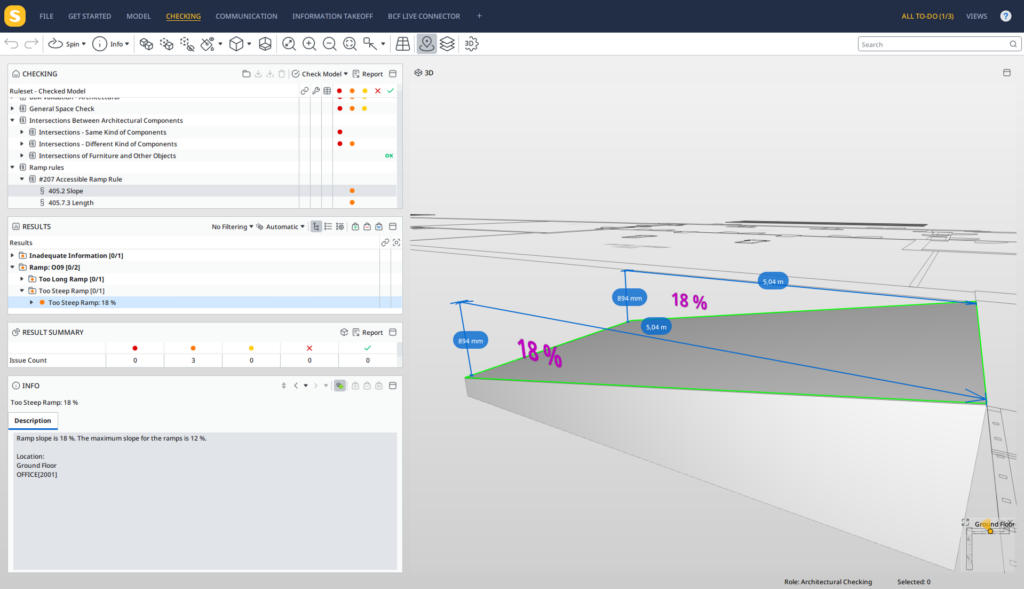
Solibri automates accessibility checks against recognized standards and project-specific criteria. Instead of manually measuring every route and space, teams can run repeatable checks that highlight non-compliant conditions and support defensible design decisions.
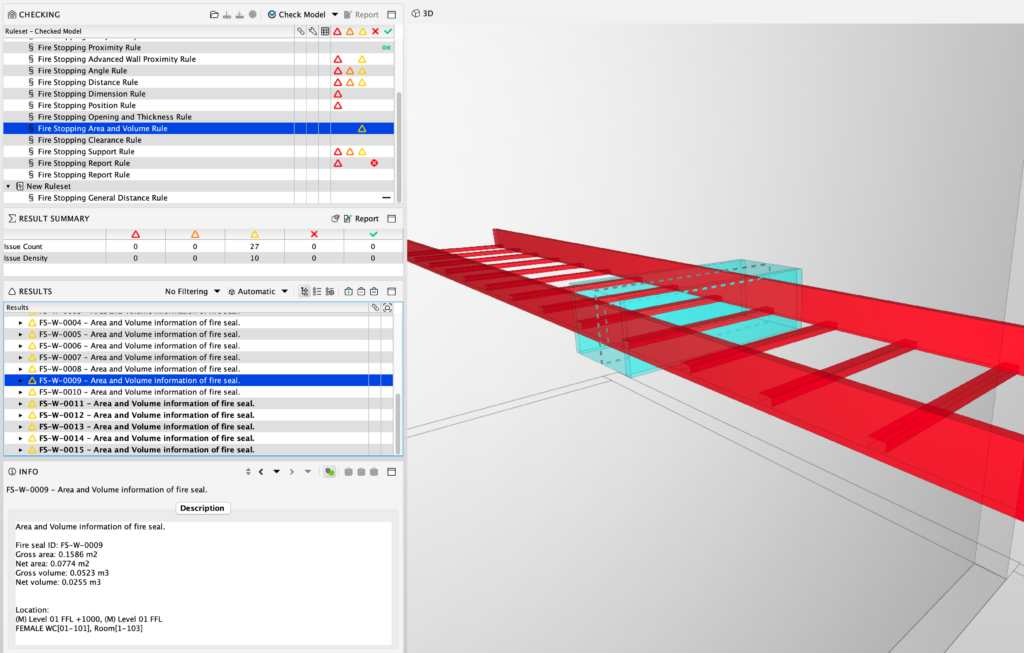
Solibri helps teams verify fire compartmentation and penetration sealing strategies directly in the model. By checking walls, floors, openings, and services against fire-rating rules, it reduces the risk of overlooked penetrations and inconsistent fire strategies.
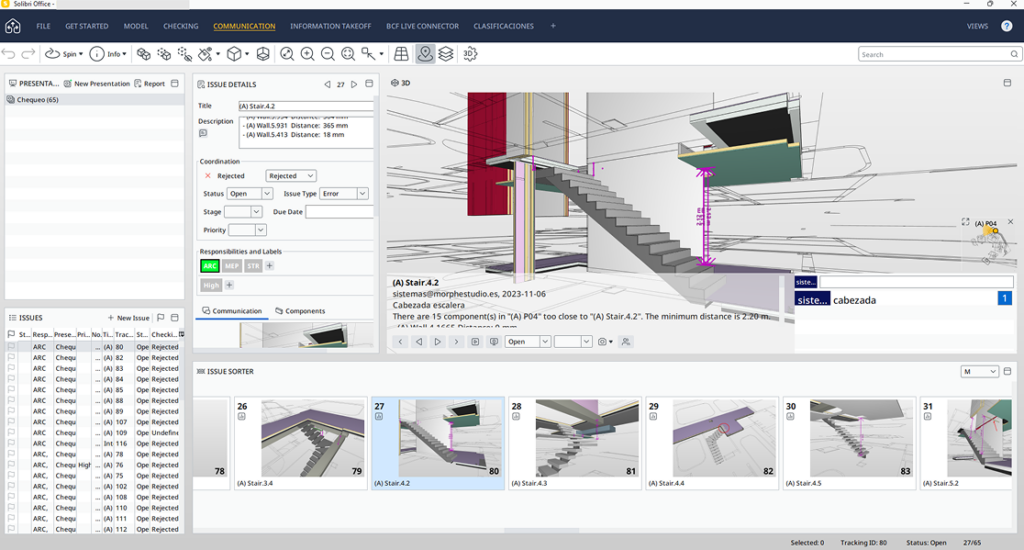
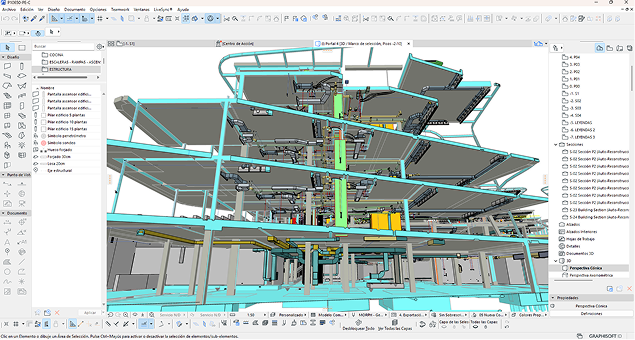
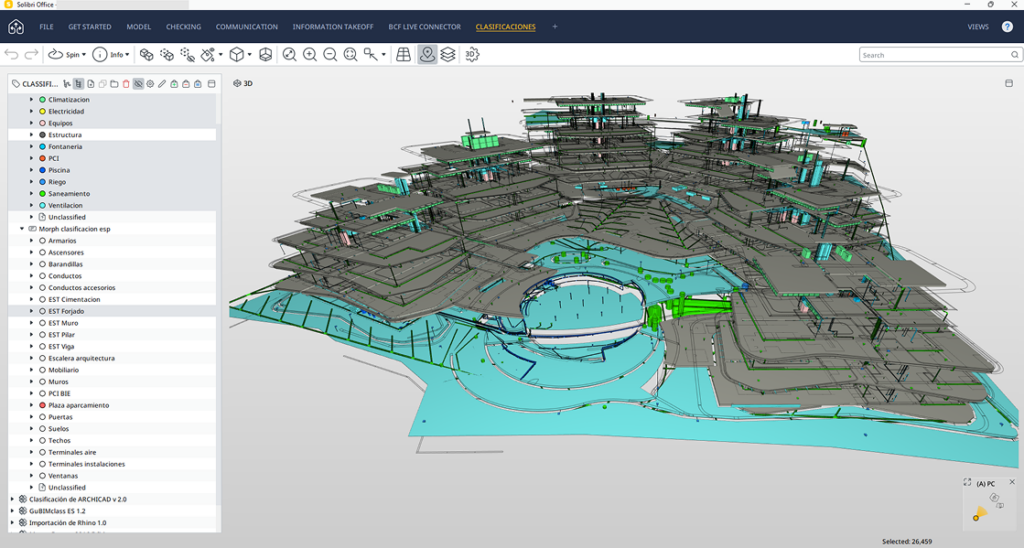
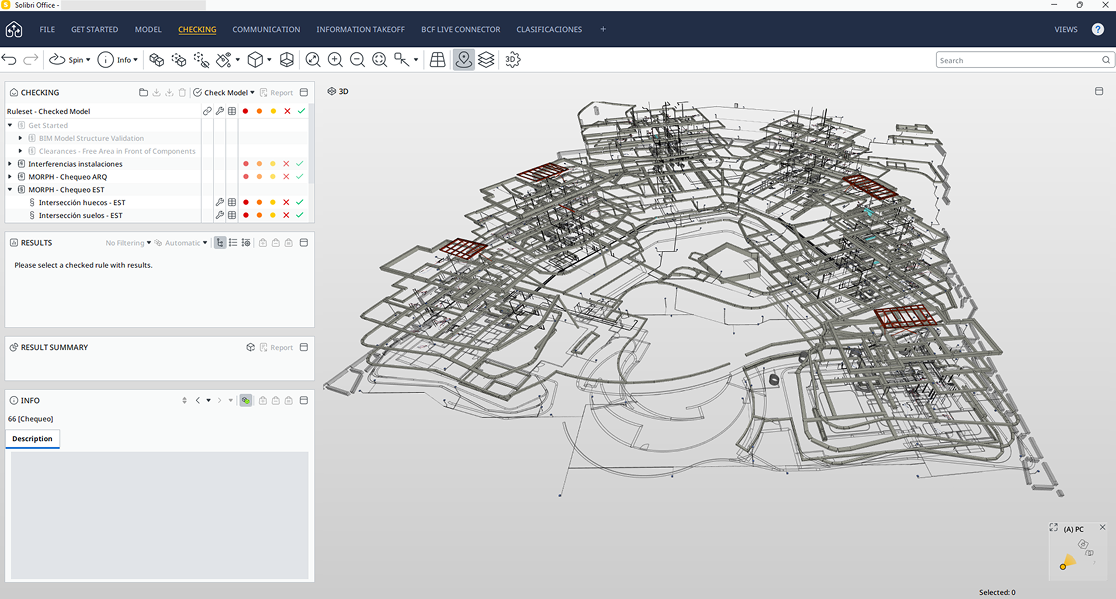
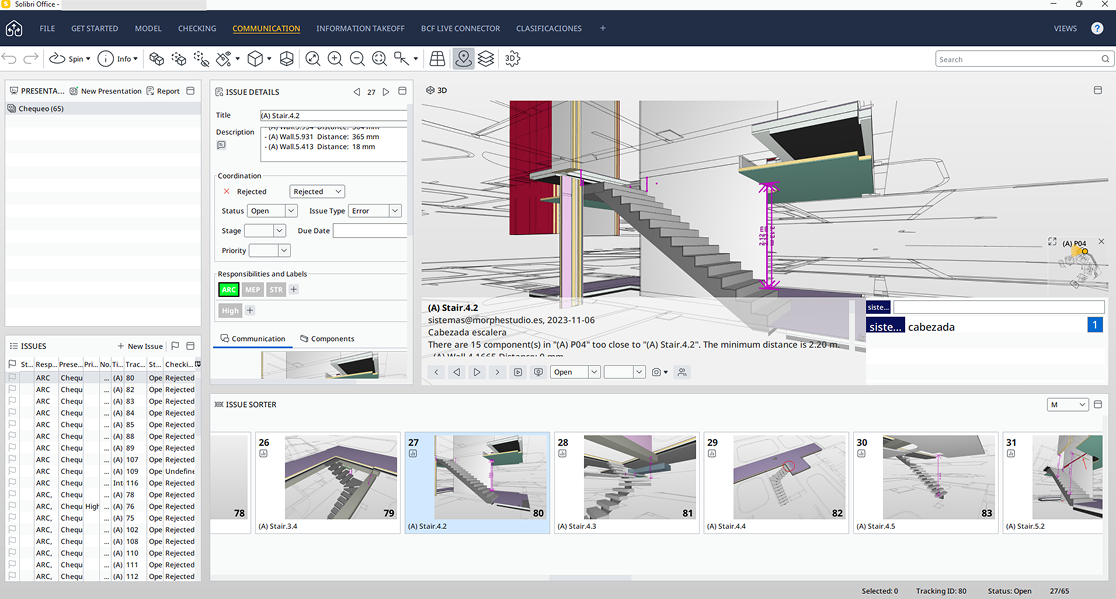
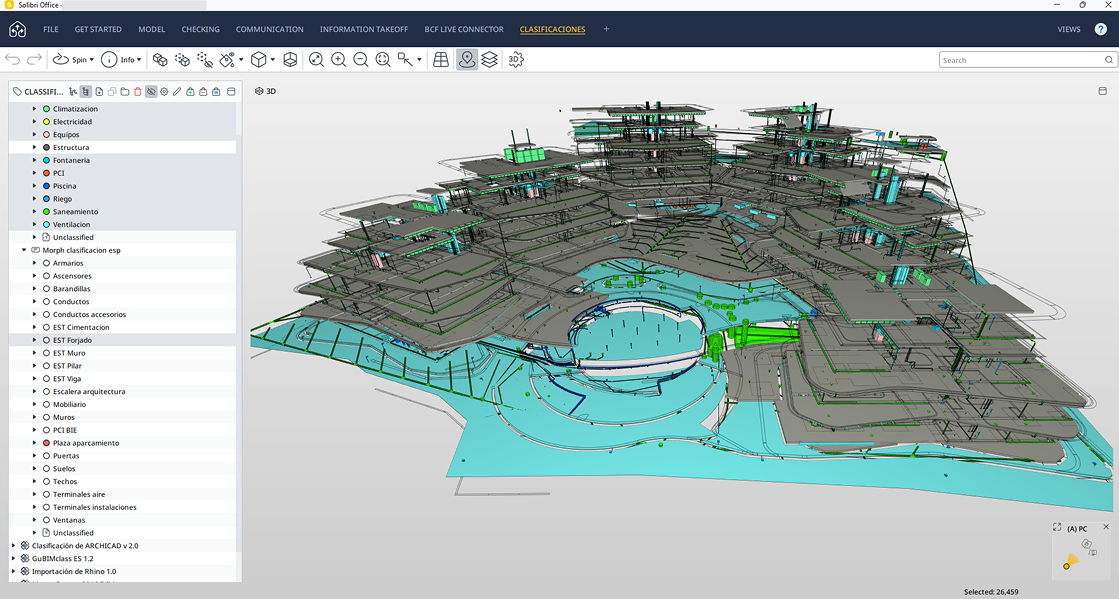

Building quality BIM design
Learn about the capabilities of the Solibri CheckPoint connection to catch crucial errors from the early design phase onwards, saving you both time and money.
Ready to make BIM quality measurable?
Contact sales
Frequently asked questions
Getting started
Solibri is BIM validation and quality-assurance software for the design, coordination, construction, and maintenance stages of digital construction. It helps teams inspect models, identify issues, validate information, manage coordination findings, and build greater trust in the data behind their projects.
Solibri supports open, connected BIM workflows and is positioned around independent model validation rather than a single authoring-software ecosystem. Its workflows support widely used standards and formats, including IFC, BCF, IDS, and COBie-related checking and information-validation use cases.
Solibri supports professionals and organizations working with BIM across the project lifecycle, including architects, engineers, BIM coordinators, contractors, BIM managers, VDC leaders, QA/QC teams, and asset or infrastructure owners.
The right Solibri offering depends on the organization’s level of BIM maturity, project complexity, governance requirements, and operational environment.
Solibri helps teams find and address model issues before they create unnecessary coordination effort or downstream rework. Depending on the product tier, this includes validating model geometry, property values, classifications, spatial relationships, information requirements, and discipline interactions.
By making validation structured and repeatable, Solibri helps reduce coordination noise, improve accountability, and support more reliable digital delivery workflows.
Availability and terms depend on your billing country, for further information please contact us or an authorized partner to discuss your model-validation workflow, project types, standards, integrations, and governance requirements. A guided product discussion can help identify the tier and setup best aligned with your organization’s needs.
Solibri provides a structured progression in BIM validation maturity. Each higher tier includes the capabilities of the lower tiers while extending validation, governance, and operational control.
- Solibri Essential if your team needs to formalize coordination with federated models, predefined rulesets, practical clash detection, and connected issue workflows.
- Solibri Advanced if you need to define, modify, and enforce validation rules that reflect internal BIM standards, client requirements, regulatory frameworks, or discipline-specific quality expectations.
- Solibri Premium if model validation needs to operate as a shared organizational capability across multiple teams, projects, standards, and long-term digital delivery environments.
Model validation
Clash detection: Solibri Essential provides rule-based and quick clash checking for coordination-focused use. Solibri Advanced and Premium extend this with matrix-based clash logic that helps teams define discipline interactions, reduce false positives, and focus attention on critical conflicts.
Model data and geometry validation: Beyond geometry and clashes, Solibri can support validation of information such as object classifications, naming conventions, property completeness, metadata consistency, and Information Delivery Specifications. This helps teams assess whether a model is fit for downstream uses such as coordination, procurement, compliance, permitting, asset management, or quantity takeoff.
Predefined rulesets: Solibri includes predefined rulesets and rule templates to support model checking, information validation, clash detection, accessibility, fire safety, and other quality-assurance use cases. Solibri’s homepage states that it offers more than 70 predefined rulesets, alongside the option to create rules to match project requirements.
Custom validation rules: Solibri Advanced and Premium support configurable validation control, including capabilities for creating and modifying validation rules and rulesets. This enables organizations to reflect their own BIM standards, client delivery requirements, regulatory obligations, and quality expectations in repeatable checks.
Solibri support IFC, SMC, DWG, and PDF files, also support Revit models. Feature availability can vary by tier, so teams should confirm the appropriate product level for their workflow.
Yes. Solibri Essential, Advanced, and Premium support federated model workflows, enabling teams to open, combine, position, update, and manage multiple IFC and Revit models in a shared review environment. This provides a more stable basis for coordination across disciplines and model versions.
Collaboration and reporting
Solibri supports model-based issue workflows so that findings can move from detection to resolution with clearer context and accountability. Solibri Essential includes connected issue workflows with full BCF support, while higher tiers add further reporting, issue-management, and integration capabilities.
Yes. Solibri supports integrations with a range of issue-management platforms and common data environments. The feature comparison includes integrations such as Autodesk Forma, Aconex, BIMcollab, Catenda, Dalux, Procore, SharePoint, Trimble Connect, and others; availability varies by tier and integration type.
Yes. Solibri supports reporting and data-export workflows, including checking reports and issue-related reporting. Higher tiers add broader functionality for information takeoff, reporting, result handling, presentations, and integrated issue-management workflows.