 United States site instead?
Archicad Collaborate
Scaling up shouldn’t slow you down
Great design involves great collaboration, wherever your team is working from. Work with a design platform with everything you need to grow – secure, seamless, and built to scale with you.
Overview
Is your tech stack holding your firm back?
You’re managing dispersed talent, winning complex projects, and maintaining quality. Your tools should keep up with your ambition, but they can easily stand in the way.
- File-based workflows with version conflicts and overnight syncs between offices kill spontaneous design collaboration
- Turning technical drawings into client-ready visuals takes hours of post-processing
- IFC exchanges, server maintenance, and IT firefighting compete for resources that should go toward design
- New hires can take 2-3 months to get the hang of tool-specific workarounds
Your firm’s growth shouldn’t be slowed down by your software’s limitations.

A lot of people say that Archicad is very technical and therefore refuse it, however… for us it is a creative tool that enhances our work. For me Archicad is a language that helps us communicate and bring our ideas to life.
Nataly Molina
Head of Interior Design, INAI Arquitectura
Why choose Archicad?
The right tools put you on the same page
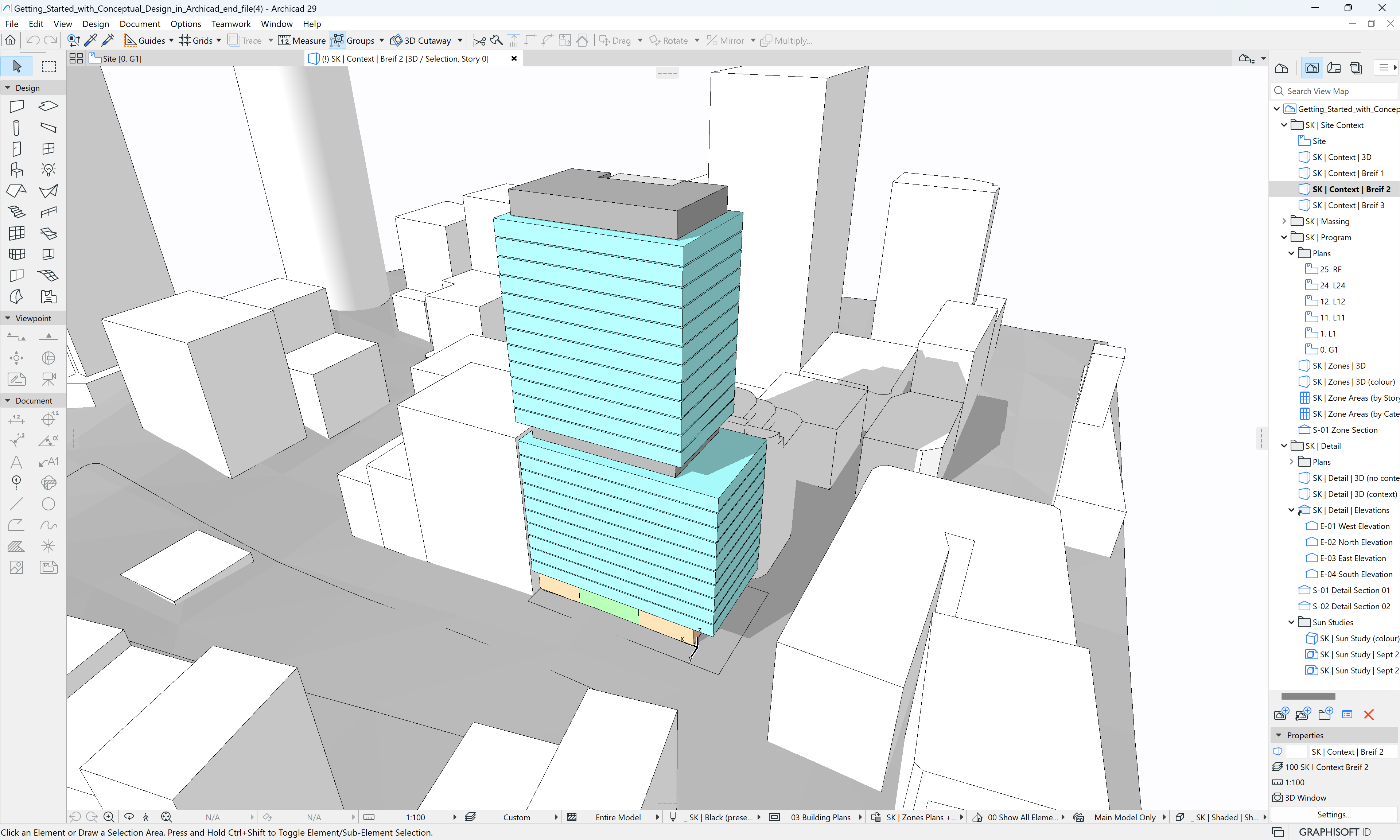
Archicad Collaborate streamlines the work you already do every day – with fewer steps, integrated BIM, and automatic documentation that scales even on complex, large projects.
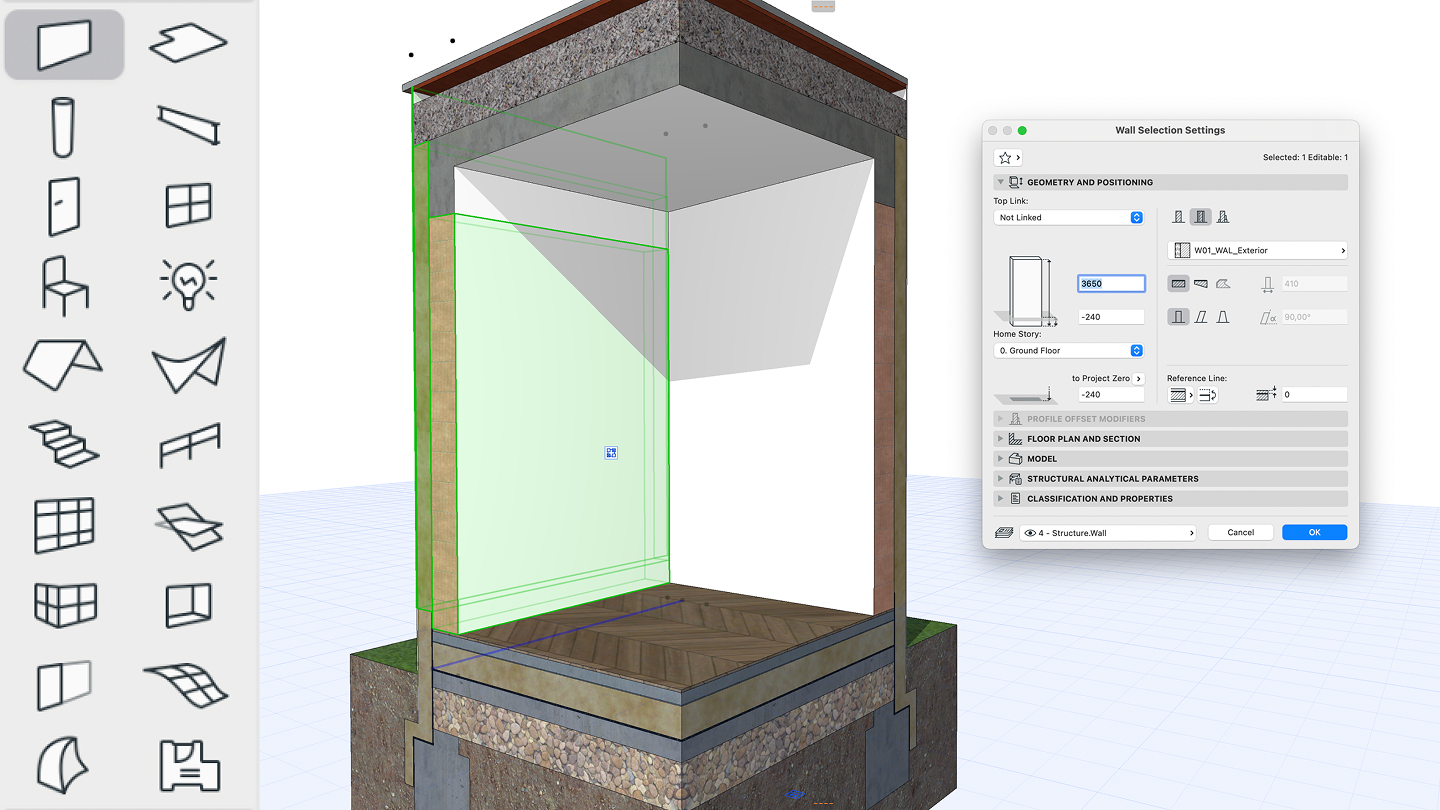
Get to work instantly. Multiple team members can work securely on the same project simultaneously across offices and time zones. Experience less waiting and faster iteration.
Responsive visualization tools adjust designs immediately. Sophisticated drawing control lets you produce presentation-quality output directly from your BIM model and ready to impress clients.
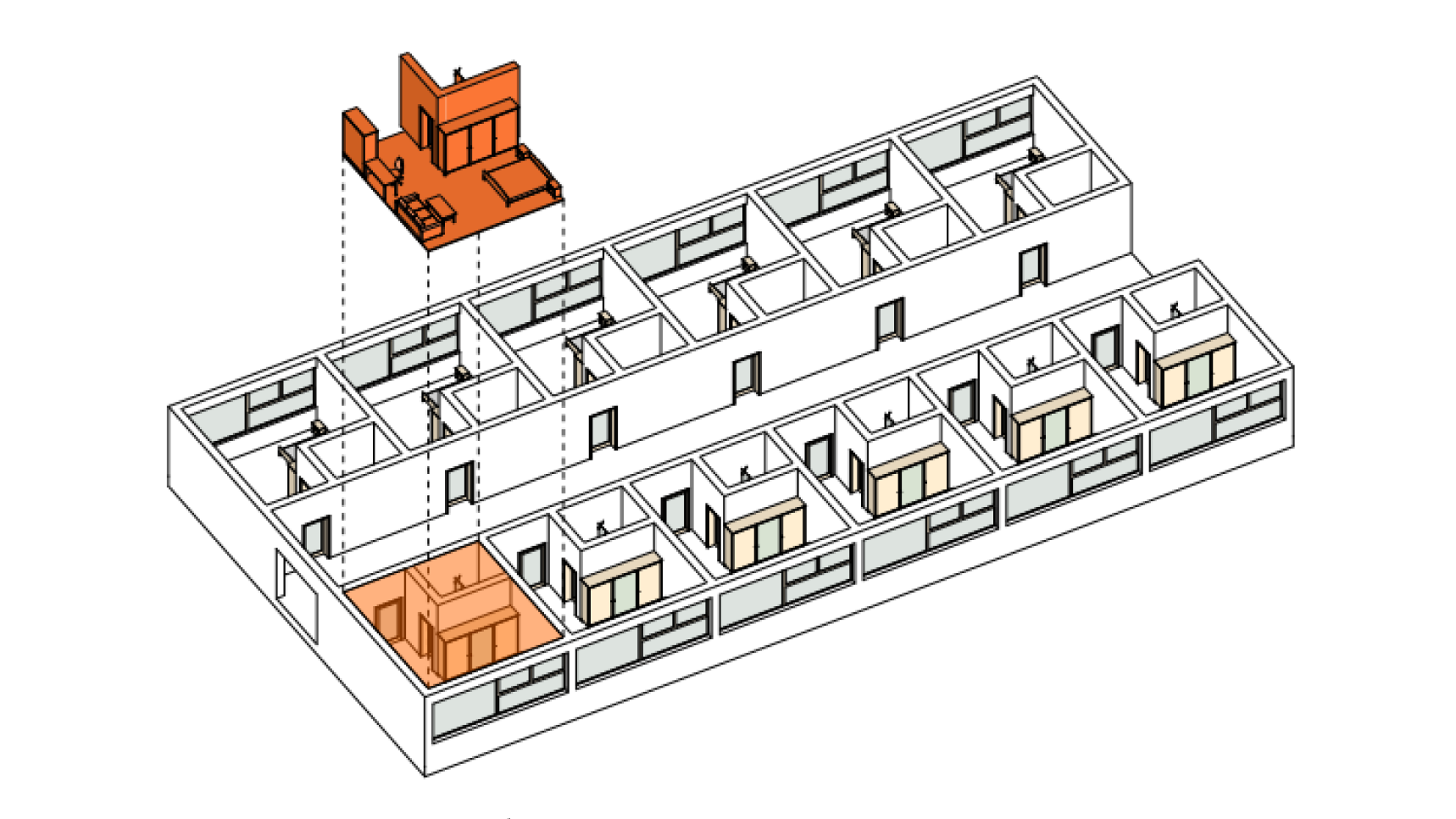
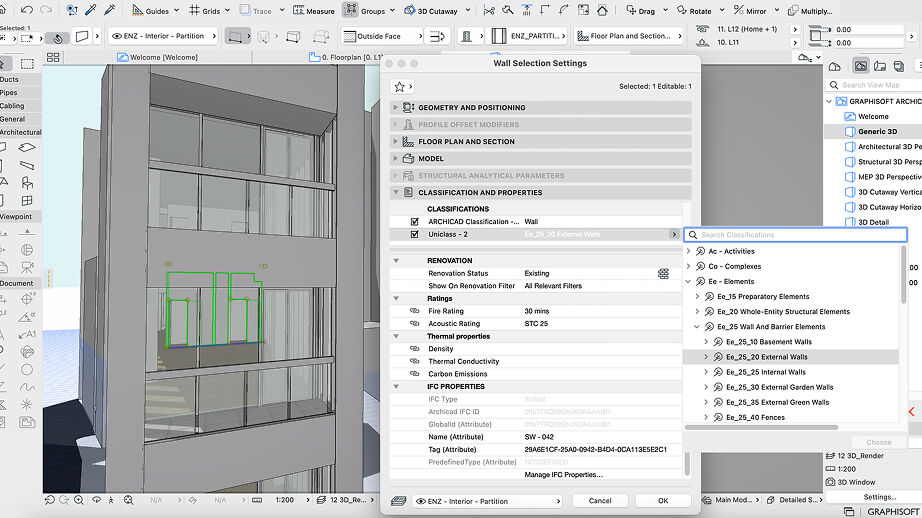
Seamless interoperability across platforms and data-rich models means fewer clashes with MEP consultants, clearer coordination, and less troubleshooting.
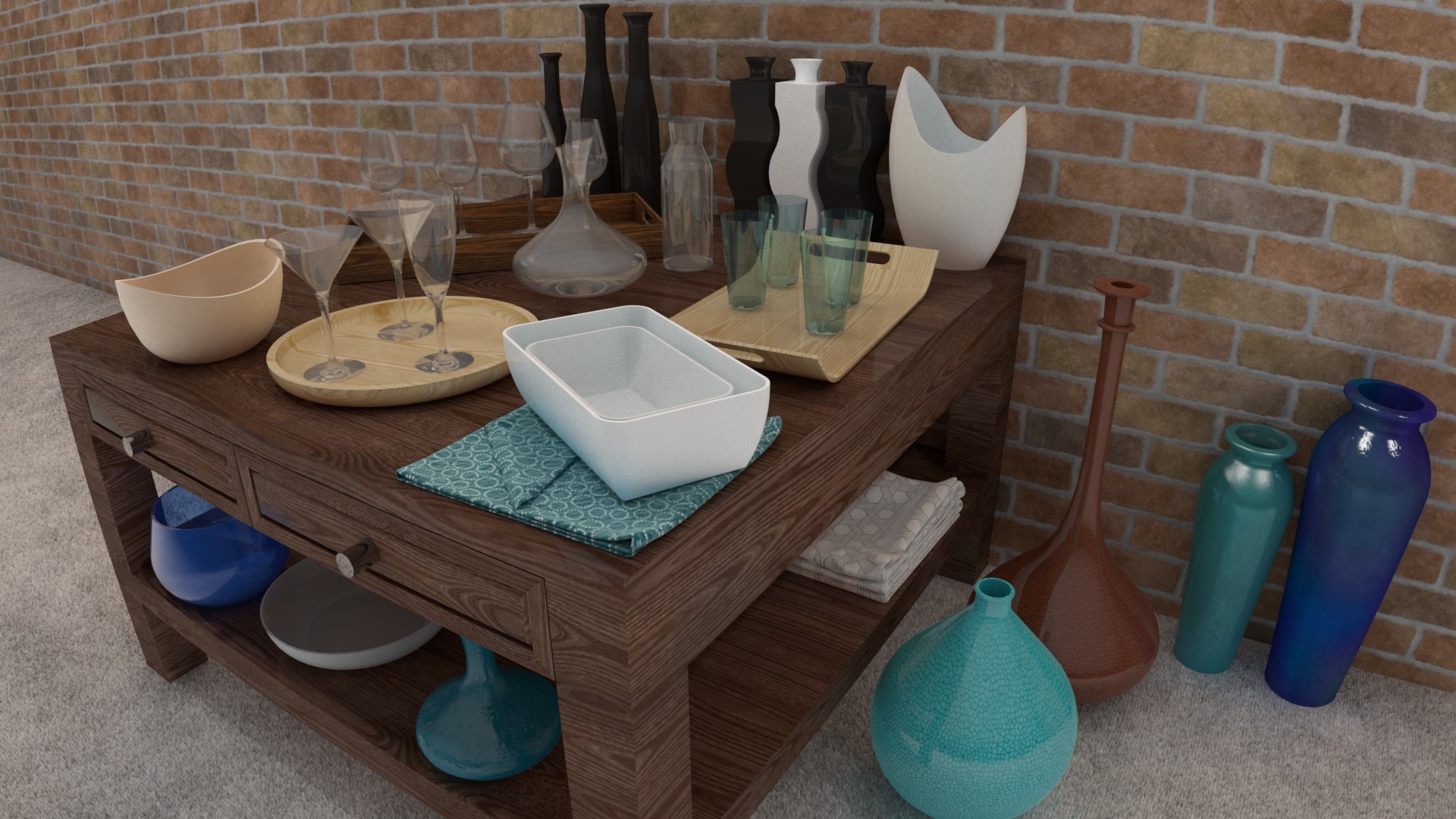
Free up more creative time. Intuitive workflows and reduced post-processing win back hours wasted on manual rework, letting you focus on design that wins projects.
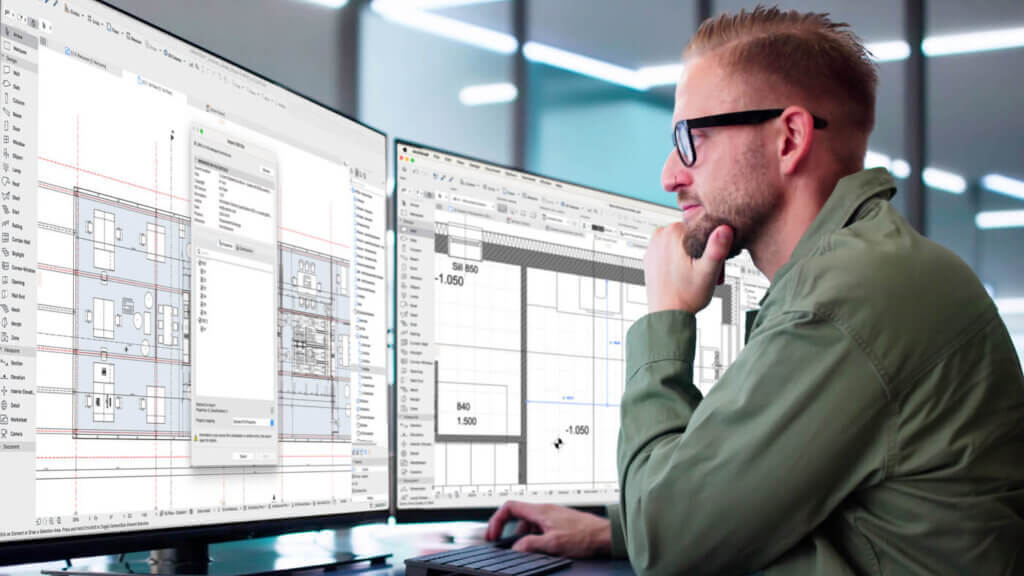
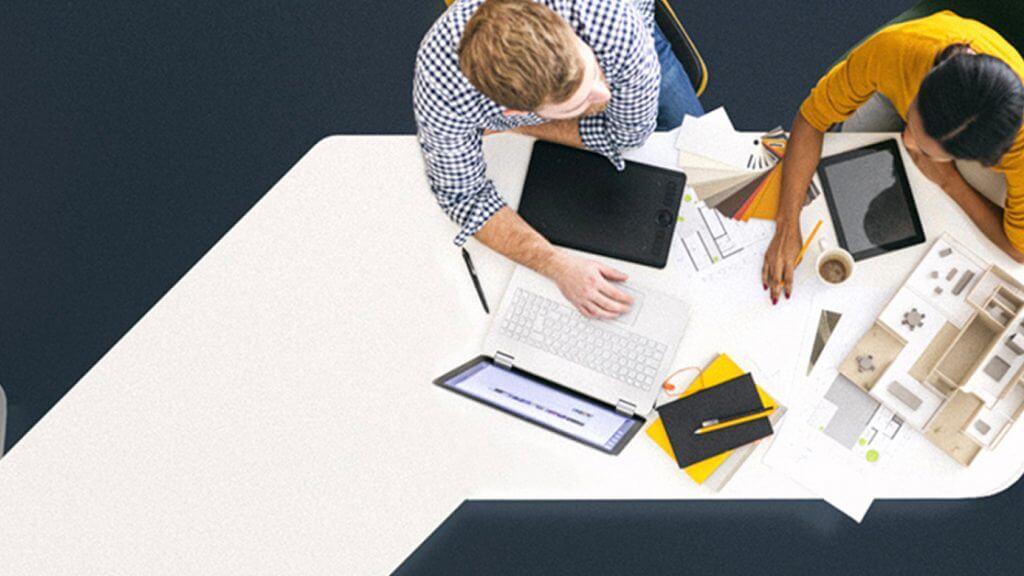
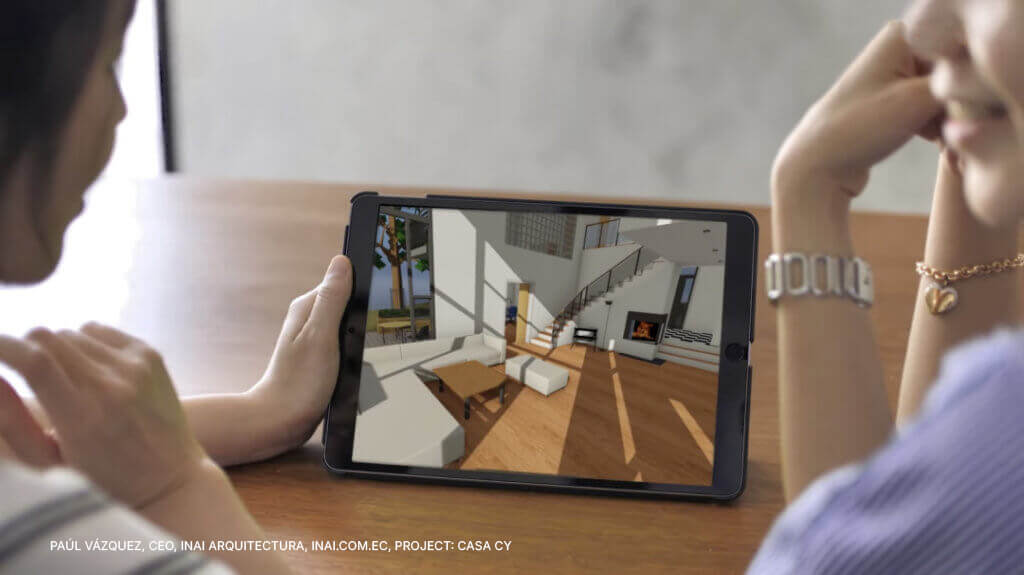
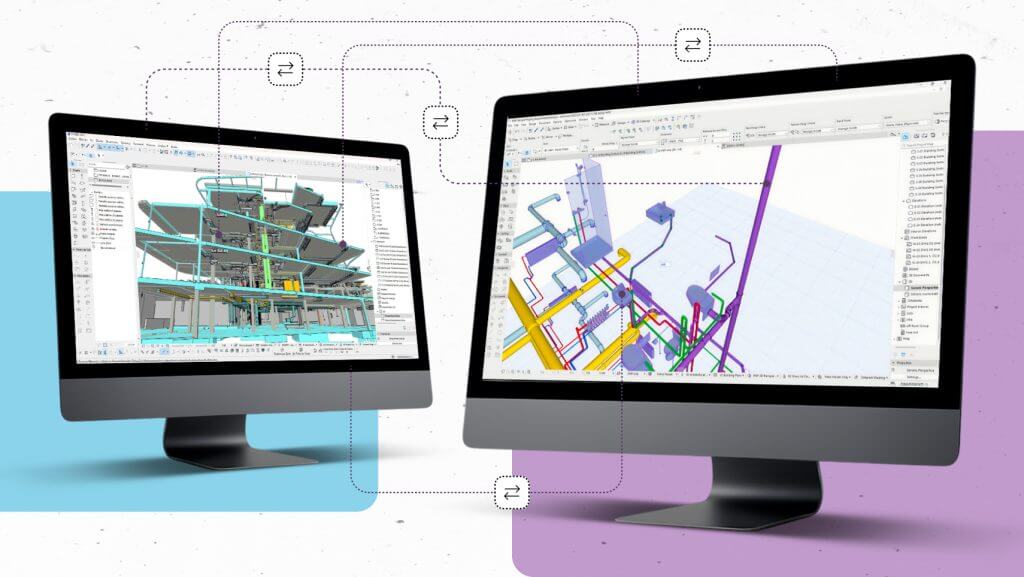

See how large, multidisciplinary teams collaborate in Archicad
A short, real‑project demo of how firms like yours keep offices, disciplines, and tools working from one shared model.
- Keep project data safe and teams online, even when things go wrong.
- Pull Revit, Tekla, AutoCAD, and more into one Archicad model for decisions.
- Let global teams work in the same model at once, without extra IT hassle.
- Speed up reviews with Bluebeam, BIMx, and built‑in issue tracking.
- Catch issues early with Solibri, BCF, and IDS checks before site problems appear.
Fill in the form to watch the demo and see how leading firms keep complex projects under control.
Get your free demo video
Thank you for submitting
Case studies
These firms chose Archicad

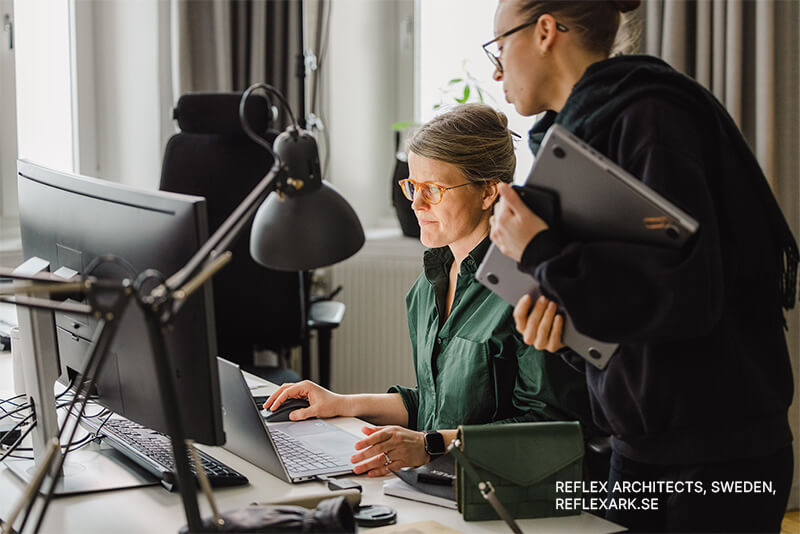
Gothenburg, Sweden
Office, Hotel
Large
Reflex Architects
Kineum
© Reflex Architects


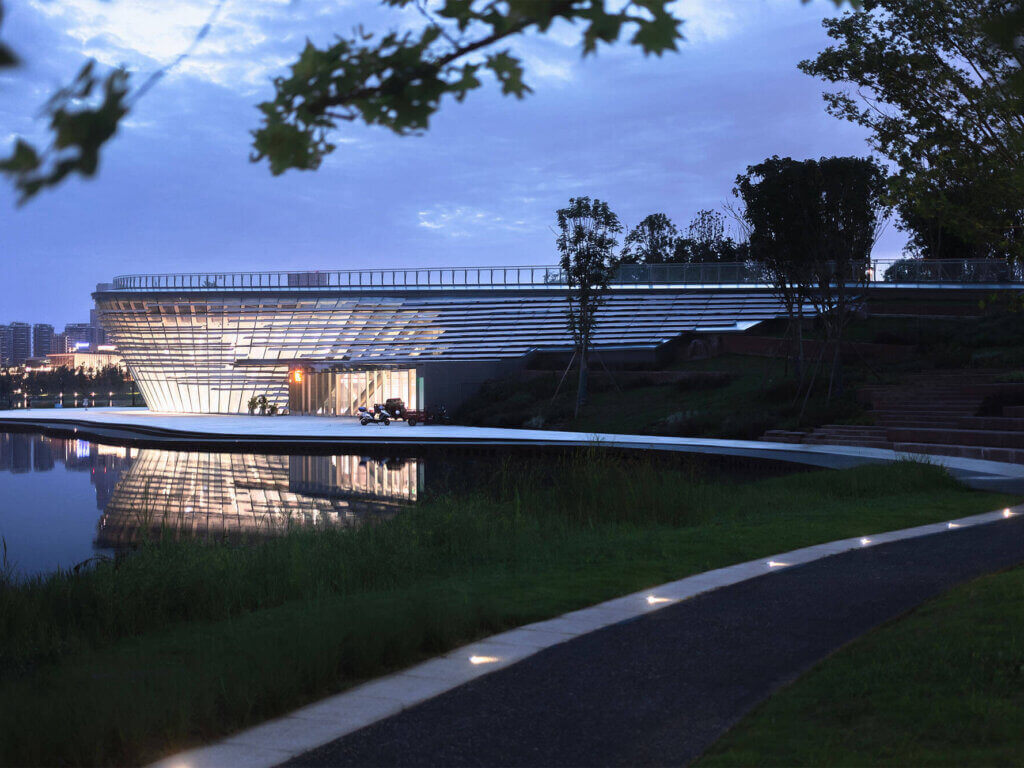
Chengdu, China
Cultural
Medium
Tektonn Architects
Tianfu RoadshowCenter
© Arch-Exist
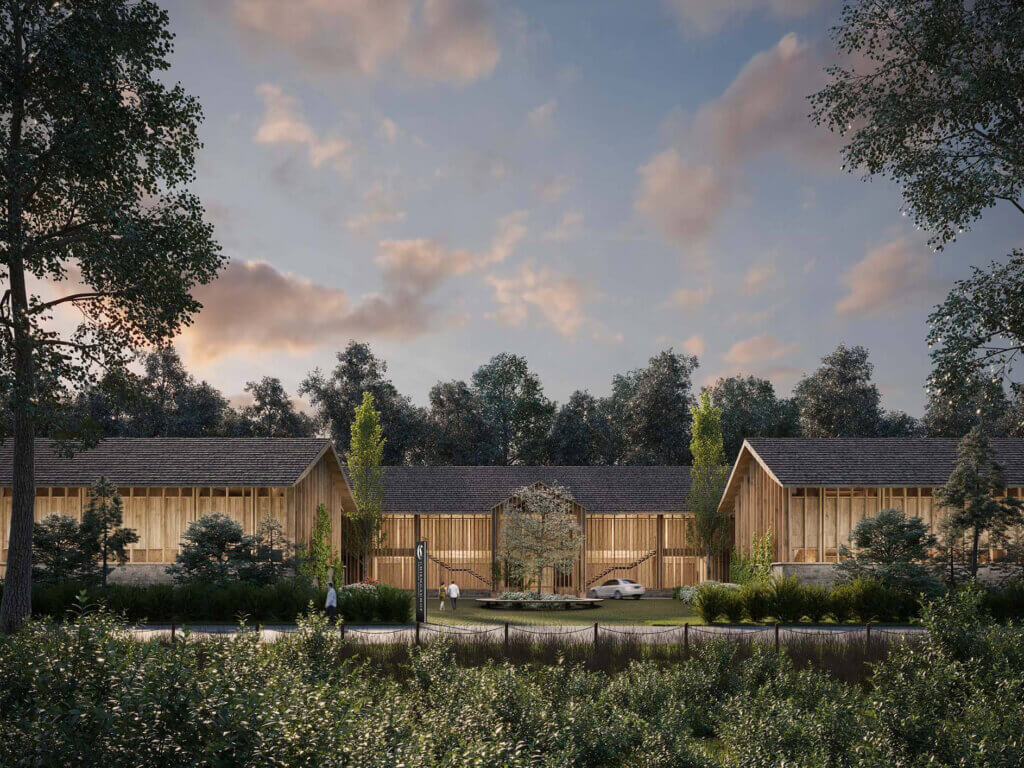
Venice and Saló, Italy & Lake Chiemsee, Germany
Hospitality, Residential
Medium
Matteo Thun & Partners
Various Projects
© Matteo Thun & Partners
Explore more inspiring projects
See how teams use Archicad to create impactful projects and achieve great results worldwide.
See all case studiesHow to switch
Switch without disruption
Keep your momentum with onboarding support, complementary courses, and migration guidance tailored to small and medium offices.
Keep working while scaling your workflows

Archicad is so intuitive and easy to learn that we are happy to hire people who haven’t worked with it before. For other BIM software, we demand that our recruits have previous experience, as the learning path is much longer.
César Frías
Founder, Morph, Spain
BIM should feel right
Give your team tools built for how you design and collaborate.
Start your free 30-day trial