 United States site instead?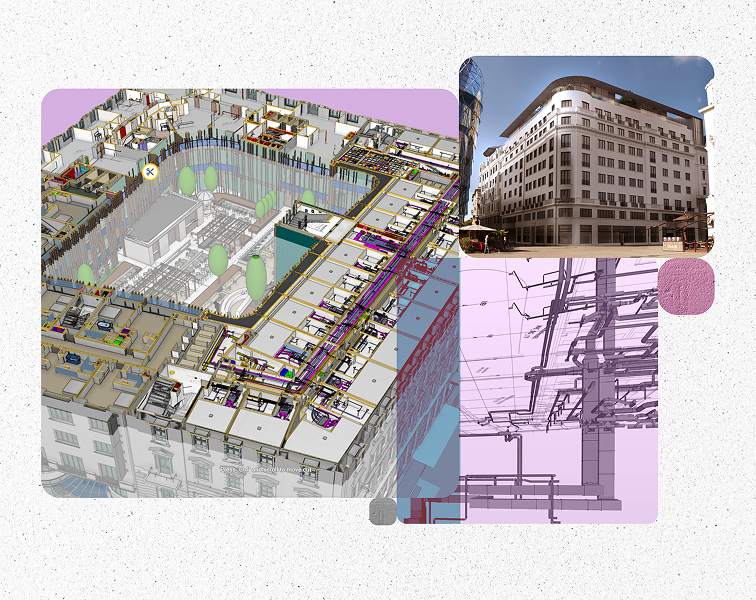
Budapest, Hungary
tspcgroup.com
Photo: @TSPC Group

Intuitive MEP powered by BIM
Simplify your BIM journey with the intuitive MEP Designer solution integrated with Archicad or ready to use on its own. Available soon in China.


What is MEP Designer?
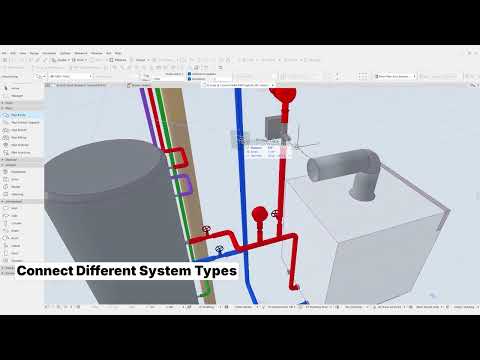
Tailored for mechanical, electrical or plumbing professionals specifically, MEP Designer enables to:
-
 Design and document ventilation, heating/cooling, sanitary, and electrical systems
-
 Create reliable documentation and schedules based on the system model automatically with ease
-
 Collaborate smoothly with other AEC software in multiple ways (industry-standard file-exchange or built-in collaboration tools)
-
 Take the leap of confidence from CAD to BIM in a highly supportive software environment
Engineered for your needs
A toolset and interface purpose-built for MEP design create an intuitive modeling experience, with in-app guidance available when you need it. Find your way around quickly as you model, then build your expertise step by step with advanced features that help you complete your designs.
Automatic routing, intelligent connection solving, and real-time documentation updates reduce repetitive manual work, giving engineers more time to optimize systems, improve design quality, and focus on high-value engineering decisions.
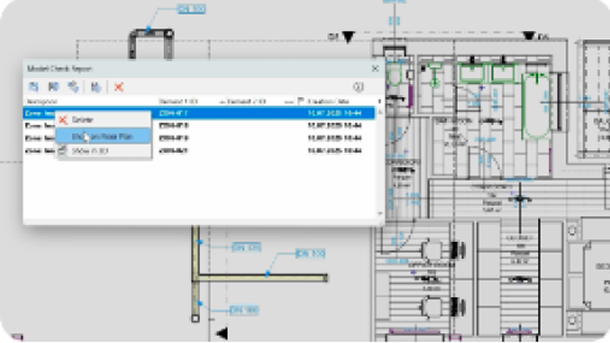
Prevent costly rework with built-in collision detection, model compliance checks (including zone ventilation quality), and integration with validation platforms such as Solibri. Track and resolve issues through BCF workflows for clear, accountable project coordination, and catch problems before they reach construction.
Calculate airflow, hydronic heating and cooling, and flow velocity using built-in tools, supported by a live system browser and automated duct and pipe sizing optimizers. Extend your capabilities with advanced add-ons to support performance and compliance across regions, helping you make informed design decisions from the start.
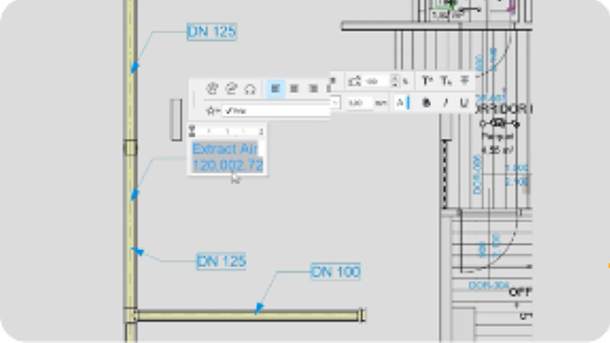
Automatically generate floor plans, sections, legends, schedules, and parts lists for every MEP element. Fully customizable to meet local standards. Labels, dimensions, and symbolic representations update dynamically, helping ensure accurate documentation and clear, professional project deliverables.
Collaborate seamlessly with Archicad
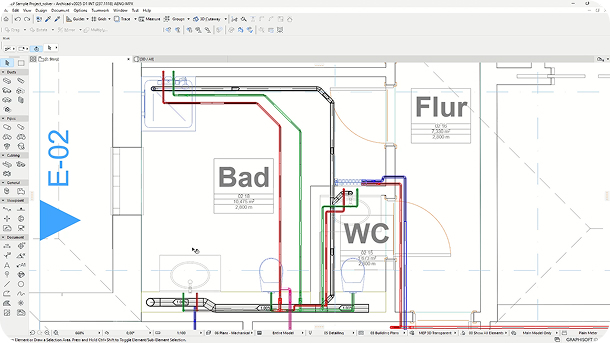
MEP Designer connects natively with Archicad, enabling MEP engineers and architects to work within the same BIM model via Teamwork. Real-time updates, shared coordinates, and clash-free workflows keep everyone aligned without exports or version conflicts. One model. One system.
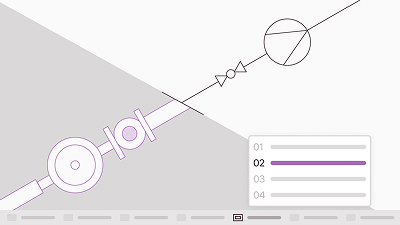
Start routing from scratch with confidence
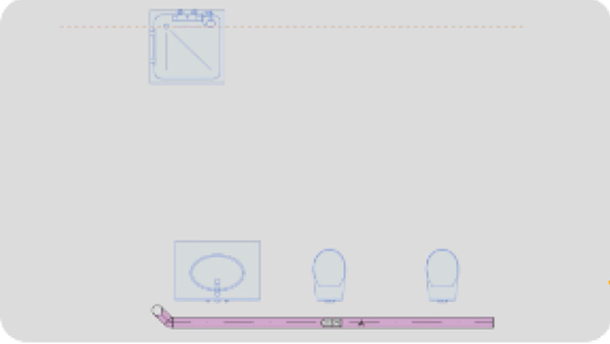
Designing MEP systems has never been easier. Route in 2D or 3D using intuitive input methods, including guidelines, on-the-fly dimension inputs, graphical hints, connection solvers, and a connection toggle.
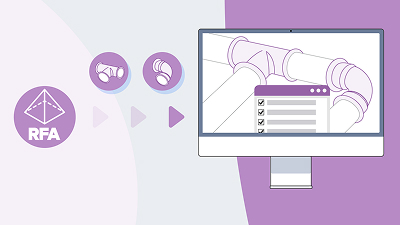
Unlimited content at your fingertips
Standards-based and manufacturer-specific elements help ensure your designs can be built as intended. Access an extensive parametric MEP library, easily create custom MEP parts and 2D symbols, and import .rfa files natively into your projects. API and marketplace support for add-ons lets you adapt to local practices and evolving project needs.
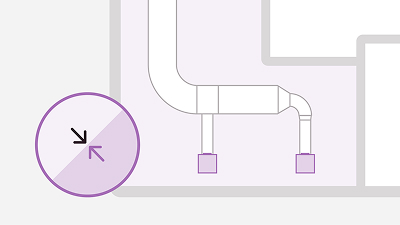
Fine-tune your systems without loosing integrity
Resize, optimize, rotate, or move placed elements freely without breaking connections. Auto-repair and open-connection checks add another layer of protection. Replace 90° bends with 45° elbows in just a few clicks, while auto-updating documentation keeps pace with every design change.
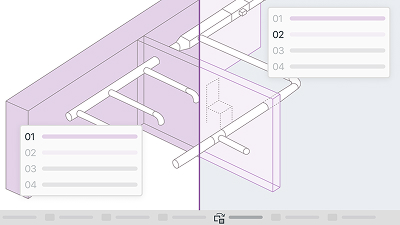
Make your MEP systems stand out
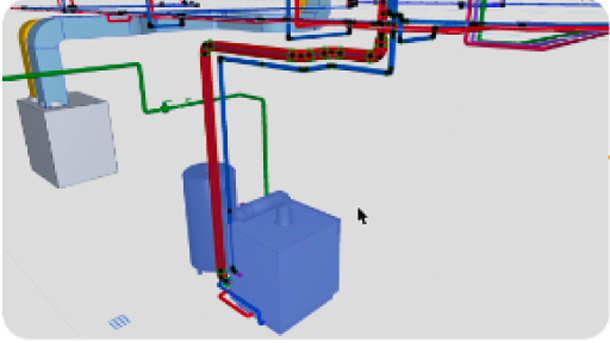
Showcase your design by making MEP systems stand out against a transparent architectural context without toggling layers. Highlight each system with distinct attribute sets, and use rendering options to create clear, compelling 3D visuals for better understanding for you and your clients.
Put your MEP data to work
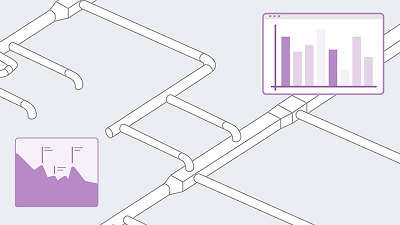
MEP Designer is built to handle data management. Enrich BIM models with custom metadata and manufacturer data, then turn that information into parts lists, calculations, and coordinated deliverables. When you need more, specialized third-party add-ons provide extra power.

AI Solutions for MEP Designer
Design and coordinate building systems with greater confidence. Graphisoft’s AI-powered tools simplify access to documentation, make complex models easier to navigate, and streamline repeatable workflows, helping teams deliver reliable results with less effort.
Find the right plan for your needs

MEP Designer works on macOS and Windows
The two versions are fully compatible (file formats, Teamwork) so you can even work in mixed environments.
Got more questions?
Getting started
MEP Designer is a specialized BIM solution for Mechanical, Electrical, and Plumbing (MEP) engineers. Built on the Archicad platform, it enables efficient modeling, documentation, and coordination of MEP systems within a collaborative BIM environment.
MEP Designer is ideal for:
- Mechanical, Electrical, and Plumbing engineers designing and coordinating building systems in a BIM environment.
- Design offices looking for an easy-to-learn, robust MEP tool with global and local customization options.
- MEP designers requiring a fully functional BIM authoring tool on macOS.
Not yet. MEP Designer is currently launching market by market as part of a phased release. Availability varies by region, and new countries are being added continuously.
We recommend checking back regularly to see when it becomes available for your area.
We’re rolling out the solution gradually across selected markets, with new regions added on an ongoing basis. Exact timing may differ depending on local requirements and partner readiness. However, since you are on this page, it indicates the MEP Designer will be available in your region soon.
Simply check this page periodically. You can also reach out to your local Graphisoft Partner, who can provide the most up-to-date regional information.
To ensure the best experience, we’re introducing MEP Designer in phases. This allows us to support local workflows and work closely with partners to deliver a reliable, high-quality release in each market.
The international version of Archicad Collaborate also includes the international version of MEP Designer, so you can try the solution before it launches in your region.
Yes. It is available within the Archicad Collaborate subscription plan, but only in markets where the product has been released.
Yes. Once your market goes live, you’ll have access to the full set of supported MEP modeling, documentation, and collaboration capabilities described on the product page. Feature updates will follow the standard Graphisoft release cycle.
Connect with your local Graphisoft Partner for market‑specific availability information. They can provide timely rollout updates and support you in getting ready for adoption in your region.