 United States site instead?
![[eptar]](https://www.graphisoft.com/content/uploads/2020/03/eptar_logo_2021_h.png)
Eptar cadsupport
Since 2006, Éptár has developed more than 50 applications and GDL Libraries for the Hungarian as well as for international markets.
Our aim is to develop useful tools and apps for Archicad users. On the eptar cad support page, you will find free and inexpensive Archicad add-ons and libraries that will make working in Archicad easier and more effective. Here is a small selection of our solutions:
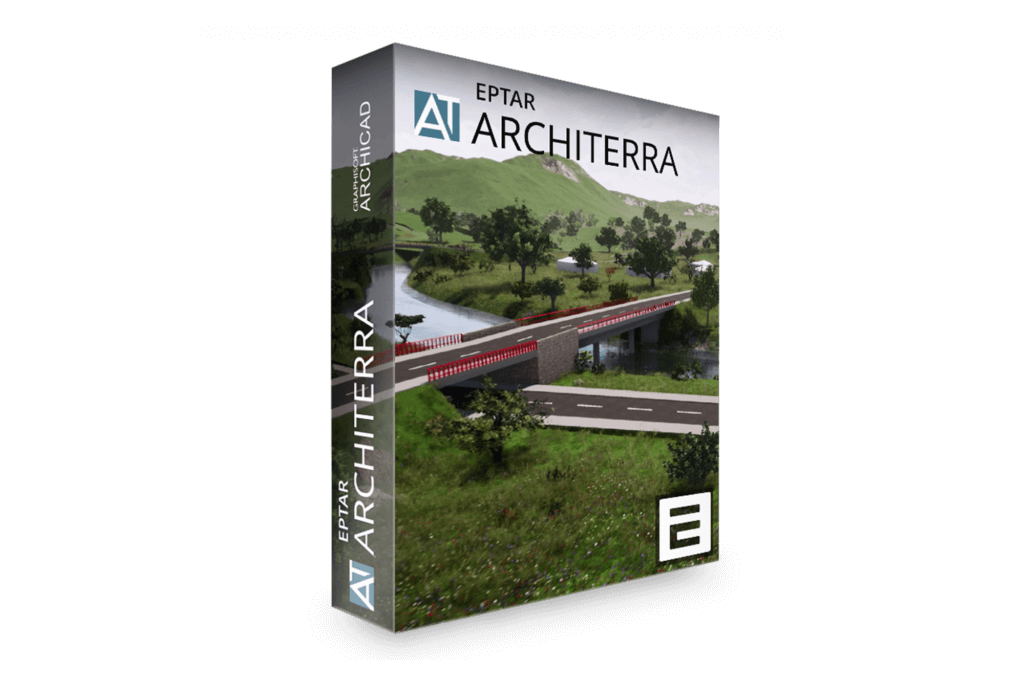
[eptar] Architerra
Increased functionality for terrain and landscaping with ArchiTerra.
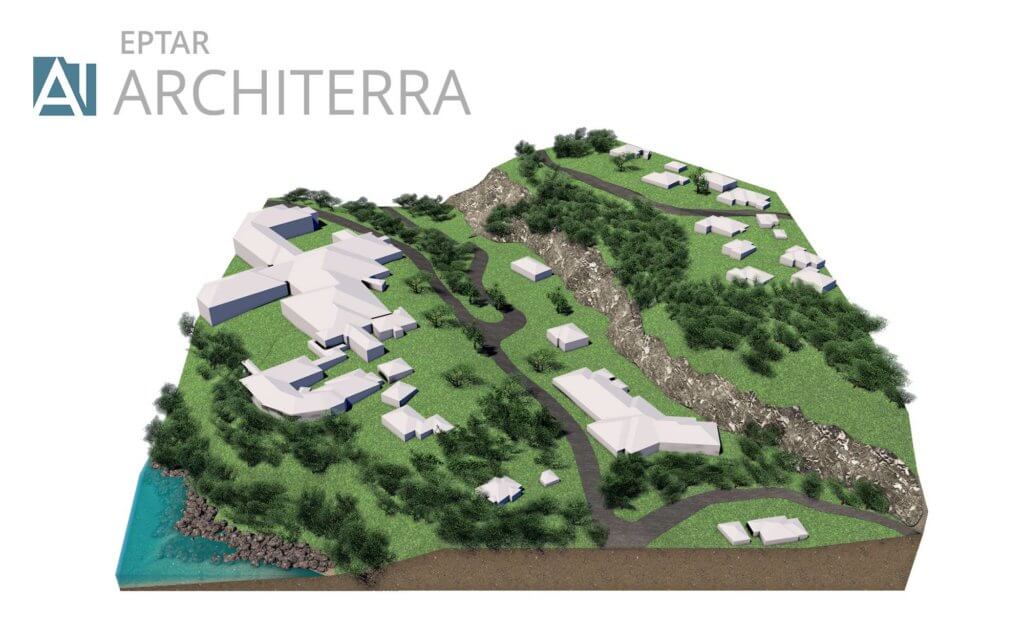
THREE-DIMENSIONAL TERRAIN MODELS
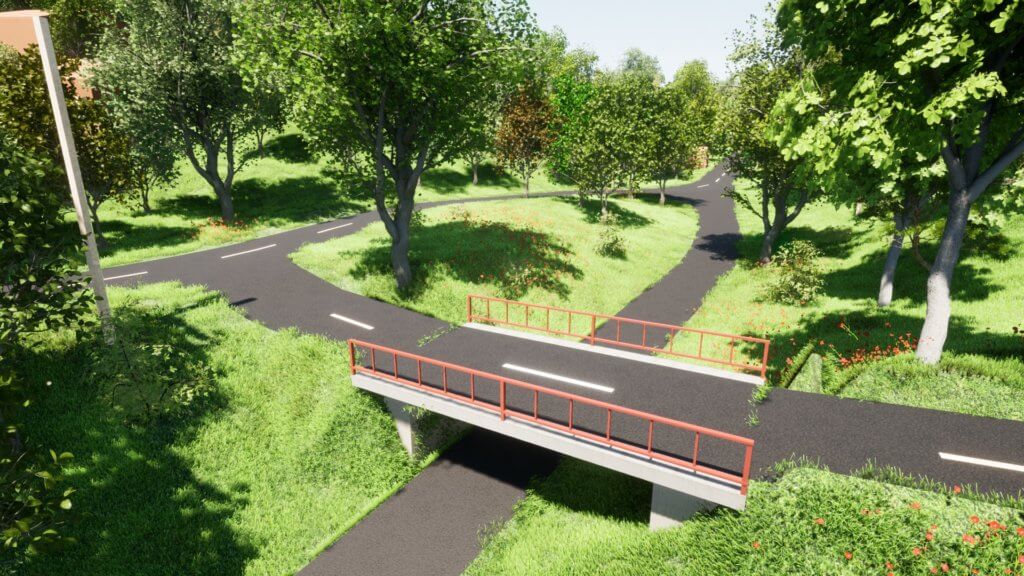
ArchiTerra is an affordable addition to Archicad that provides increased functionality for terrain and landscaping. The terrain model can be easily edited and supplemented with everything from roads, buildings, trees and you can combine functions from ArchiTerra with objects and tools from Archicad. You can easily color parts of the model, generate length profiles on roads and find elevations anywhere in the terrain.
Also included is Norwegian-adapted SOSI import, which contains functions for automatic generation of 3D terrain, existing buildings and correct floor plan with, among other things, neighboring boundaries, building lines, etc.
In addition, a separate function has been added to be able to georefer reference models according to Statsbygg’s BIM manual and recommendations given by buildingSMART. You can also import dxf files and text files with x, y, and z coordinates.
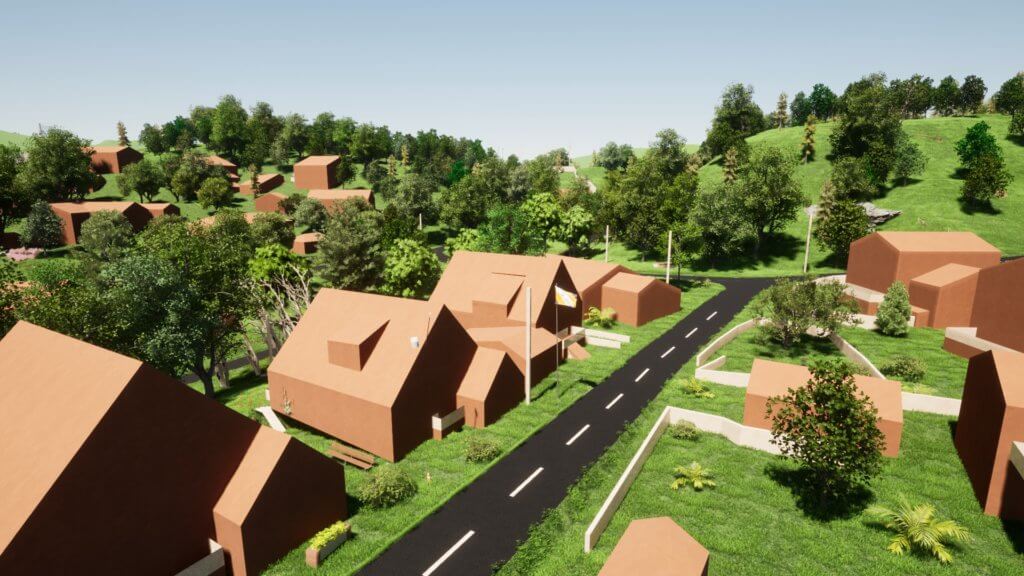
IMPORT OF GIS DATA
ArchiTerra enables the import of GIS data and terrain data from the following formats:
SOSI (in Norway only): all object types. (landscape form, building data, plan data and other information that is geometric.
SHAPE (.shp) Landscape shape and objects.
.DXF (from Autodesk) Data suitable for generating landscape model, with filtering of points for triangulation.
.xyz or .txt. Bullet lists, with terrain data, .kof can be used after some processing in Excel. Point clouds can be imported in .xyz format, and filtered (minimum distance between points can be defined) before generating a terrain model.
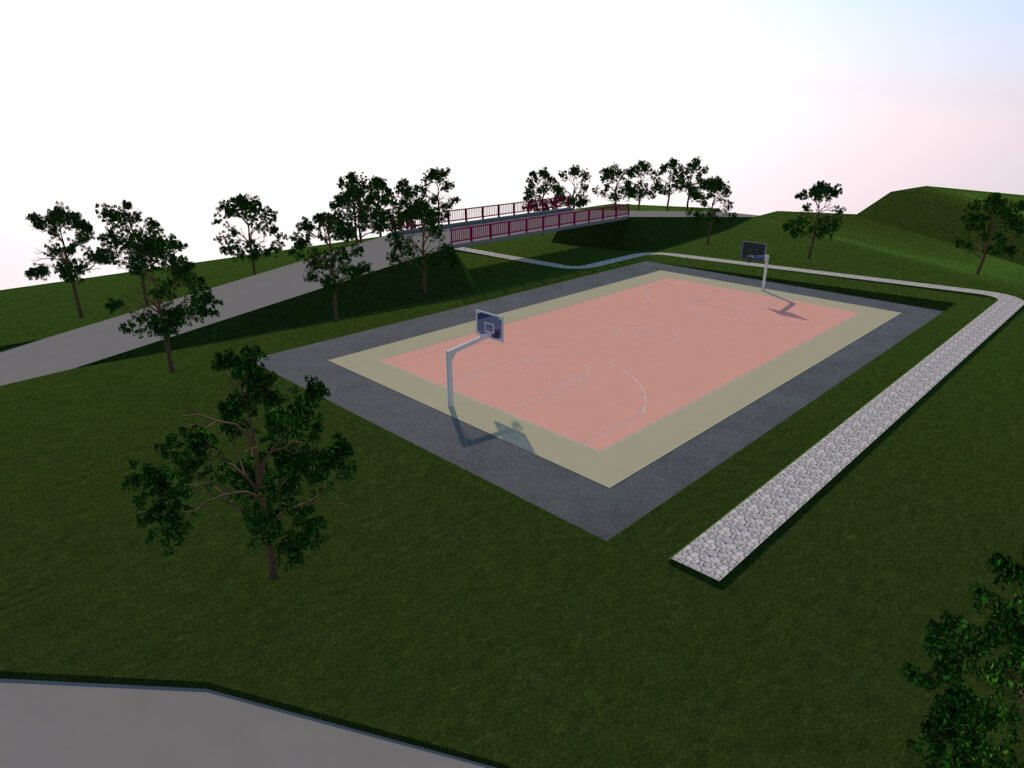
IMPROVED SOCIAL IMPORTS
Using ArchiTerra, you can import map data in SOSI format into Archicad as a 2D map, and you can create terrain models very quickly. You can also use 3D data from SOSI, such as. buildings, to generate models of existing buildings and building facilities. Importing a set of SOSI files and generating a terrain as well as an environment model only takes a few minutes and is really easy to do.
GENERATION OF TERRAIN MODEL
ArchiTerra quickly generates terrain models with optional triangulation distances based on selected data from imported files, or possibly manually entered data. The terrain can be generated in given coordinates or georeferenced according to the procedure given by buildingSMART, which is also referenced in Statsbygg’s BIM manual.
Slope analysis can also be made as different colors of triangles with different slopes.
ArchiTerra has functions for creating roads in terrain and plateaus. The length profile on the road can also be generated and modified. Simple mass calculations can also be performed.
[eptar] Reinforcement
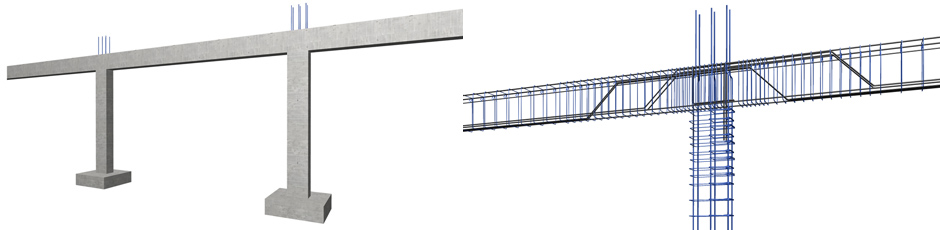
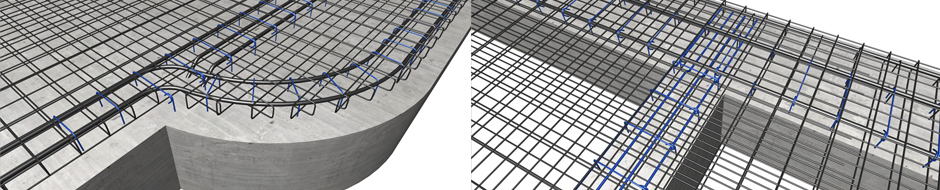
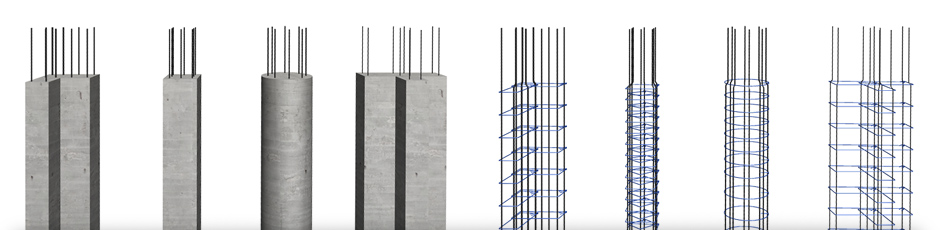
The [eptar] Reinforcement tool opens up the world of Archicad towards civil engineers who work closely with fellow architects. The solution provides a helpful tool that enables civil engineers and architects to work on the same BIM model, without leaving the Archicad environment, making this an ideal add-on for medium-sized architecture firms.
The solution helps designers to draw, document and list the necessary reinforcement for their buildings in Archicad. The application provides tools to define all 2D drawings and the complete 3D model as well as the cutting list of rebar. The solution supports Archicad network-keys as well.
Try the tool and view your structure in full BIM. Download content
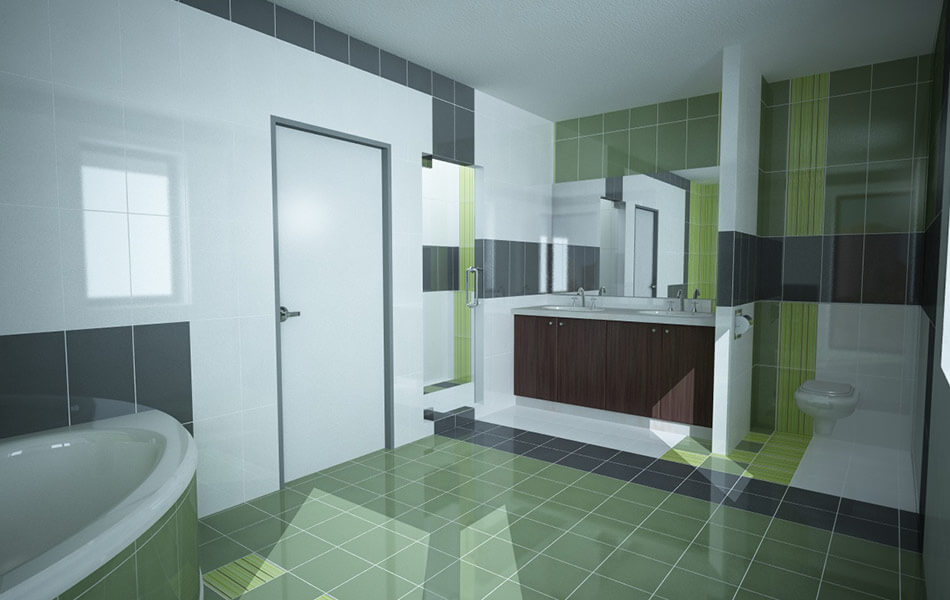
[eptar] Tiling
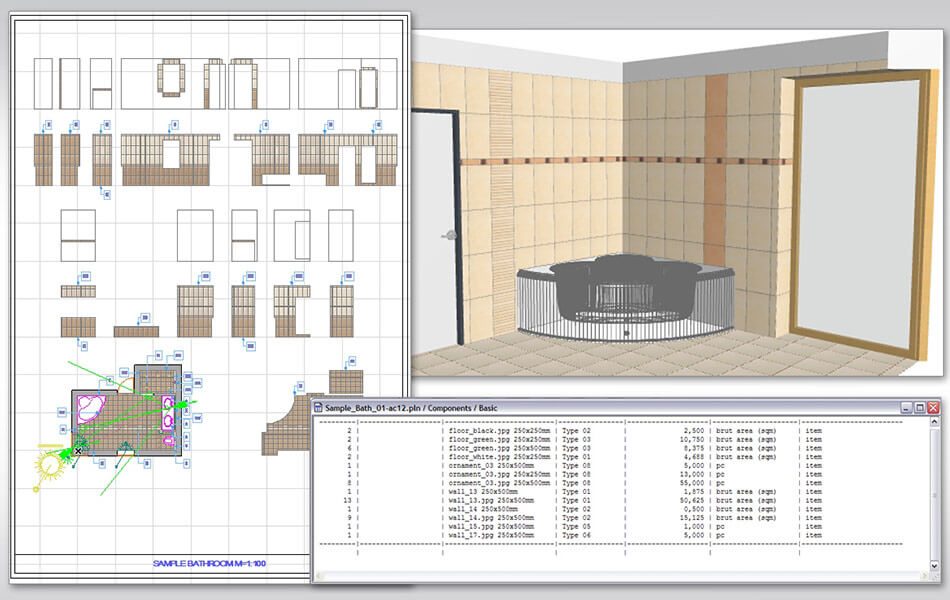
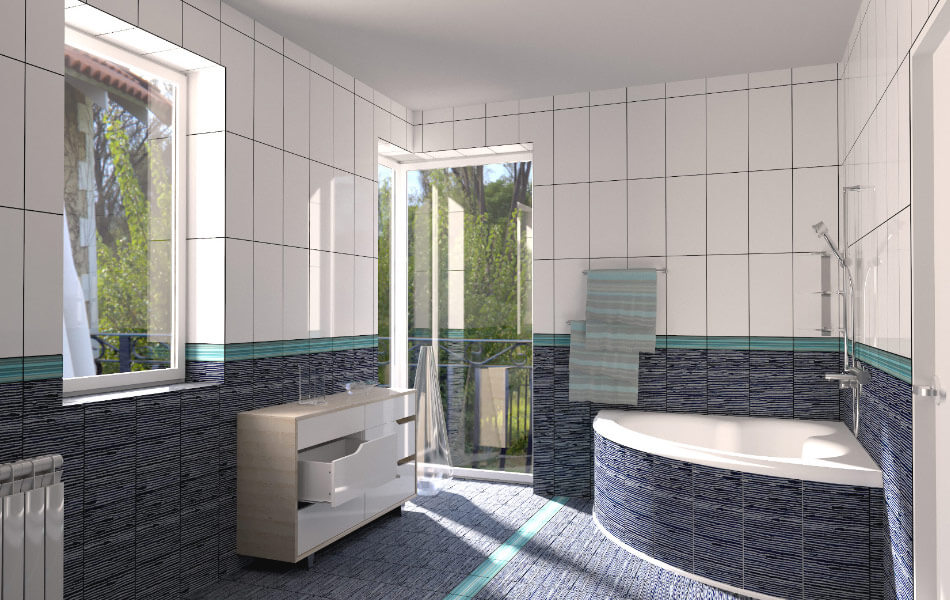
Wall and floor tiling application for Archicad that uses Archicad Accessories Add-on to tile floors and walls.
- Free texture, tile size and listing name definition.
- Wall and floor polygon handling.
- Easy definition of door, window and wall edges.
- Individual and complete row editing in one step.
- Possibility to define and edit extra holes.
Rectangular and polygon-based individual placement is supported. Download content
Other downloadable content
Free accessories and solutions
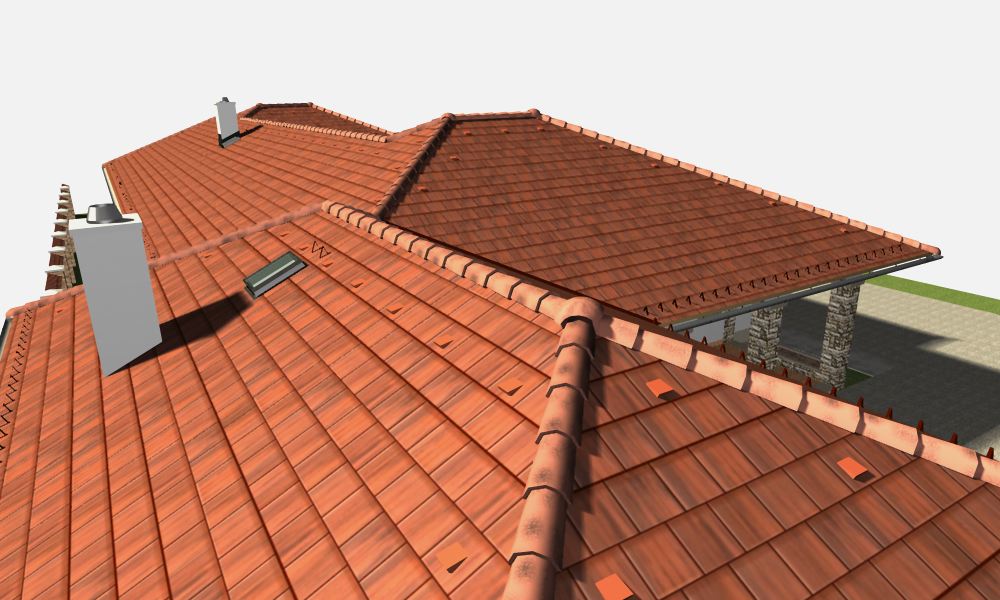
[eptar] Rooftiling – Mediterran
This solution helps users define real roof tile designs for their buildings modeled in Archicad. The solution offers real products and true-to-life colors from the product range of Mediterrán Hungary Ltd. Download content
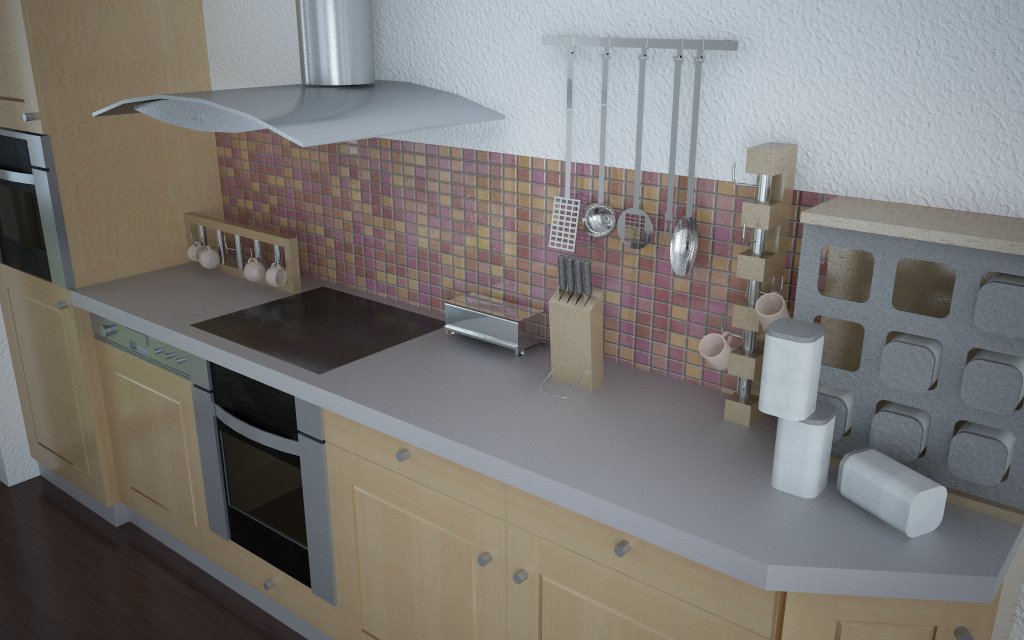
[eptar] Accessories
This is a small accessory library, which contains various surrounding objects for interior design. The library offers 44 simple objects for kitchens, bathrooms and offices. Download content