 United States site instead?
Doing the math on another year of Revit?
Switching BIM software is a real decision. This guide gives tech leaders of small teams a more in-depth look at all the angles.
- What does another year of Autodesk Revit® actually cost beyond the invoice?
- Is the switch worth it for a firm of your size?
- How can you transition in approximately 90 days without disrupting live projects?
Archicad transition kit: Revit® users
Thank you for submitting.
Check your inbox, your kit is there.
The whole picture
Revit works. But what are the unnamed costs?

You see the subscription fee on the invoice. These are the additional resource costs that aren’t listed.
-

With Autodesk, small firms pay the same per-seat price as large practices and are bundled into an AEC Collection that includes tools most small teams never use.
-

The documentation-driven cycle limits design exploration and concept work, gradually minimizing your design intent across projects.
-

Every Autodesk update cycle, one or two people are left dealing with the same recurring maintenance burdens – repeatedly dealing with broken plugins, file version mismatches, and projects not opening cleanly.
-

Revit’s lacking Mac support adds another layer of friction for mixed-device teams.
When the tool fits
What changes with Archicad
With the right tool for the right job, your team only pays for what it needs, while simplifying multi-disciplinary collaboration workflows and meeting project requirements.

Subscription tiers scaled to firm size, with the tools architects actually use. No enterprise bundle.

Archicad was built for architectural design. The software logic aligns with the design logic, reducing friction in day-to-day work.


Archicad runs natively on both Mac and Windows, so your whole team works in the same environment regardless of device.

BIMcloud SaaS is hosted and maintained by Graphisoft. No in-house server, no IT overhead, and your team can access projects from anywhere.

Full OPEN BIM interoperability, BCF support, and a native Autodesk Forma Data Management connection. Meet tender and project requirements, and keep working with consultants on Autodesk platforms without disruption.

Client‑ready presentations straight from the model. Create sun studies, colored schematic plans, and BIMx walkthroughs directly in Archicad so every client review uses up to date model data without extra presentation tools or last minute rebuilds.
Before you switch
What to consider before you start a trial
With the right tool for the right job, your team only pays for what it needs, while simplifying multi-disciplinary collaboration workflows and meeting project requirements.
Revit projects keep running during the move. In a classic three-phase migration, new projects begin in Archicad while existing Revit projects continue through completion.
These come across with the move. Templates, details, graphic standards, and library content are migrated during the transition, and migrating presents an opportunity to consolidate and clean them up.
Archiad’s user experience is designed specifically to work how architects think. The specialized design environment and training materials enable users to onboard faster, and Revit-to-Archicad cheat sheets translate commands and shortcuts.
No, RVT projects can be imported into Archicad with their precise geometry and parameters for coordination and model referencing. The Forma Connection lets Archicad teams participate in Forma-mandated projects on equal footing with Revit users, without leaving Archicad.
Archicad is built on OPEN BIM principles, with native IFC support and BCF-based issue management for coordinating across disciplines and platforms. For firms working on projects with specific BIM compliance requirements — including public sector tenders that increasingly specify OPEN BIM standards — this is part of the core product.
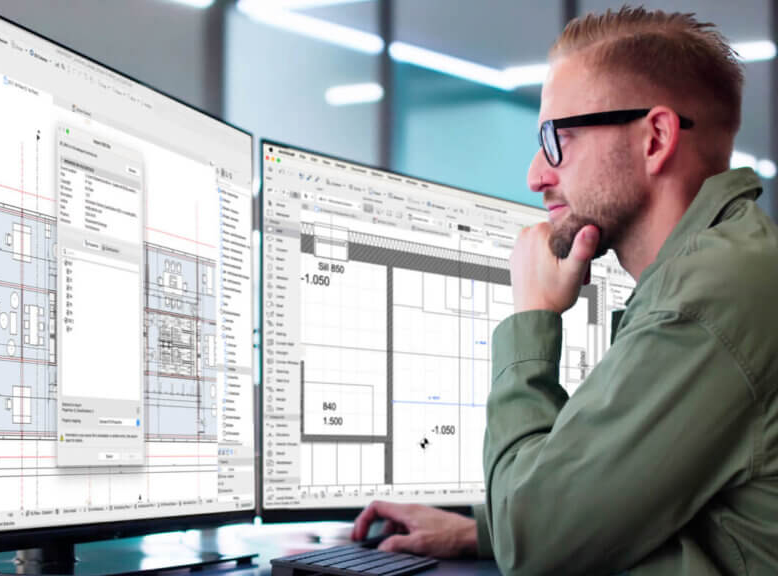

We have some friends of the firm who were on Archicad already and so we talked to them about what it was and how it performed and how it stood up against Revit and how it could communicate with Revit. Once we got going, we actually did two projects in Revit and then we really got through three of them in Archicad before we made the final decision that that was going to be the transformation.
Carl Malcolm, JHP Architecture
The transition process
What the first 90 days look like
Switching tools looks slightly different for each firm, depending on project load, team size, and the status of your current Revit standards. In our 90-day transition guide, we break the process down into three phases and explain approximately what is realistic based on our experience.
Firms that made the move
Small firms, same decision
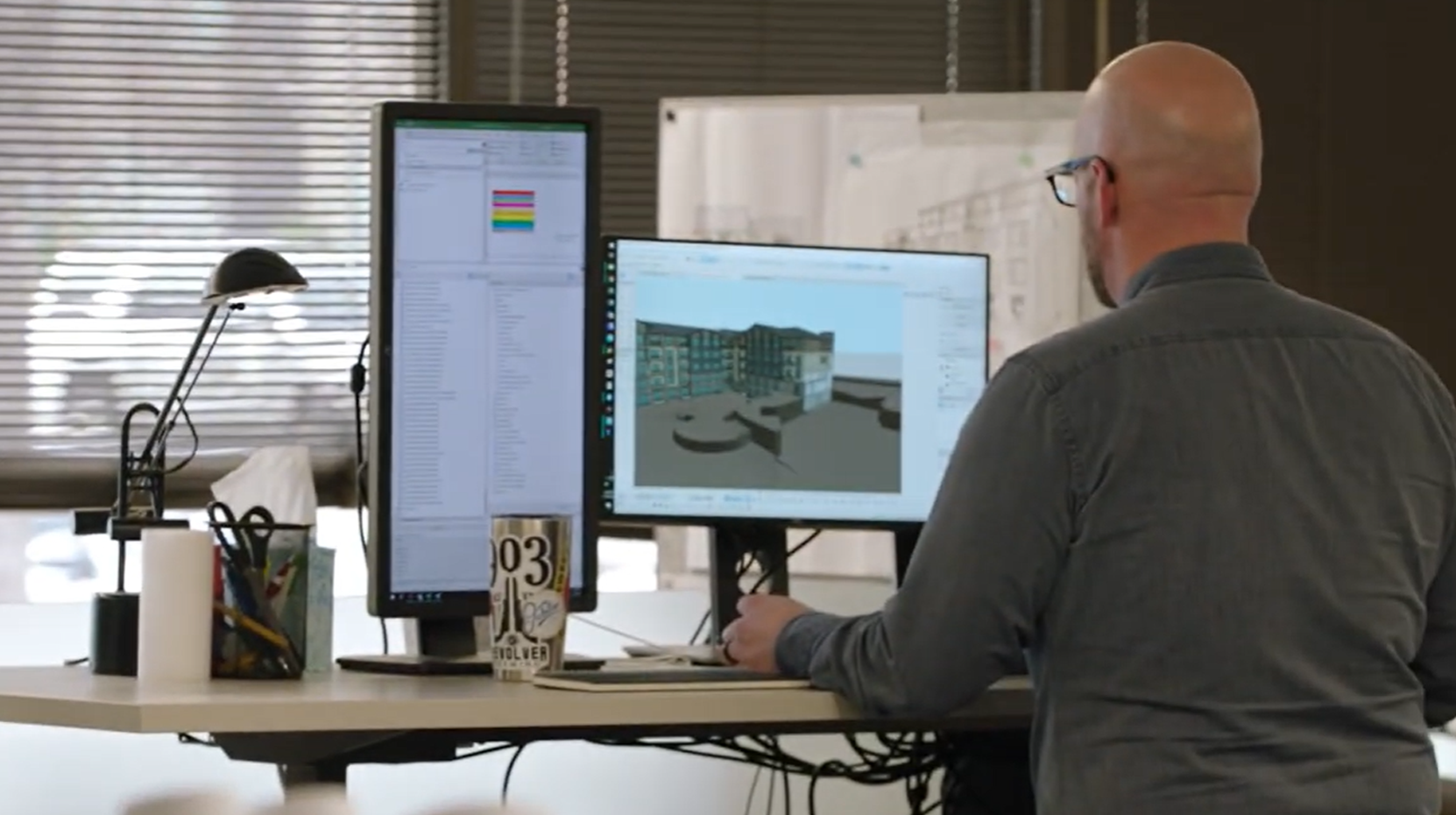
JHP Architecture / Urban Design
After costly Revit trials, JHP switched to Archicad for faster, more flexible client-ready design.

CORE architecture + design
CORE prefers Archicad’s intuitive 3D workflow and smoother collaboration over Revit.
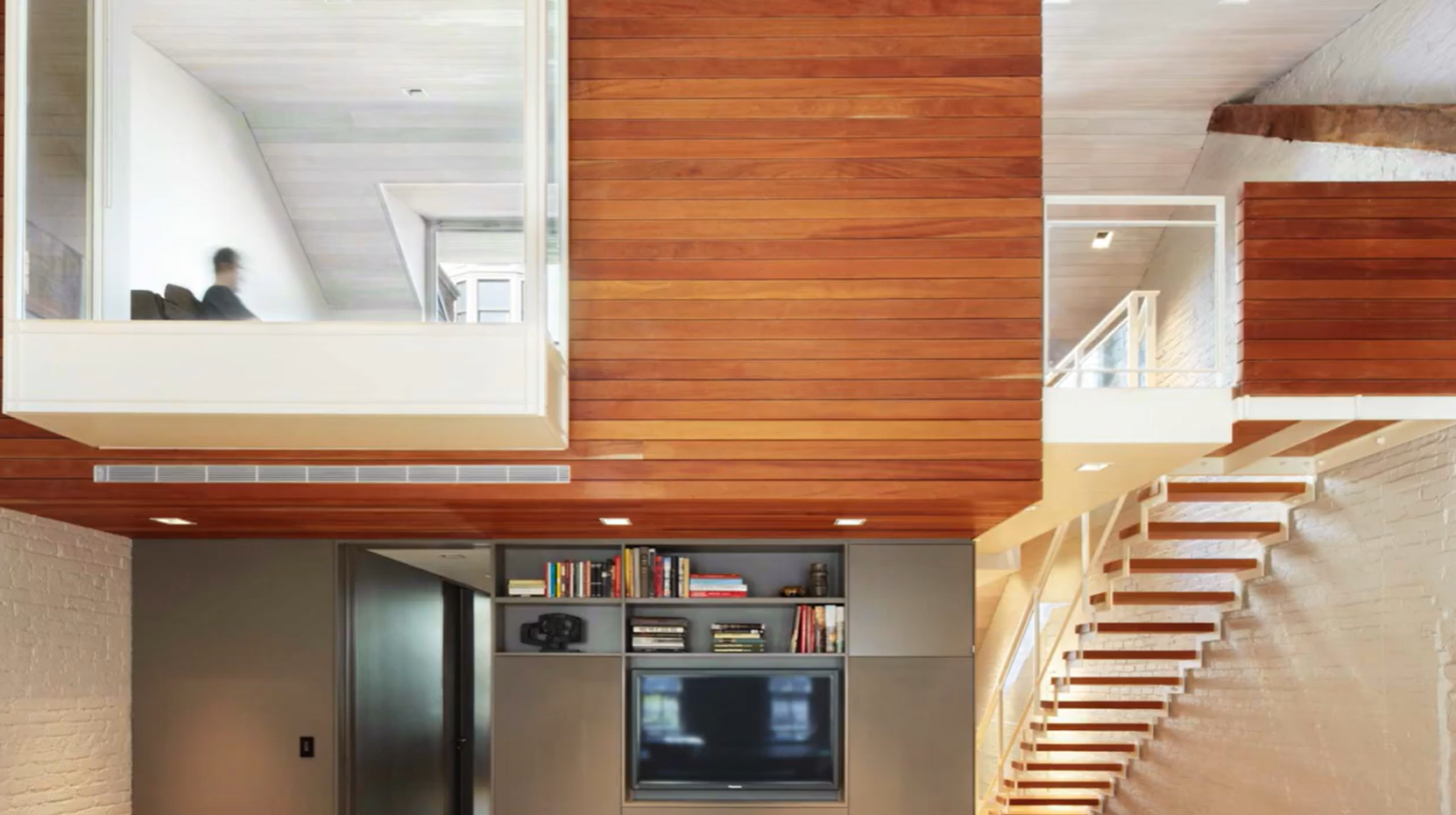
Joseph Vance Architects
Joseph Vance Architects rely on Archicad for fluid design, seeing Revit as rigid and documentation-led.
Revit to Archicad: The Decision and Transition Kit for Small Firms
A detailed kit written for small firms by people who have worked with them
Archicad transition kit: Revit users
Thank you for submitting.
Check your inbox, your kit is there.
Autodesk and Revit are trademarks or registered trademarks of Autodesk, Inc., and/or its subsidiaries and/or affiliates in the USA and other countries. Graphisoft and Archicad are registered trademarks of Graphisoft SE and/or its subsidiaries in the United States and other countries. This page and the materials offered are independent of Autodesk and are not authorized, endorsed, or sponsored by Autodesk, Inc.