 United States site instead?
DDScad Ventilation
Streamline your design
CAD and BIM for mechanical systems
Specific for ventilation and air conditioning, DDScad Ventilation is suitable for designing large industrial systems as well as small systems for residential applications. If needed, you can put together a multidisciplinary solution by supplementing the DDScad Ventilation module with other modules and configurations for the MEP sector.
DDScad 21
Welcome to the next chapter in innovative MEP planning. With DDScad 21, comprehensive project planning becomes even more efficient and precise. A new range of enhancements supports your expertise and streamlines every step of the design and documentation process.
Discover how these improvements help you achieve outstanding results and shape innovative projects with confidence.
Benefits
For over 40 years, DDScad Ventilation has been developed with intelligent and user-friendly workflows in close cooperation with users to deliver a state-of-the-art solution.
Learn quickly
Simple and easy to learn thanks to an intuitive user interface.
Save costs
DDScad Ventilation is a 100% stand-alone solution with no further investments in CAD or BIM software needed.
Save time
Automatically calculate, create reports and parts lists, and detect and prevent errors.
Get support
Need help? Our DDScad experts are always available to answer your questions or suggest training.
Scale up as needed
Choose add-on modules and additional products for other MEP trades flexibly.
Be BIM-ready
Join BIM projects regardless of what software other team members are using thanks to the OPEN BIM functionality.
Features
From design to calculation and visualization through generation of deliverables, DDScad supports your practice with intelligent solutions for greater efficiency.
Design
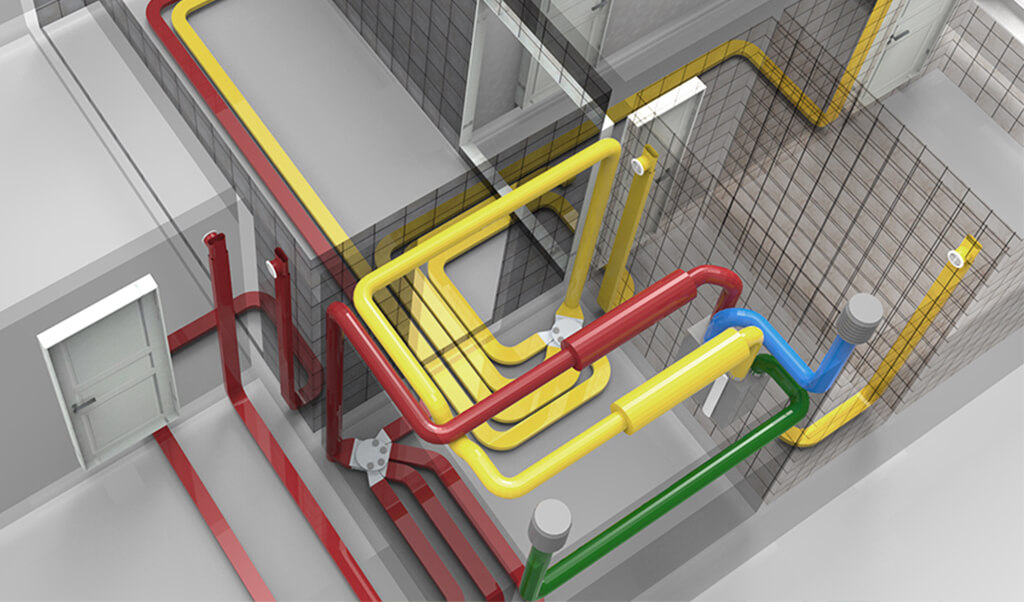
Use automatic dimensioning functions based on pressure loss, flow rate and sound. Achieve regulated balance ventilation through adjustable valves and air vents: These are just some of the powerful capabilities DDScad has to offer. Integrated product information makes your design more than just graphical symbols and lines. International standards are considered from sketch to output.
Calculate
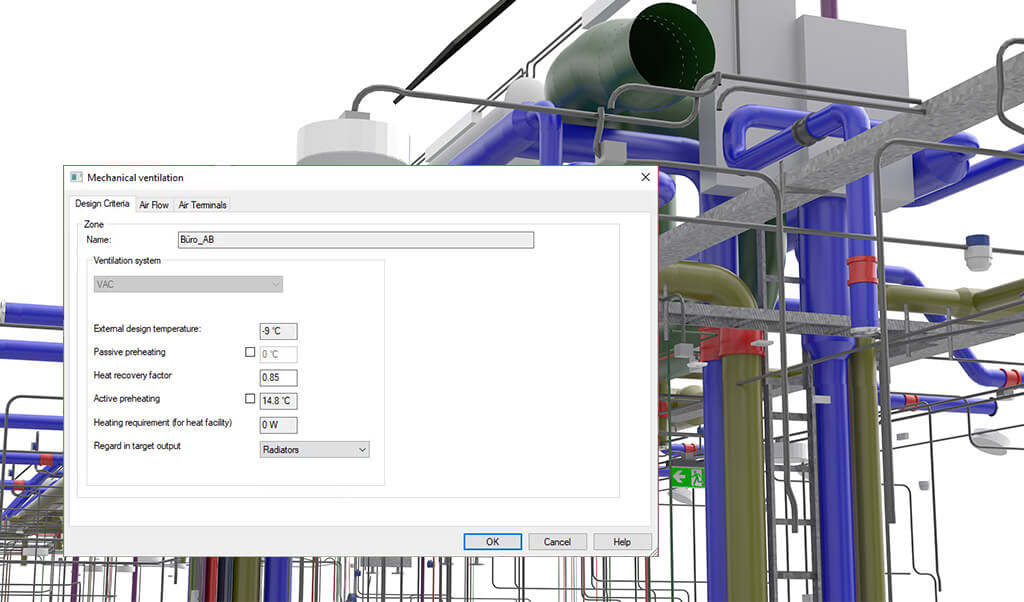
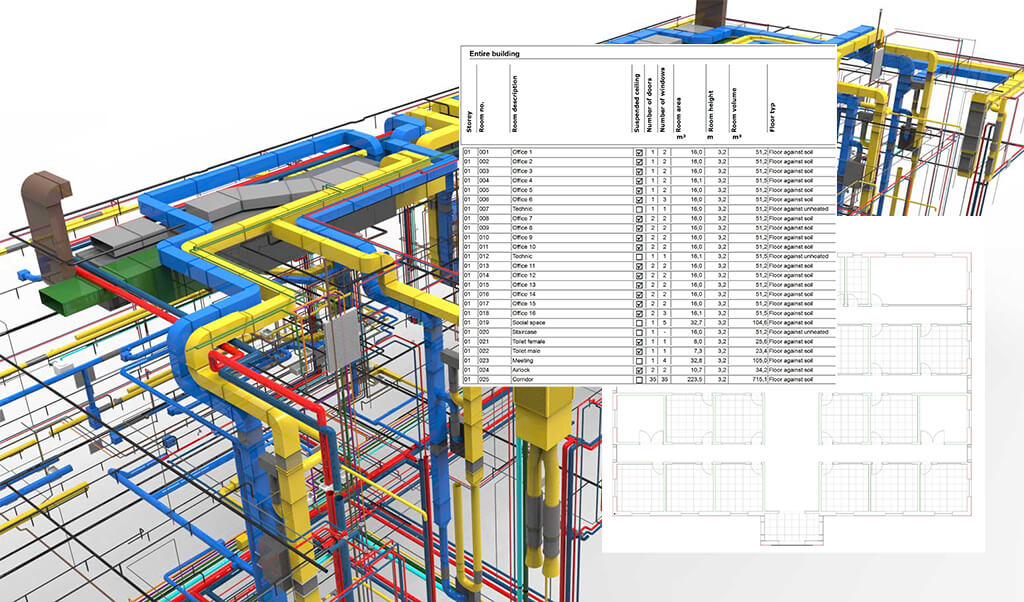
Ventilation system design is based on intelligent objects like ducts and vents with stored information. This data also serves as a starting point for automatic calculations. Design and calculation are integrated – change the model and the calculation will be updated automatically and vice versa. This saves time and prevents errors.
Visualize
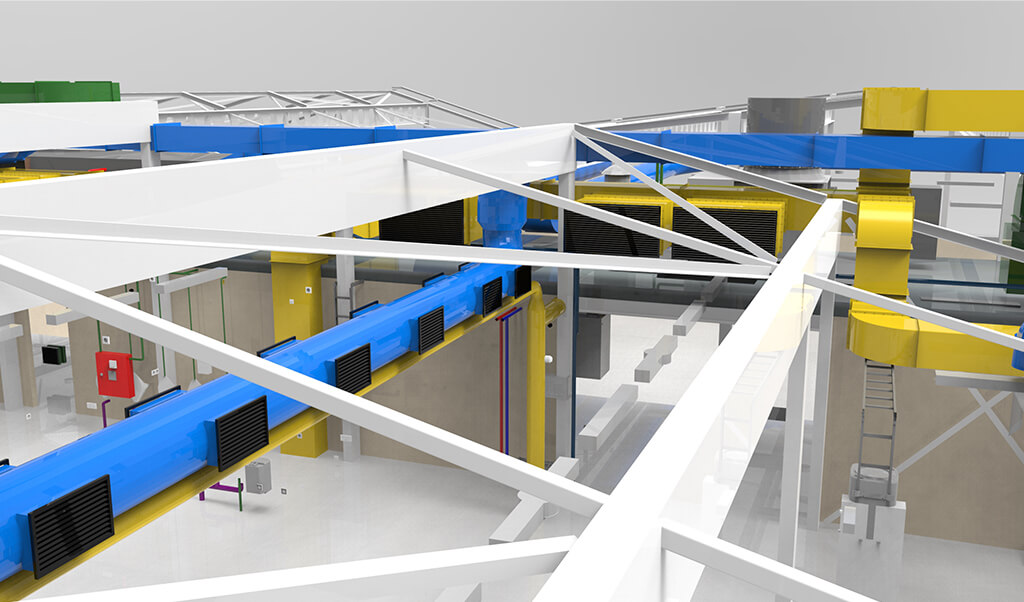
Create high-level presentations and get customer buy-in faster, thanks to DDScad Ventilation’s powerful visualization capabilities. A connection to BIMx offers the ability to view and share 3D models, plans, and project information on a variety of different devices and operating systems.
Document
From reports, line and system diagrams, and installation plans to parts lists: Create accurate documentation quickly and easily with DDScad Ventilation. Print the results, create a 3D visualization, or export the bill of quantities directly to a cost estimating solution.
Add-on modules
Flexibly expand the technical scope of your software package by adding the following modules. There are also other add-on modules available to expand the visualization options for example. Offerings may vary depending on location. Check with your local partner for details and availability.
Cooling load calculation and energy simulations
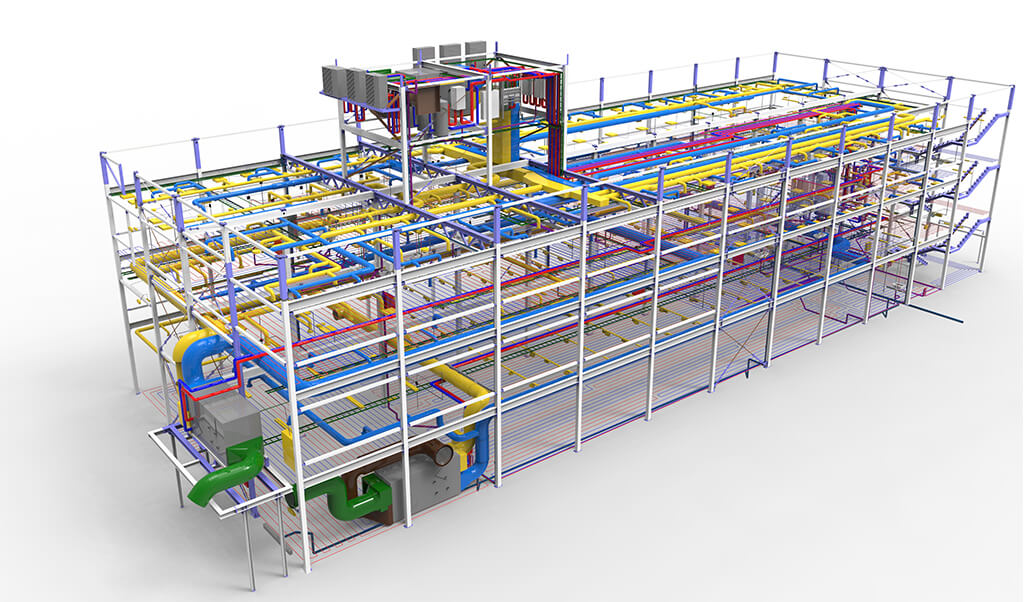
Perform dynamic cooling load calculations according to ASHRAE or VDI 2078, as well as energy simulations to compare different ventilation systems, using a bidirectional interface with IDA ESBO from EQUA. Benefit from the seamless exchange between the two software applications for the smooth transfer of spatial data and simulation results.
More specialist functions for ventilation systems
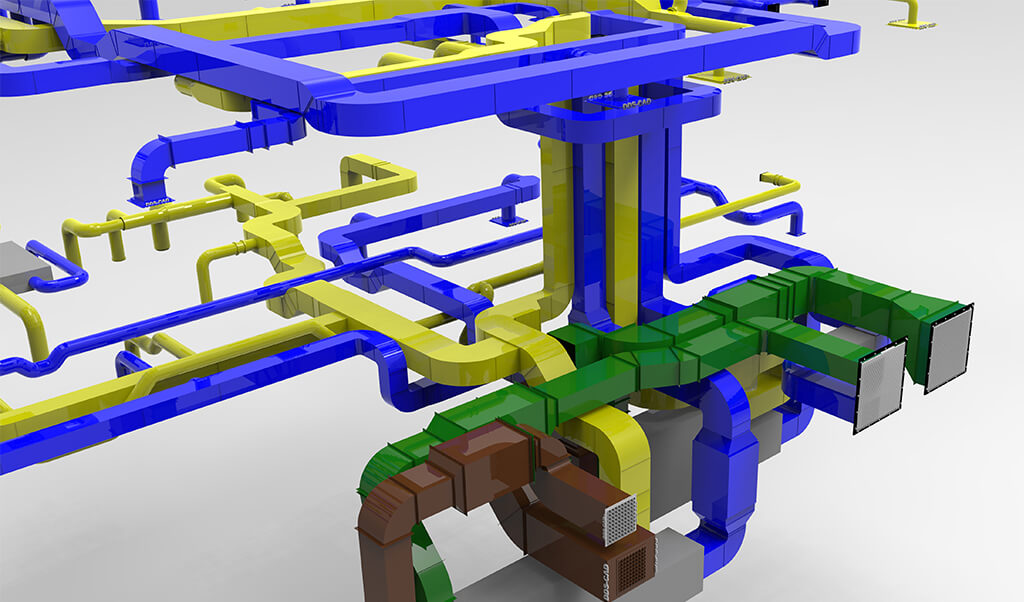
Add modules for automatic reporting of duct sheet metal output according to VOB DIN 18379 as well as dynamic sound level calculation to expand the software according to your needs.
Next steps
Product presentation
Get a product presentation for a look at how DDScad can increase your productivity.
Price request
Get a quote for DDScad packages or specialized solutions and the optional add-ons.
Contact us
Talk to one of our DDScad experts, ask questions, and let us help you to find the best software solution for your needs.
System requirements
Check out the minimum and recommended system requirements for a great experience using DDScad solutions and services.