Join us for a professional event with Graphisoft and Pyxis Nautica. See how AEC professionals apply Archicad 29 in real workflows and get hands-on with the latest features including the Graphisoft AI Assistant. The event is held in Hungarian.
Graphisoft will bring technology solutions to the Light + Building Technology trade fair in Frankfurt, Germany, from March 8th through 13th. Network with global experts to discover the latest innovations.
Kick off complex projects with confidence. Join our next webinar to discover how Archicad and dRofus combine real-time collaboration with centralized requirements management to streamline planning, design, and documentation. Register to join the live Q&A.
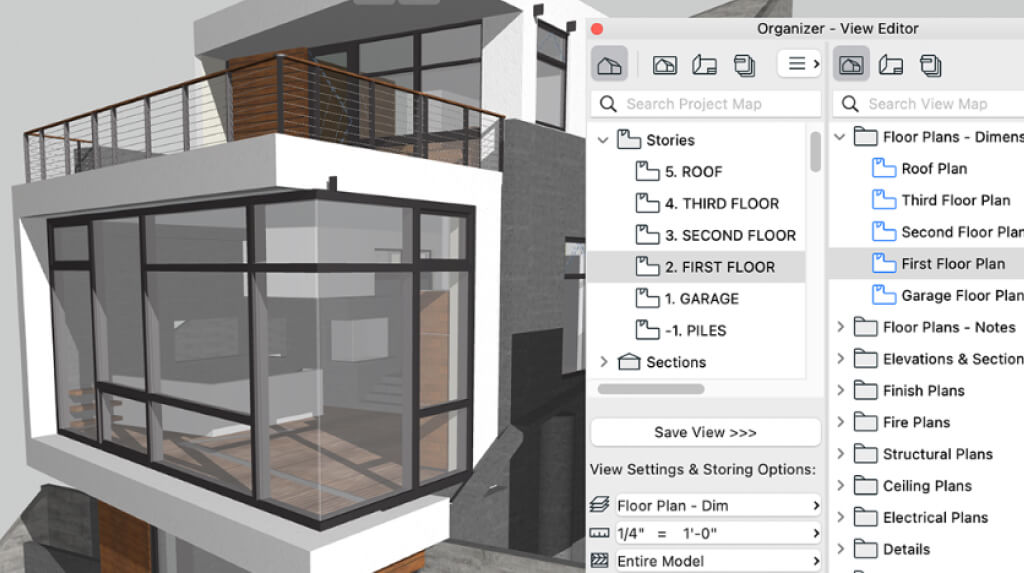
With Archicad’s Navigator, you can use the Project Map, View Map, and Layout Book to create and manage drawing views. In this lesson, you’ll gain an understanding of Saved Views, how to manage the View Map, methods to edit Saved Views, placing drawings on Layouts, steps to publish documents, and strategies for setting up Views for a template.
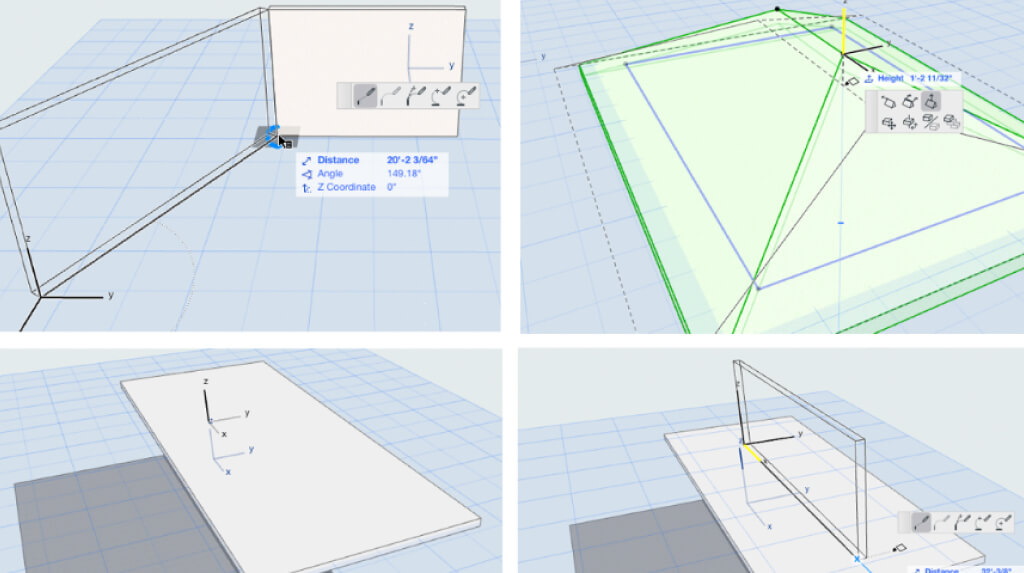
Learn to work with building elements in Archicad’s 3D work environment, including walls, columns, beams, slabs, and roofs. We will also review how to insert and edit Doors, Windows, and Objects. Finally, we will review 3D Interaction commands commonly used for modeling and editing elements.
This lesson will discuss how to draft and edit elements in the Floor Plan work environment including drawing walls, beams and slabs well as lines, polylines, circles and splines. This will include a review of the Tracker, Snap Guides, Snap Points and Guide Lines. Finally we will review common shortcuts for drafting that will increase your speed and reduce the number of clicks and how to customize these shortcuts.
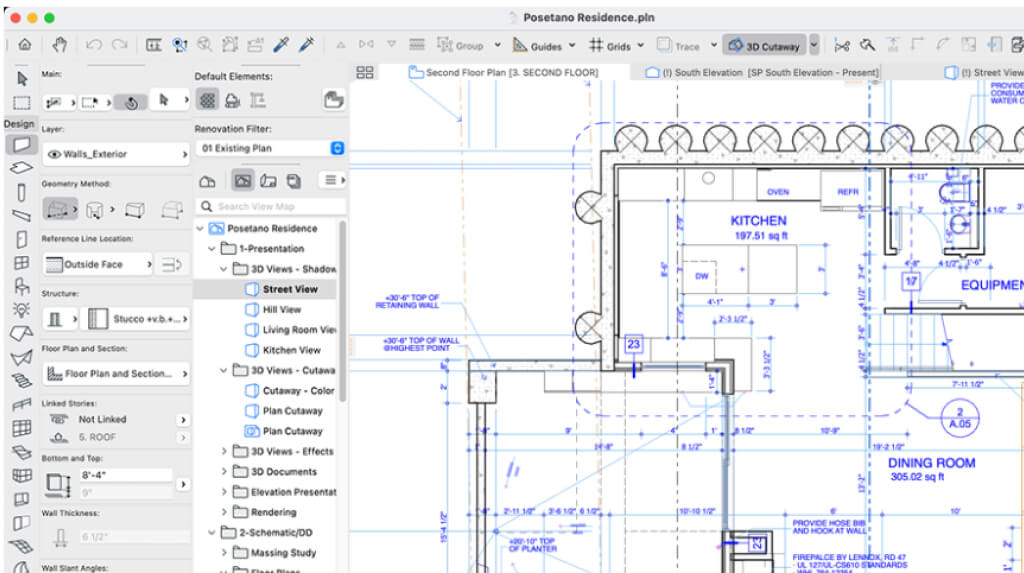
Learn about the Archicad Work Environment and how you can customize it for better efficiency, including Menus, Tool Bar, Tool Settings, Info Settings, Status Bar, Navigator, shortcuts, saving a project, and backups. We’ll review the steps to set up schemes, user preferences, docking palettes, configure toolbars, and more.
You’re invited to join Archicad Users for a virtual conversation. We’ll share best practices and exchange ideas for making the most of Archicad. At each User Group you will also have the opportunity to: Discover new methods to use Archicad in-practice; Discuss management strategies and best practices; Ask questions regarding Archicad and related BIM apps
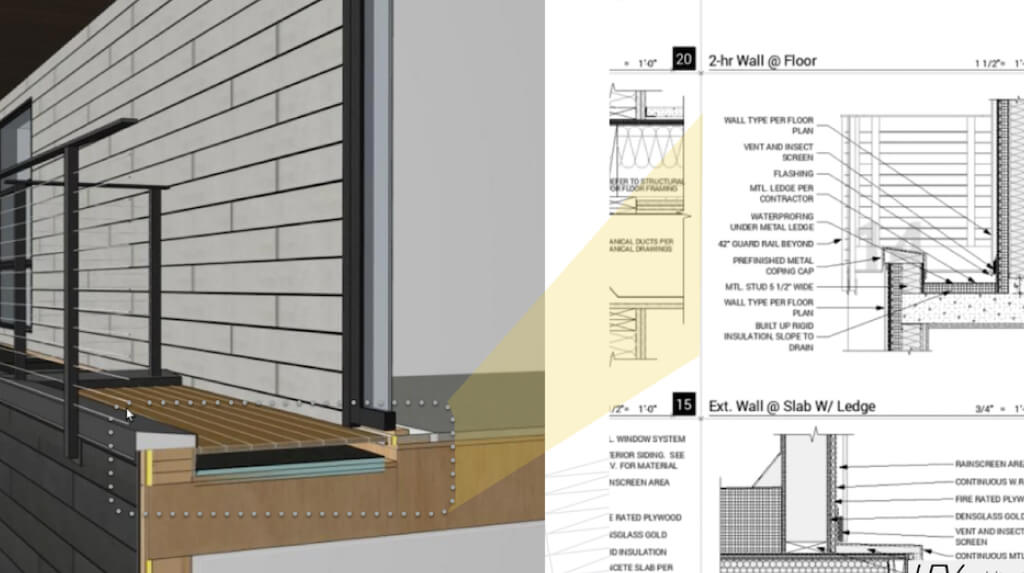
There’s no doubt that creating drawings for design and construction documents can be tedious. But what’s often overlooked are the many repetitive tasks that could be streamlined to reduce errors and save time. A survey by Graphisoft reported that architects who use BIM on projects see an average productivity boost of 38%. Discover how easy it is to convert 2D detail drawings into 3D model details in Archicad
Curious how Archicad really works? Dig into Archicad with our BIM guru. You’ll discover the basics of Archicad, including the work environment, concepts, and tools. Plus, through the lens of a real-world example, you’ll see firsthand how a project is organized, how documentation is created and the steps to visualizing a project.
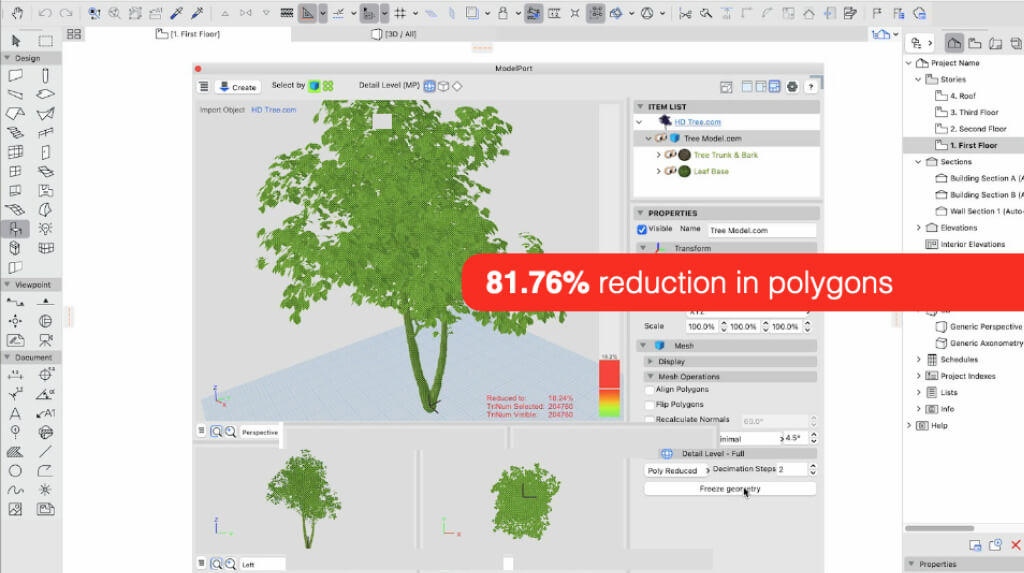
Looking to speed up your Archicad workflow and access higher-quality content? Don’t miss our upcoming webinar focused on ModelPort, a powerful add-on that expands access to objects and manufacturer products. ModelPort is the go-to solution for importing, editing, and managing 3D content in Archicad—improving performance and elevating design quality.
Join us to learn how to improve your design process and automate changes, documentation, building schedules and more. We’ll explore why Archicad is the preferred BIM solution for residential design and how it connects the design studio, the client’s office, and the construction site for presentation and coordination.
 United States site instead?