
Unbound 2026 London
Graphisoft joins Unbound 2026: World Tour London on June 18 at etc.venues, 8 Fenchurch Place. Meet us there to explore digital collaboration, AI-driven workflows, and practical tools for the UK construction sector.
Refine your results
Graphisoft joins Unbound 2026: World Tour London on June 18 at etc.venues, 8 Fenchurch Place. Meet us there to explore digital collaboration, AI-driven workflows, and practical tools for the UK construction sector.
Ready to integrate add-ons to your process? Looking for an introduction to the landscape of workflow extensions? In our upcoming webinar, you’ll discover how to extend Archicad’s design capabilities with ArchiXT’s dedicated add-ons.
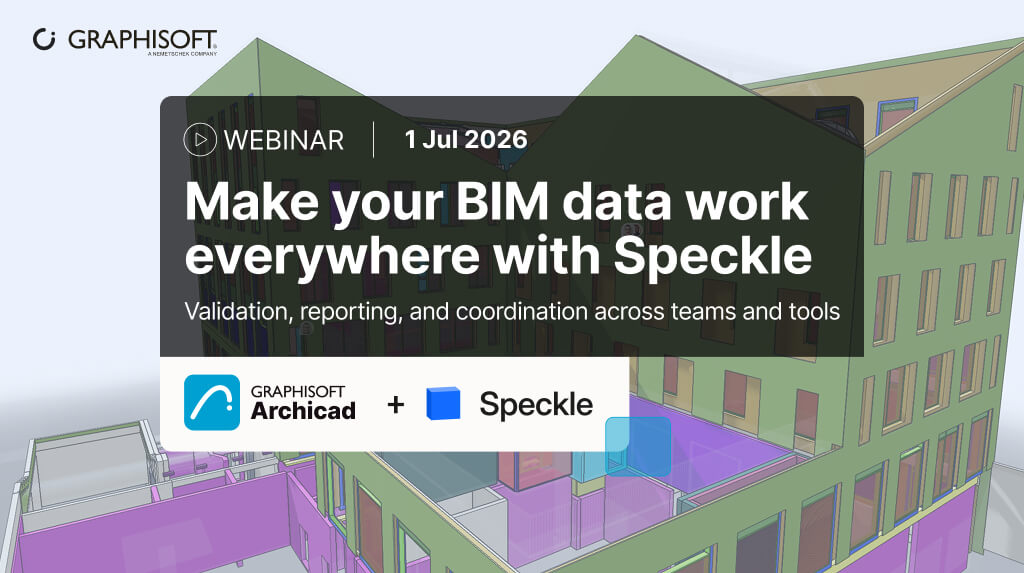
In our upcoming webinar, we’ll explore how Speckle’s design intelligence layer helps you by connecting the data already in your Archicad models to the tools and workflows where it’s needed most. The webinar includes an exclusive live Q&A, and all participants will receive a certificate of participation.
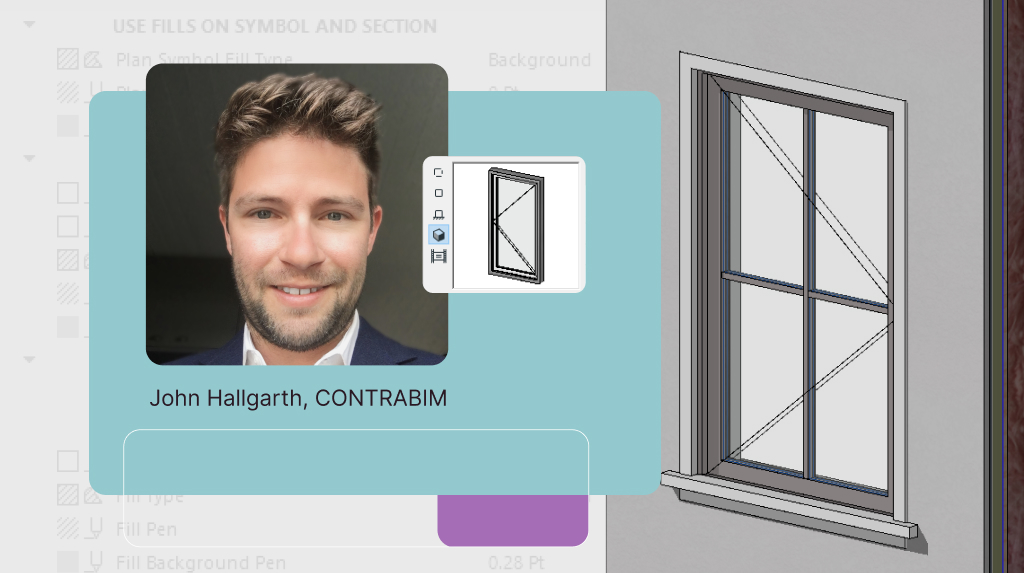
This free webinar unlocks the full potential of Archicad’s Global Library Packs — introduced in Archicad 28 — to better integrate custom object attributes into your template and streamline your workflow.

We’re bringing local architects and designers together for a laid-back evening with Jared Banks, AIA. Jared is the founder of Shoegnome Architects and has spent the past twenty years exploring Archicad and BIM.

Ahead of AIA Conference 2026, we’re bringing together architects, designers, BIM and technology leaders, creatives, and forward-thinking members of the architecture community for meaningful conversations and genuine connections.
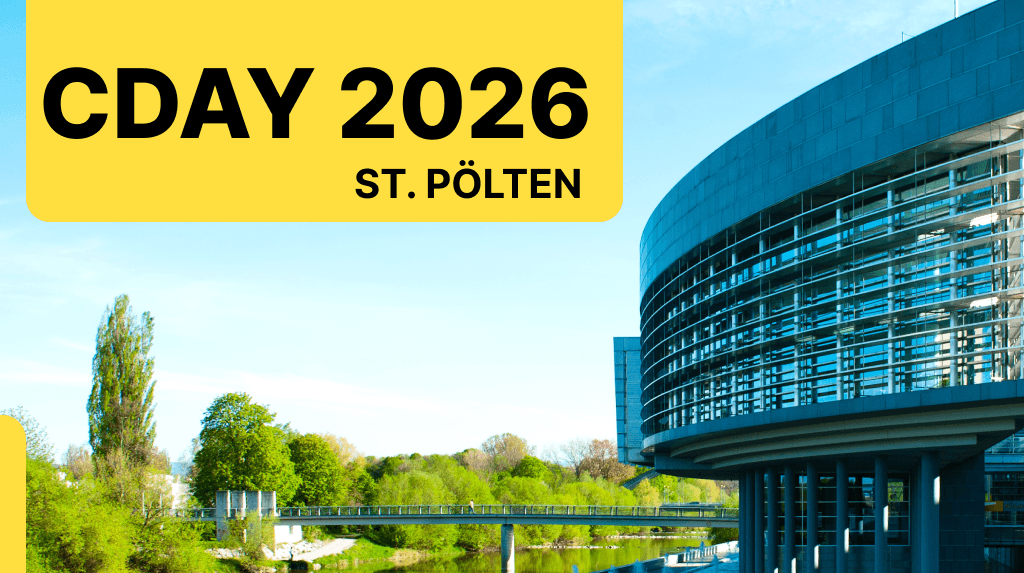
Graphisoft exhibits at C-DAY 2026, Austria’s technology congress for construction and real estate. Meet us in St. Pölten to explore BIM-driven workflows and digital solutions for smarter building projects.
Be present for BIM World, Munich, November 24-25 this year. Our team will be on-site to showcase our solutions and innovations for the industry. We look forward to connecting with you there!

BIG 5 Global is taking place in Dubai from November 23-26, and Graphisoft will be there. Thousands of attendees each year rely on this event for valuable industry insights and tech advancements.
Graphisoft product innovations will be on display at A@W in Milan, Italy. Architects, interior designers, and specifiers will benefit from seeing the custom-designed exhibition this November 11-12.
Graphisoft takes part in CONSTRUTEC 2026 in Madrid this November 10-13. This event pairs brilliantly with our focus on innovation in BIM and collaboration across the building and construction pipeline.
Graphisoft exhibits at the DBIA Design‑Build Conference & Expo 2026 in Cleveland, November 4–6. Join us to discover digital workflows that help multidisciplinary teams deliver better design‑build projects.