 United States site instead?

Generate editable GDL objects from product images and place them directly into your Archicad projects.
 Archicad 27-29
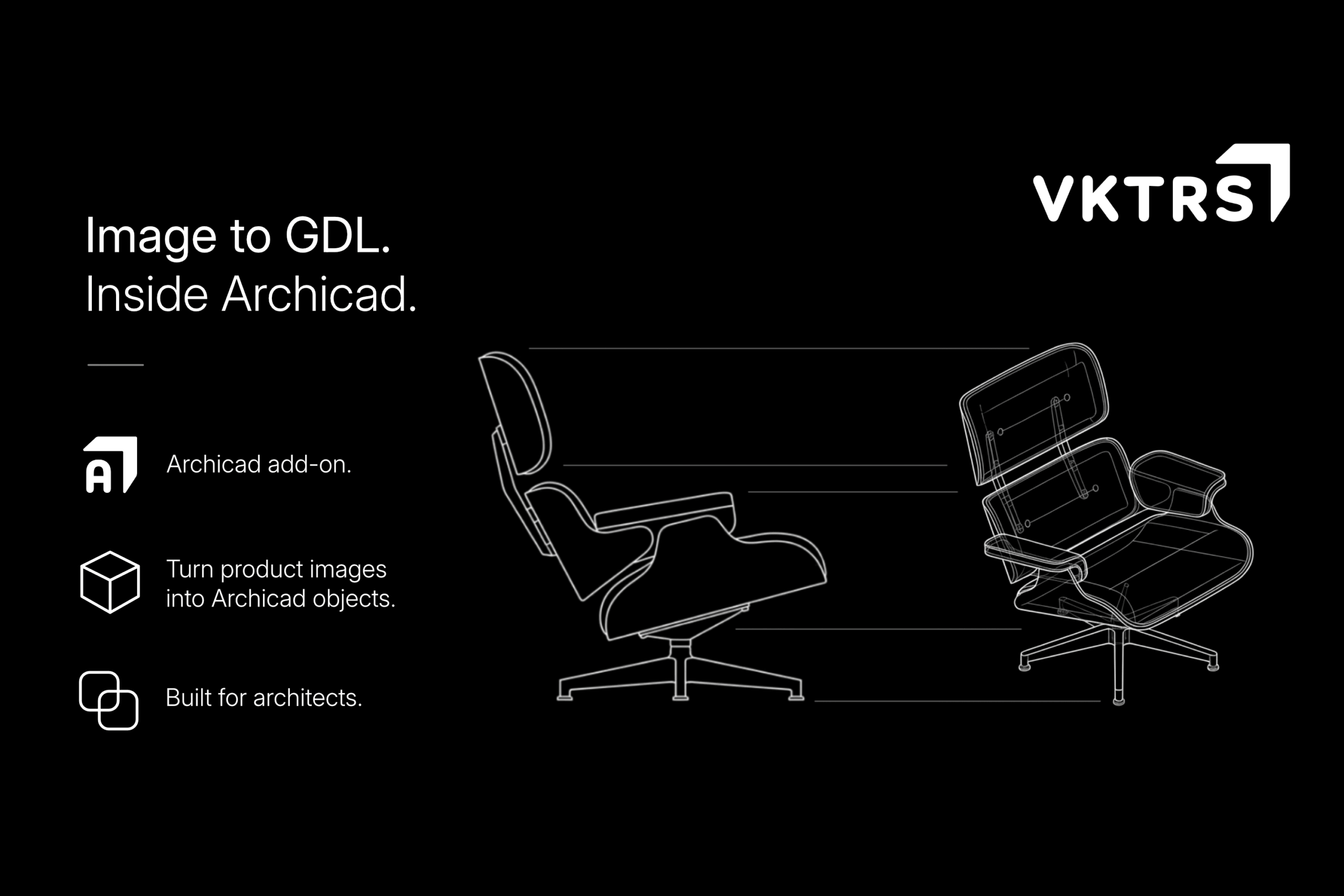
AI transforms product imagery into clean, editable geometry ready for architectural use.
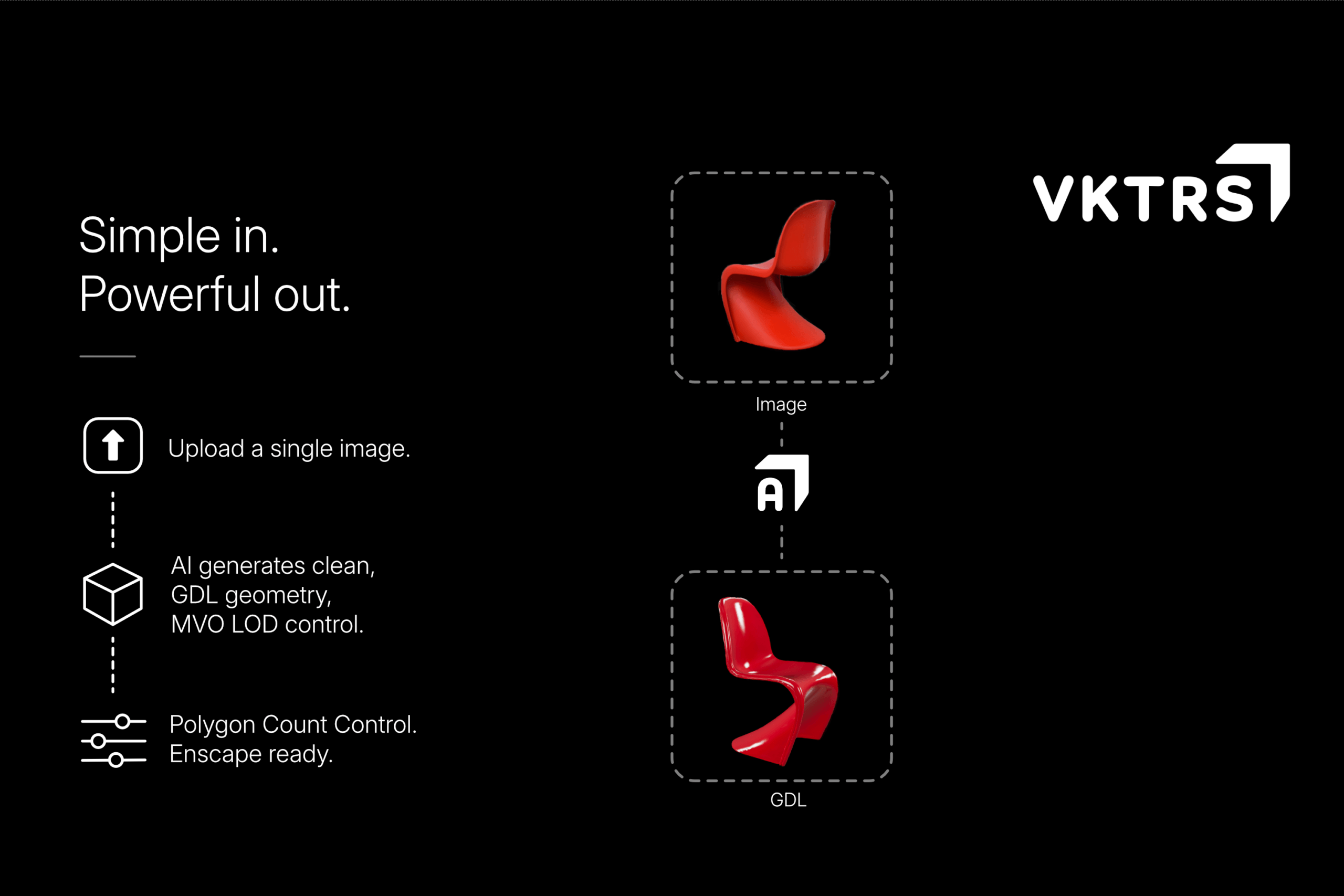
Create custom GDL content from reference images without interrupting your design process.
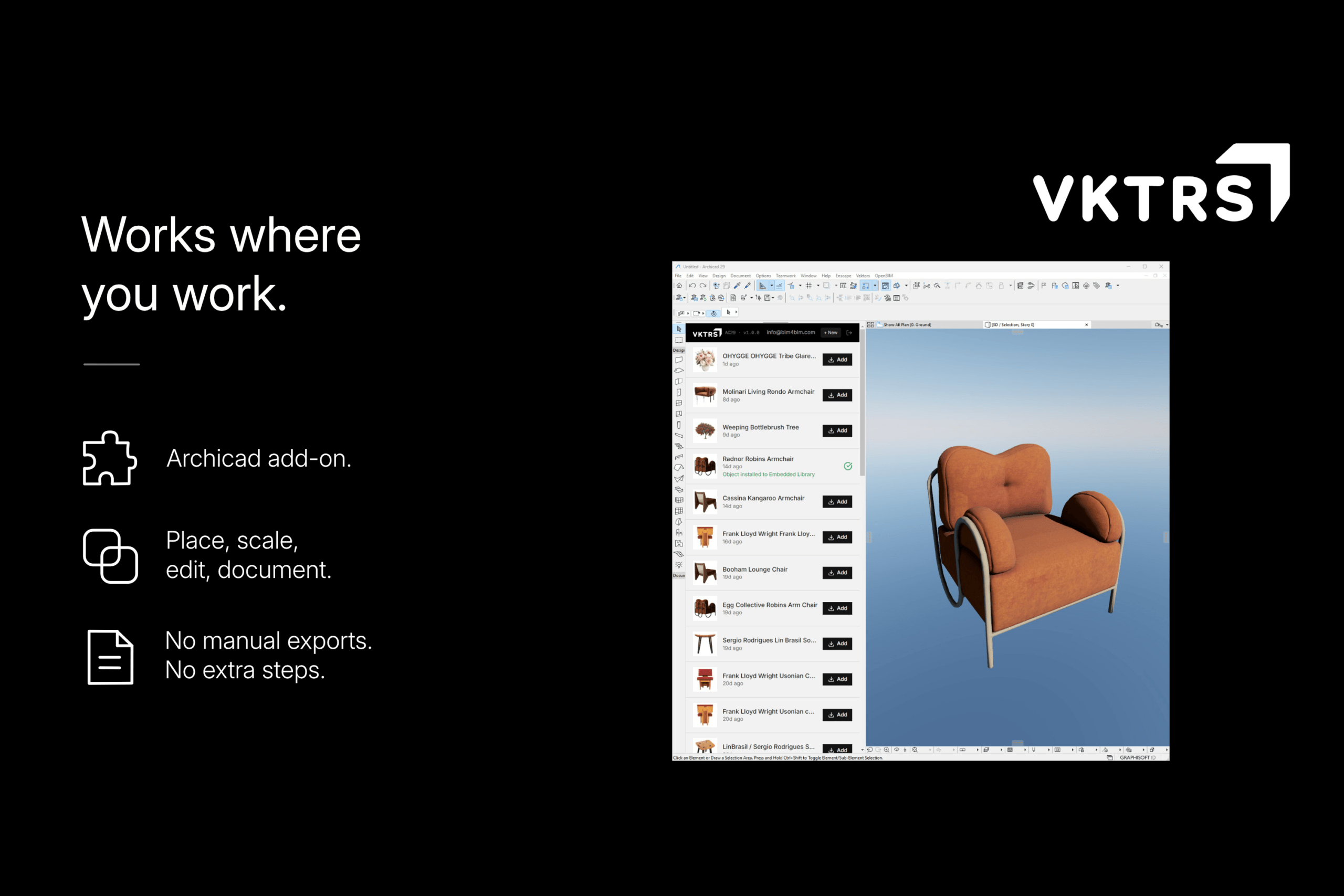
Work entirely inside Archicad, from generation through placement and documentation.
Designed to make custom content creation part of your everyday Archicad workflow.
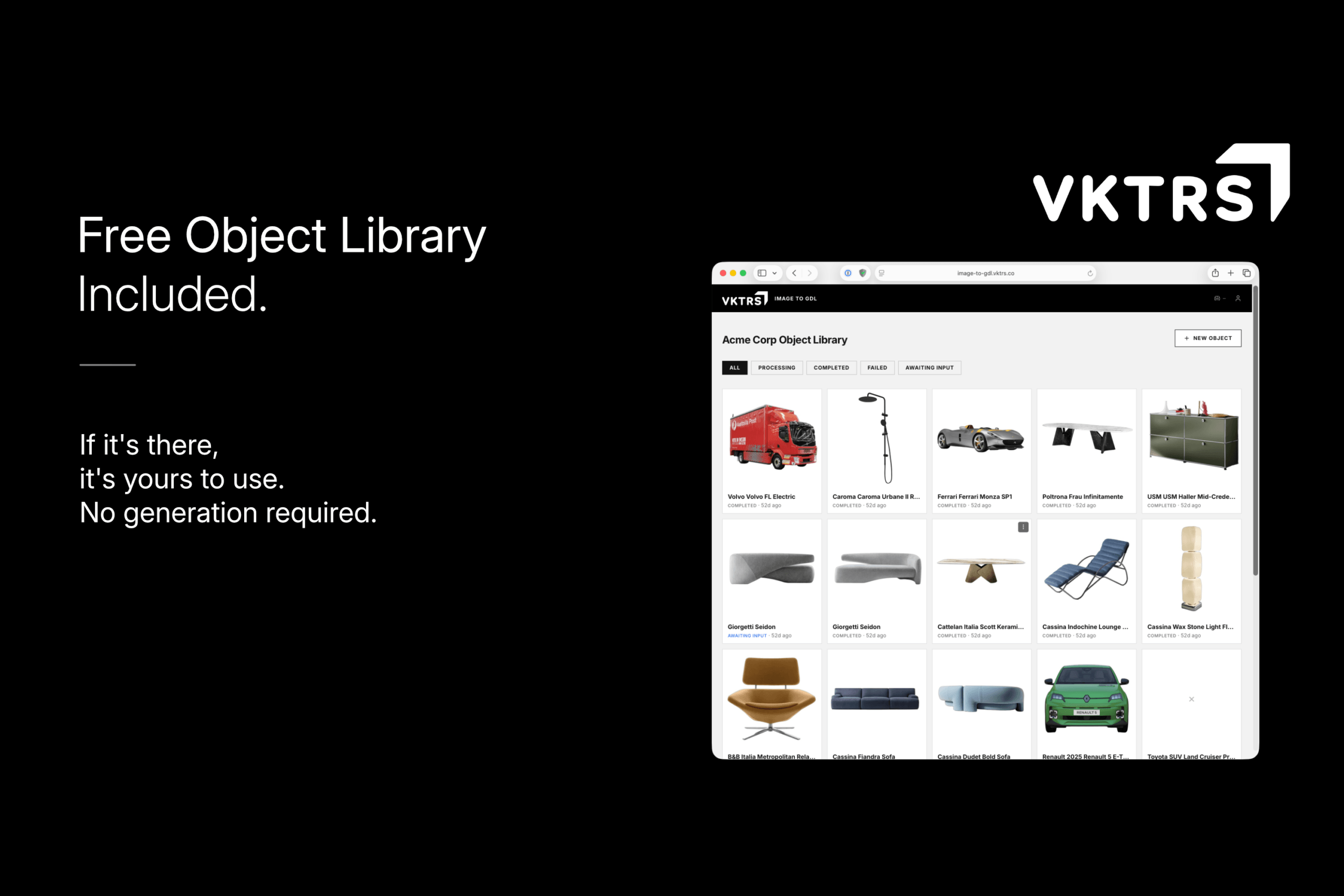
Build a reusable library that grows with every completed project and generated object.

Learn more about the creator on Graphisoft Community
Leírás
Overview
VKTRS Image to GDL converts reference images into editable GDL library objects through a streamlined web-based generation process integrated with Archicad.
The Archicad add-on provides direct access to Image to GDL and displays generated objects when they are ready. Objects can then be added directly to the current project’s Embedded Library, without downloading and manually importing files.
Upload one or more reference images, review the generated result, adjust dimensions and polygon count, then return to Archicad to add the finished object to your project. Once added, it behaves like any other Archicad library part and can be placed, documented and managed using familiar tools.
Key Capabilities
- Archicad add-on providing direct access to Image to GDL
- Generate GDL objects from one or more reference images
- AI-assisted object recognition, naming and categorisation
- Adjustable dimensions and polygon count before generation
- Optional Enscape-compatible geometry
- Generated objects displayed directly within the Archicad add-on
- Add generated objects directly to the Embedded Library without manual download or import
- Access a growing shared library of previously generated content at no additional cost
- Browse and reuse generated content from within Archicad
Who It's For
VKTRS Image to GDL is designed for architects, interior designers and BIM managers who regularly need furniture, fixtures, products and other custom content that is not available in standard libraries.
It is particularly useful for practices building project-specific libraries while maintaining consistency across projects.
Typical Workflows
Start Image to GDL from within Archicad and upload one or more reference images through the web interface. Image to GDL identifies the object, generates preview geometry, estimates real-world dimensions and prepares the model for review. Dimensions, polygon count and export settings can be refined before final generation.
Once generated, the object appears in the Image to GDL add-on within Archicad. From there it can be added directly to the project’s Embedded Library, eliminating the usual process of downloading a GDL object and manually importing it into Archicad.
Once added, the object is ready to place and use like any other Archicad library part.
Részletek
Archicad 27-29

Nodu Bridge
Turn Archicad elements into native Revit elements, without IFC or manual rebuilding.

identify
Automates the assignment of IDs and descriptions to element types in a single interface, easier and faster.

quantify
Links project elements to items in bill of quantities, automatically calculates their quantities and generates BOQ in Archicad.

PAZ-BOX
Automate repetitive Archicad tasks across design and execution phases, saving architects hours every week.
airc.digital services
BIM Project Management & Digital Transformation for Real Estate Assets.

BIMcloud Backup
Automatically creates local backups of BIMcloud SaaS projects for Archicad practices.