 United States site instead?

Arquitetos e designers de interiores transformam uma vista do Archicad em visualizações e vídeos IA fotorrealistas.
 Archicad 26-29
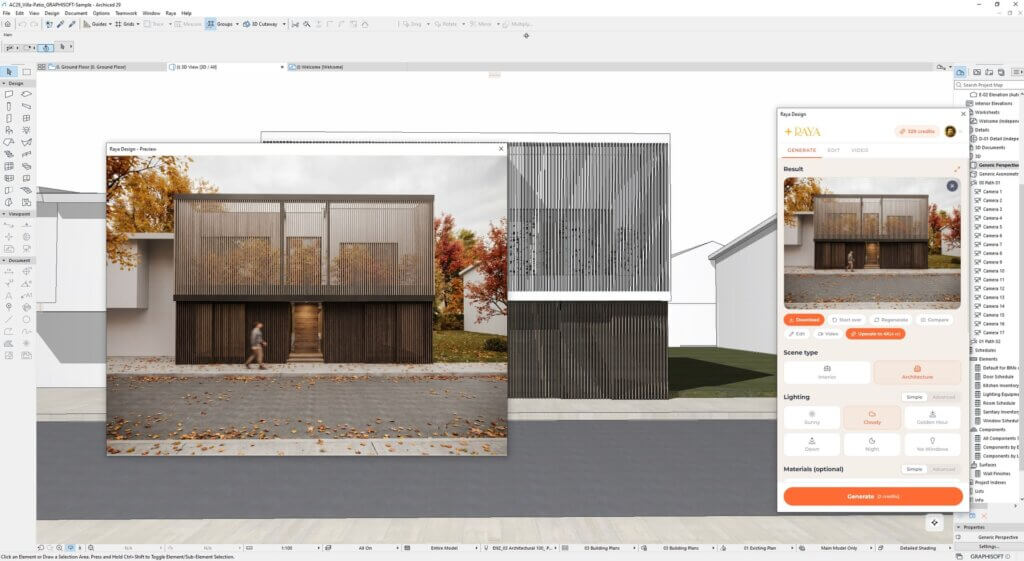
A paleta Raya no Archicad transforma a vista 3D ativa em uma visualização de outono fotorrealista.
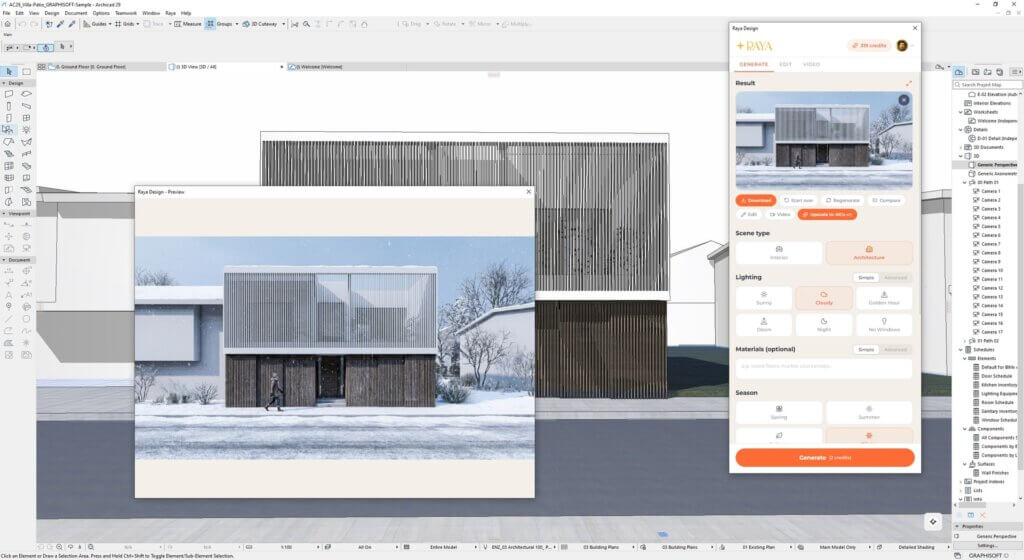
A mesma vista do Archicad no inverno: luz e estação são escolhidas no painel e o modelo não muda.
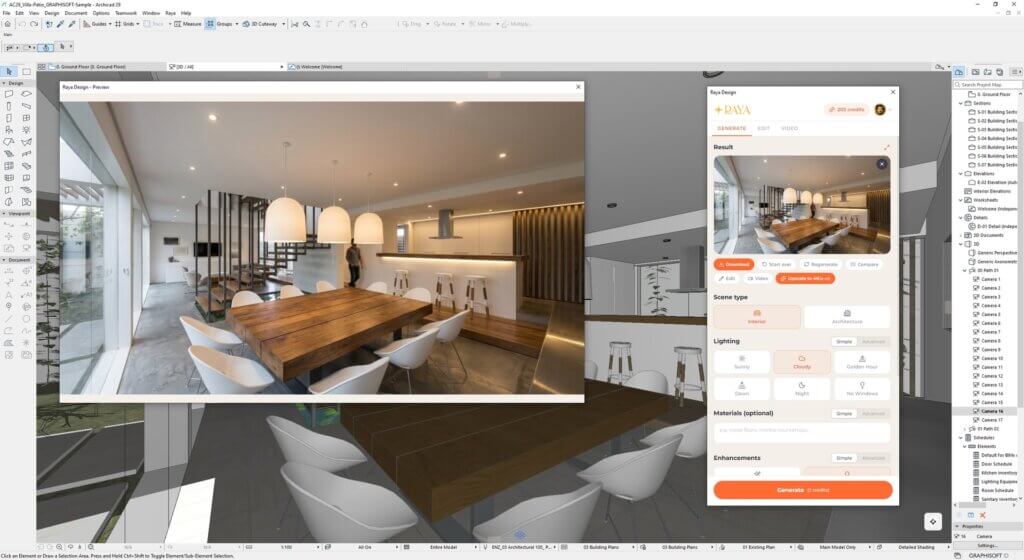
Uma visualização de interiores gerada a partir de uma vista de câmera do Archicad com materiais básicos.
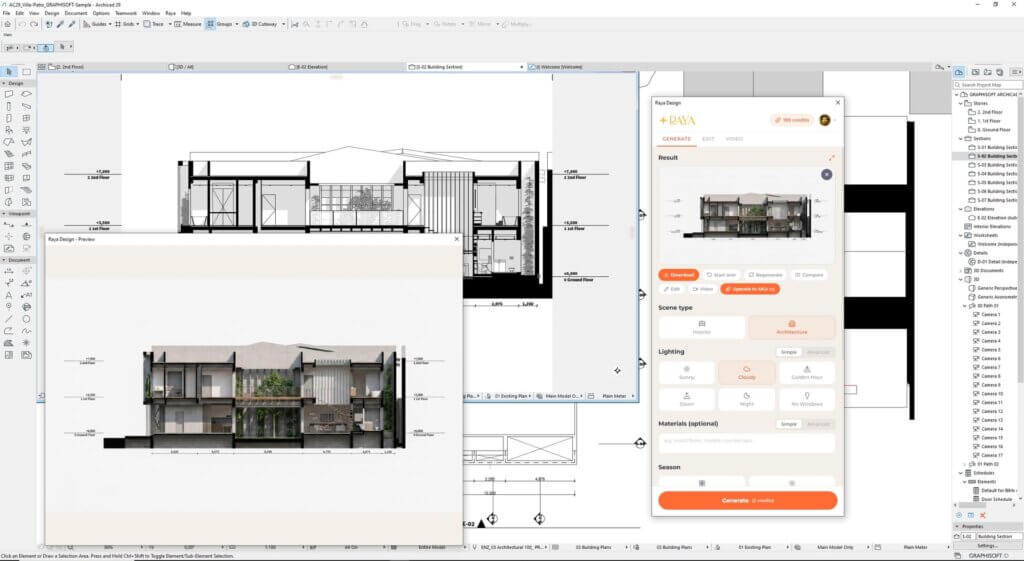
Um corte do edifício no Archicad transformado em um desenho de apresentação renderizado.
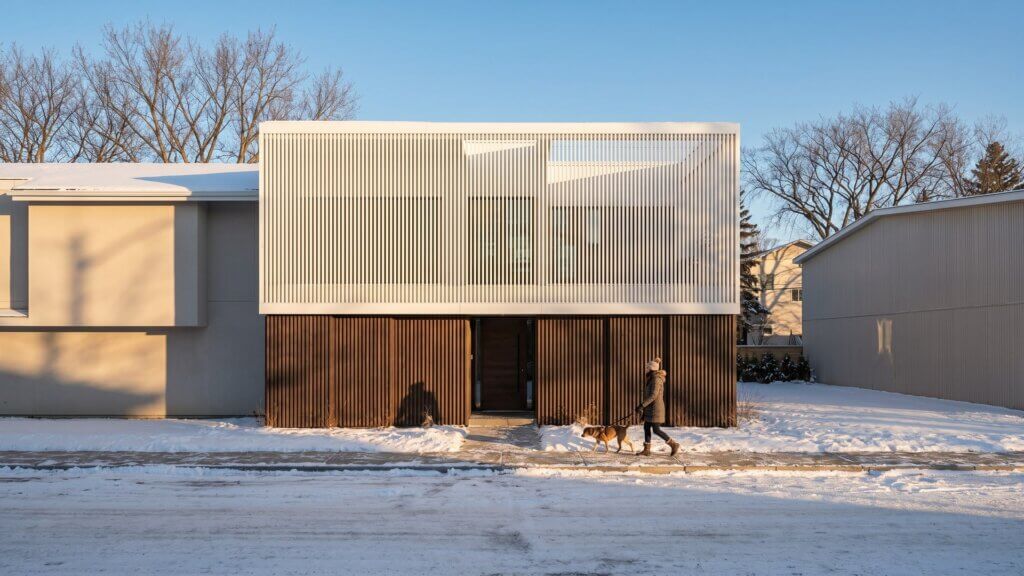
Uma visualização final do mesmo modelo do Archicad com sol baixo de inverno, pronta para o cliente.
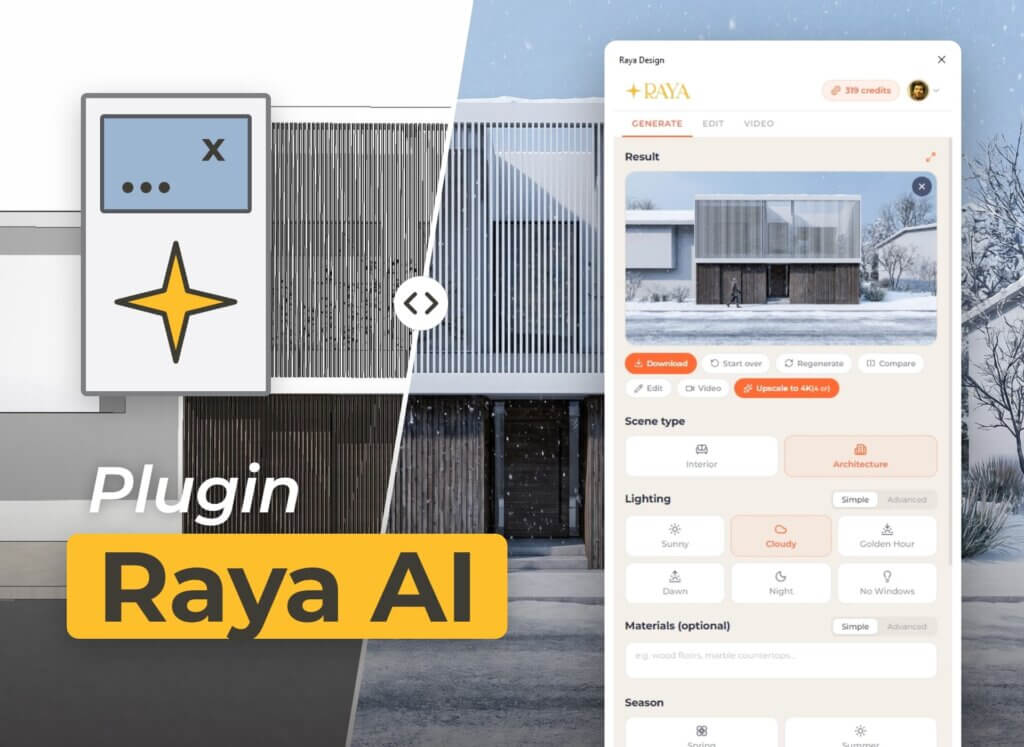
Antes e depois: a vista do modelo do Archicad ao lado do resultado do Raya e das configurações.

Uma apresentação do Raya em 4 minutos: predefinições no lugar de prompts, edição de áreas, renders em 2K e 4K e vídeo com IA. A demonstração usa o SketchUp; o mesmo painel do Raya funciona no Archicad.

Uma apresentação do Raya.design em 20 segundos: da vista do modelo 3D a uma visualização fotorrealista e um vídeo curto com IA.

Descrição da vaga
Overview
Raya.design adds an AI rendering palette to Archicad. You open it from the Raya menu, choose how the scene should look and click Generate. Raya takes the active view, whether it is a 3D view, plan, section, elevation or layout, and returns a photorealistic visualization in under a minute. There is no render scene to prepare, no lights or materials to configure and no need for a powerful graphics card, because the image is generated in the Raya cloud. The add-on only reads the current view as an image and never changes the Archicad model or project files.
Key Capabilities
- Photorealistic exterior and interior visualizations from the active Archicad view
- Lighting presets (sunny, cloudy, golden hour, dawn, night) and seasons
- Optional material descriptions in plain words and reference images
- Area editing, upscaling to 4K and comparison with the original view
- Short AI video clips created from a finished visualization
- Full-size preview and saving the result as PNG or JPG
Who it's for?
Architects who want to show a concept in context and in different light early in the design process. Interior designers who present several finish variants before the detailed design is ready. Design studios that want to produce visualizations in-house instead of waiting for a rendering slot.
Typical workflows
Concept review: capture a 3D view during design and show the client an image instead of describing the idea.
Variant studies: render one camera in several lighting conditions, seasons or material versions without touching the model.
Presentation drawings: turn sections and elevations into rendered drawings for client boards.
Marketing: create a short animated clip from the best visualization for a website or social media.
Detalhes
Archicad 26-29

Rhino, Grasshopper
Advanced modeling and parametric design tools for architects working with complex forms, building systems, and performance-driven design.

Layered Mesh
Layered Mesh creates layers from an existing Mesh, allowing complex forms to be represented with multiple construction layers.

identify
Automates the assignment of IDs and descriptions to element types in a single interface, easier and faster.

quantify
Links project elements to items in bill of quantities, automatically calculates their quantities and generates BOQ in Archicad.

BIMcollab
Conecte o Archicad a um fluxo compartilhado de coordenação BIM para modelos, documentos, questões e equipes.

Image to GDL
Generate editable GDL objects from product images and place them directly into your Archicad projects.