Curious how Archicad really works? Dig into Archicad with our BIM guru. You’ll discover the basics of Archicad, including work environment, concepts and tools. Plus, through the lens of a real-world example you’ll see first hand how a project is organized, how documentation is created and the steps to visualizing a project.
To take full advantage of BIM it takes a shift in mindset and workflow. It’s important to understand why you are transitioning to BIM, what you are hoping to gain from the move and the steps needed to make it a smooth process.
Join us to learn how our architecture and construction clients implement BIM in their business to leverage 3D in design, improve documentation and decrease errors in construction. Seats are limited so enter your information below to register for the webinar.
Curious how Archicad really works? Dig into Archicad with our BIM guru. You’ll discover the basics of Archicad, including work environment, concepts and tools. Plus, through the lens of a real-world example you’ll see first hand how a project is organized, how documentation is created and the steps to visualizing a project.
Learn to manage views in Archicad, including strategies for setting up views in a template. In this lesson, you’ll master setting up and editing saved views as well as how to manage the view map.
Examine the relationship between building materials and composites in Archicad. In this lesson, you’ll learn how to set up, define, edit, and manage materials and composites using priority-based connections, tools, and favorites.
Discover how to create Graphic Override combinations and attach rules to control 2D and 3D graphics, including renovation graphics. Learn to develop graphic override rules and save graphic override combinations with views for drawings and 3D windows.
AIA24 promises to bring together the often-siloed AEC industry in Washington, D.C. to network, share knowledge, gain exposure, and find multidisciplinary solutions to today’s most pressing issues.
Join us at this year’s AIAS conference in Seattle to learn more about innovative clean energy systems, environmental stewardship, and urban growth strategies.
This event will reflect the urgency and importance of addressing housing challenges in our society. With the recent recognition of adequate housing as a human right through the National Housing Strategy Act, the 2024 OAA Conference aims to bring together a diverse range of architecture experts and professionals.
This webinar will explore the challenges, solutions, and creative options available to architects and development planners looking to improve the modern community, specifically through the use of 3D BIM software.
Join our journey into AEC innovation, showcasing Graphisoft’s core capabilities: Collaborate, Document, Design, and Visualize.
Attended by over 3,500 students, teachers, community and business leaders, this multi-day event is an unparalleled experience for the architects of tomorrow.
Don’t miss this unique opportunity to learn from our product experts and stay on top of AEC industry trends which will introduce smart, integrated ways to connect across dispersed ecosystems, solutions, disciplines, stakeholders, and more.
Discover how leading architectural firm Ordiz-Melby Architects, Inc. uses Bluebeam Revu with Graphisoft Archicad to simplify their workflows and accelerate reviews in this online event!
Discover how to shift BIM earlier in design with push-pull modeling, using AI to help clients visualize concepts, reviewing design ideas through an interactive hyper-model, and incorporating tools that manage iterations as you explore design options.
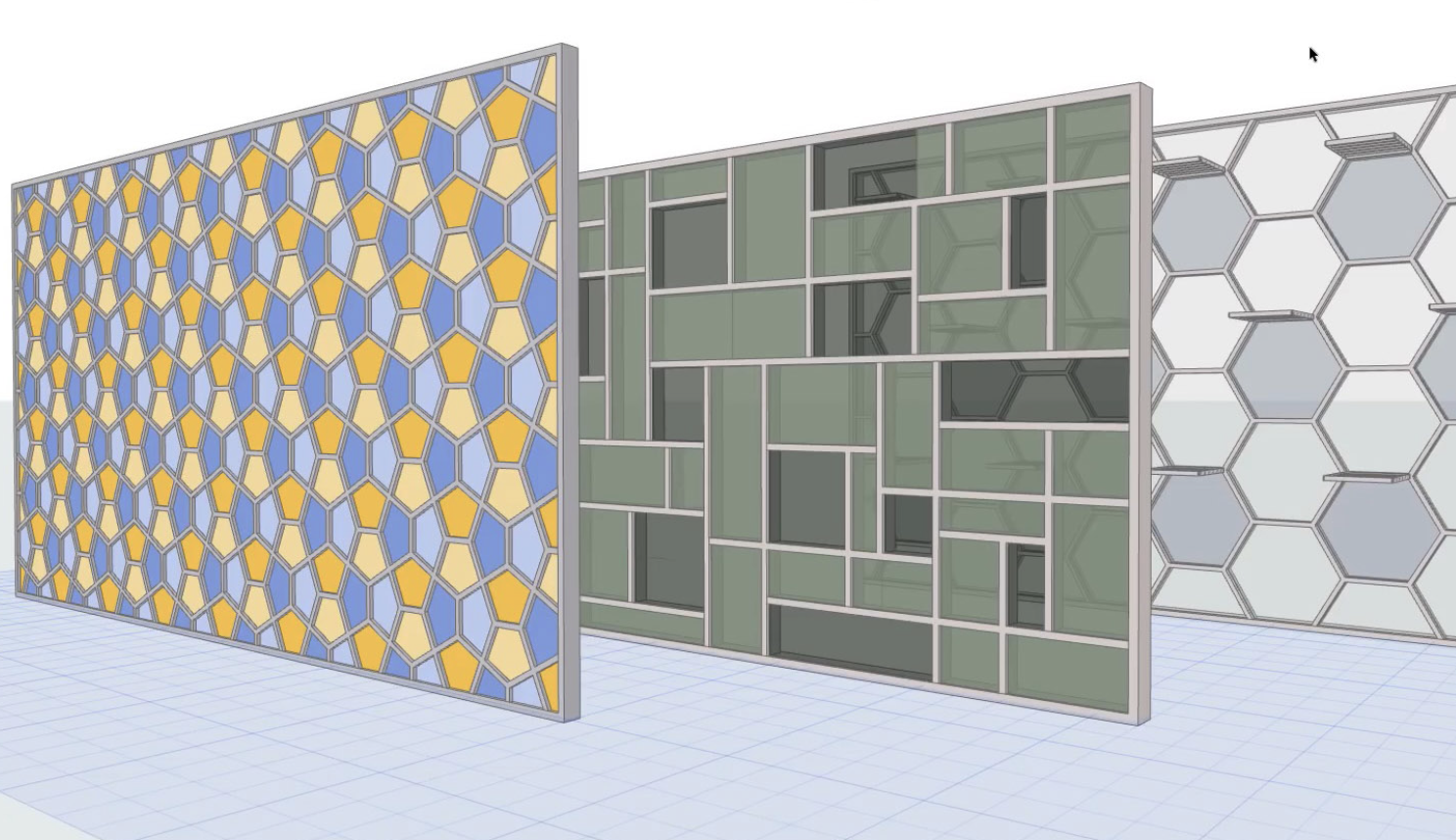
Learn to model Curtain Walls and Storefronts in Archicad! By the end of this lesson, you’ll understand curtain wall patterns, how to draw a curtain wall, and how to create a storefront system.
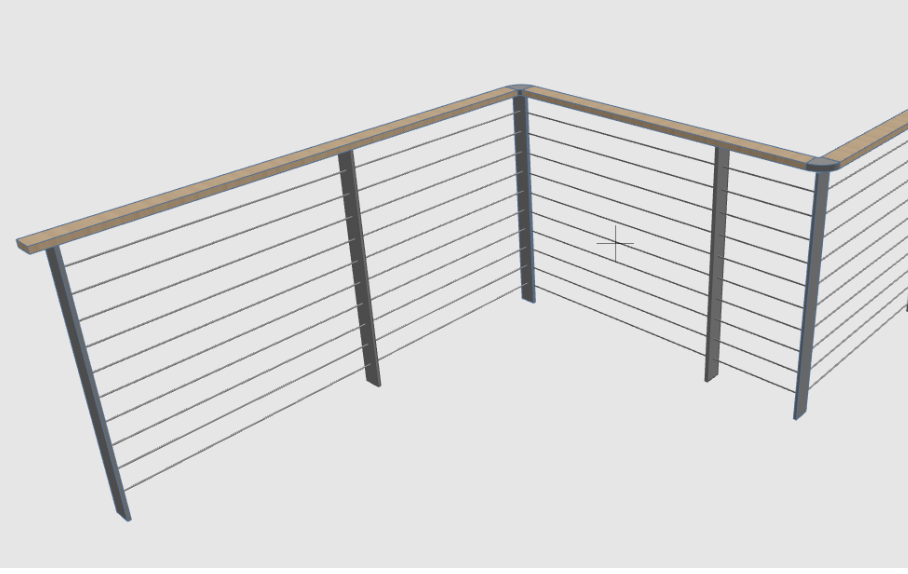
By the end of this lesson hosted with the LearnVirtual team, you’ll understand railing settings and methods for creating and editing railings. The lesson will finish up with a Q&A session.
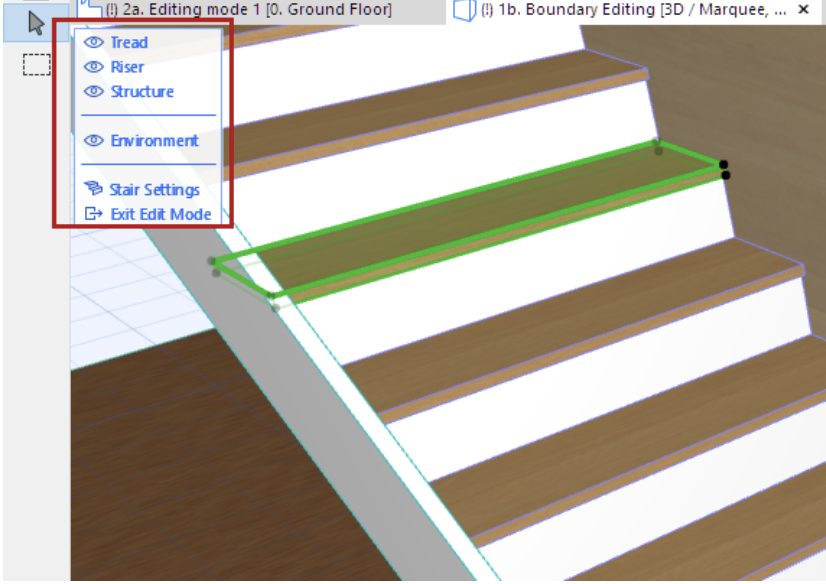
Learn to create custom stairs in Archicad! In this live webinar with the LearnVirtual team, you’ll master stair settings, favorites, and drawing and editing stairs.
Discover how to model the foundation and steel structural system for a commercial project using Archicad’s modeling tools and object library parts.
Curious how Archicad really works? Dig into Archicad with the Archvista team. You’ll discover the basics of Archicad, including work environment, concepts and tools. Plus, through the lens of a real-world example you’ll see first hand how a project is organized, how documentation is created and the steps to visualizing a project.
Join our technology partners (Nvidia, Enscape, D5 Render and Solibri) as they share industry insights and trends. You’ll also discover the 2023 Graphisoft product line-up, and even have the chance to ask questions!
Join us to get the insights, tools, and special offers needed to boost your team to the next level – the virtual level. Discover the opportunities in digital collaboration, and stand out from the crowd.
Join the Lloyd Architects team for a live webinar where they will discuss their latest award-winning adaptive reuse project – The Granary SLC.
Join the CADcentre Team for this special online event! Along with special guest Andy Thomson from Thomson Architecture, they will
discuss the topic of energy evaluation and how you can harness these tools within Archicad.
This years’ event features 400+ exhibitors, Architect’s Hub, live demos, networking parties, DJs, live music, entertainment and much more.
Find us at Booth 549!
In this online event, Aaron Bourgoin shares his most successful project management and collaboration strategies, plus effective methods to boost productivity and project efficiency.
To take full advantage of BIM, a shift in mindset and workflow is needed. Uncover how to structure a transition to Archicad, how to maximize productivity while your team is learning a new way of working and methods for creating a brand identity.
Discover the basics of Archicad, including work environment, concepts and tools. Plus, through the lens of a real-world example, you’ll see firsthand how a project is organized, how documentation is created, and the steps to visualizing a project.
Are you building two models? Discover how to design in Archicad with a SketchUp-style workflow while maintaining the model integrity through the entire design and documentation process.
To take full advantage of BIM, a shift in mindset and workflow is needed. Learn how to structure a transition to Archicad, how to maximize productivity while your team is learning a new way of working and methods for creating a brand identity.
Discover the basics of Archicad, including work environment, concepts, and tools. Plus, through the lens of a real-world example, you’ll see firsthand how a project is organized, how documentation is created, and the steps to visualizing a project.
Join us to examine why Archicad is the preferred BIM solution for residential design and how it connects the design studio, the client’s office, and the construction site for presentation and coordination.
Join this online Archicad User Group to learn tips and tricks from fellow Archicad Users. This month Patrick May with Walker Warner / 4D Proof will share. Includes an open discussion for any Archicad questions you may have.
Join this online Archicad User Group to learn tips and tricks from fellow Archicad Users. This month Jared Banks will join us to discuss Archicad’s Design Options and AI Visualizer. Includes an open discussion for any Archicad questions you may have.
Integrating Bluebeam with Archicad. Matt Beaumont/Bluebeam discusses using Bluebeam for collaboration with stakeholders. Zoltan Toth/Graphisoft covers bi-directional connection with Bluebeam Revu to import markups as native Archicad Issues entries.
Join the Archvista team for an in-person User Group at Weinstein AU in Seattle. During this networking event, we’ll share best practices and exchange ideas for making the most of Archicad.
Discover how to create custom building schedules, including a review of schedule types. You’ll learn how to add custom properties, work with schemes, create custom indexes, and link schedules to labels.
Master how to use Defaults and Favorites for various tools in Archicad. You’ll examine how Favorites work, how to access the Favorites Palette, how to create and organize Favorites, and how to manage and edit Favorites.
Learn to create and standardize Title Blocks and Layouts in Archicad. You’ll uncover how to set up a Master Layout, including title blocks and drawing placement options, setting up Layouts and Subsets, and adding preset content to the layouts.
With Archicad’s Navigator you can use the Project Map, View Map, and Layout Book to create and manage drawing views. In this lesson, learn about Saved Views, setting up Views in a template, manage the View Map, and editing Saved Views.
Learn how to set up graphic standards for Archicad using Model View Options, Graphic Overrides, Pen Sets, and other options to create different graphic output such as presentation drawings, background drawings, and reflected ceiling plans.
Uncover the different types of preferences and the Archicad work environment. Preferences include Working Units, Dimensions, Zones, Project Location, and more. The environment includes User Preference Schemes, Company Standards, Shortcuts, and more.
Learn the basics of setting up a project template in Archicad. Discover options for developing a template; the standards essential for BIM, such as Titleblocks and Project Organization; customized Settings; and how to save a project template.
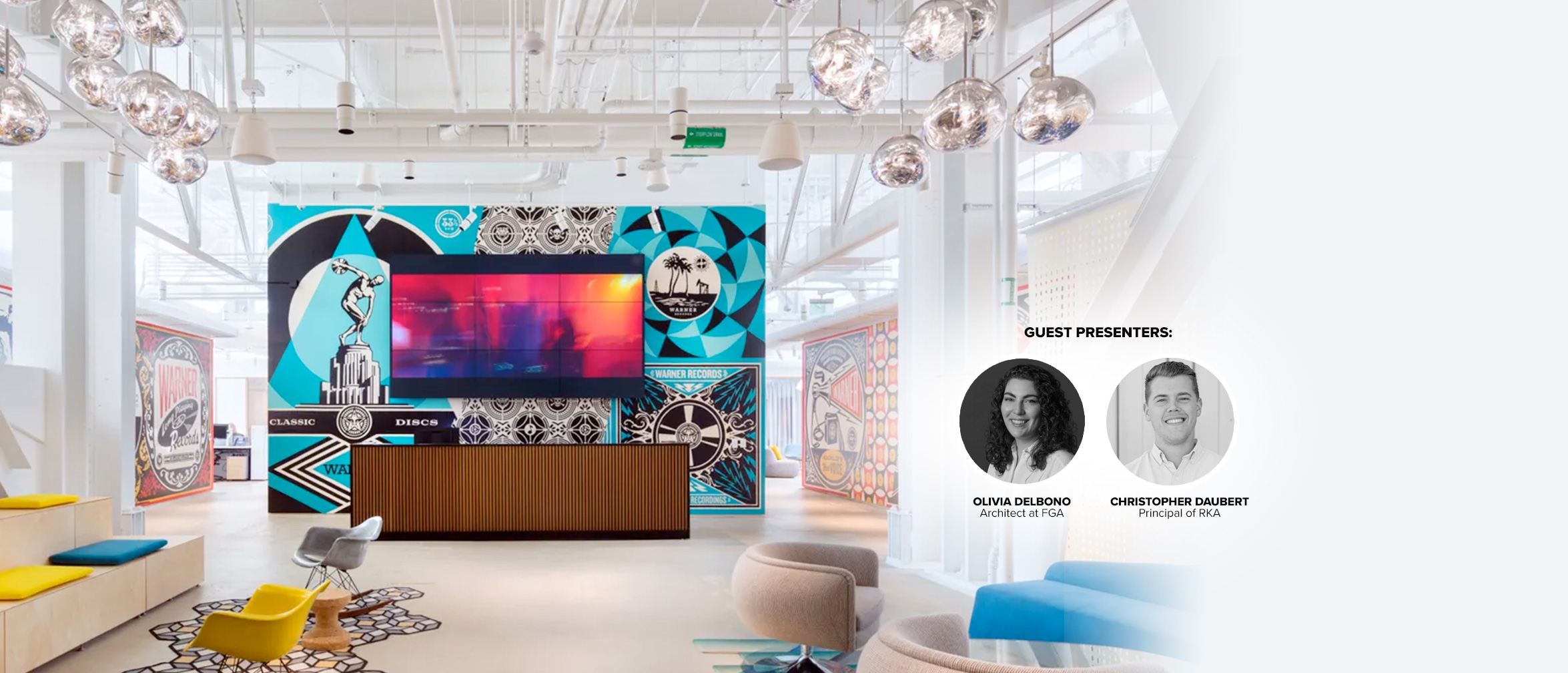
Take a deep-dive into two adaptive reuse and renovation projects – including Warner Music Group’s new headquarters in the US!
Enjoy high-caliber training from top experts at this 8-day exclusive event. Best of all, YOU choose the balance of Archicad learning and fun!
This webinar recording brings together key players from the Duke Ellington School of the Arts project for a panel discussion on the design solutions revealed and the key role played by collaboration using Open BIM.