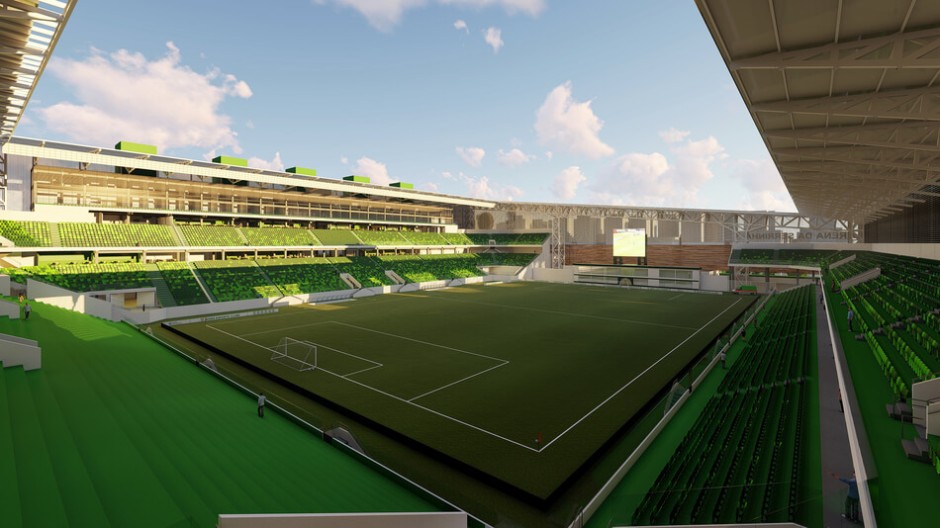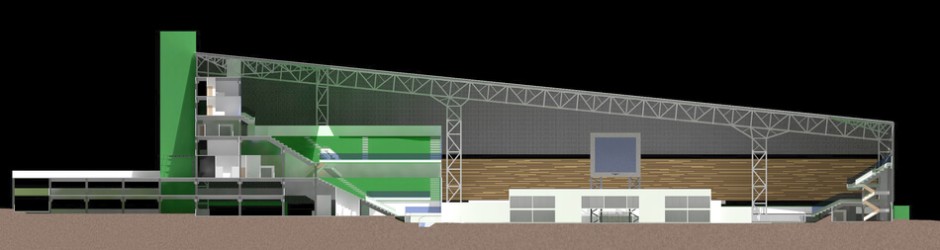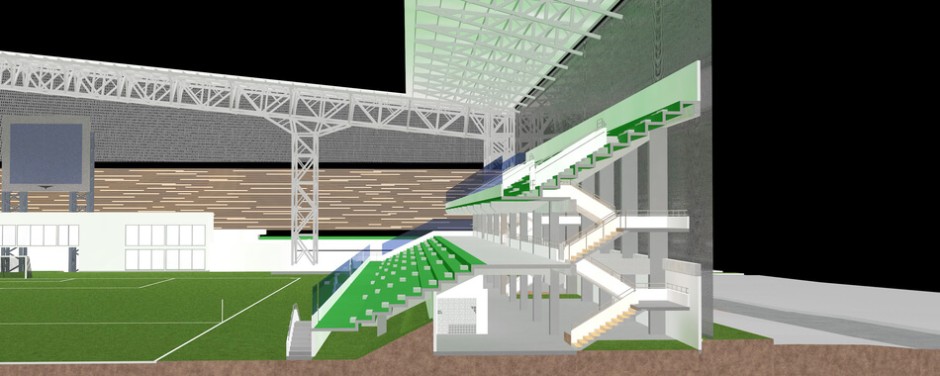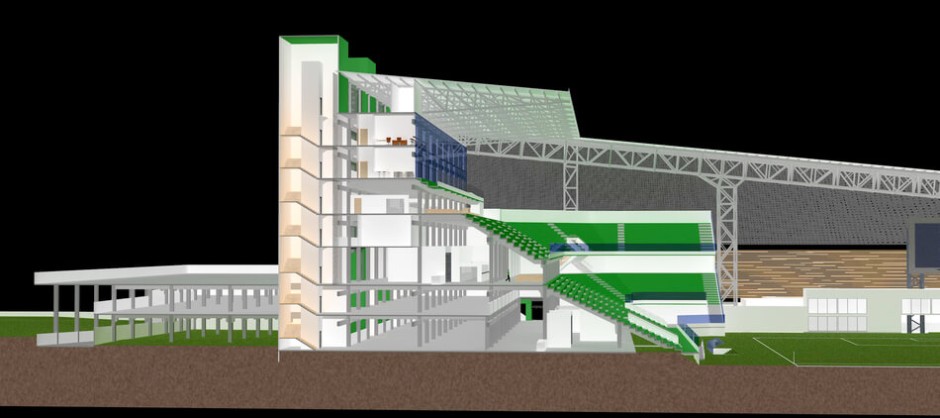
STAR(T) Edition

Based on the industry-leading Virtual Building technology of ArchiCAD 16, ArchiCAD STAR(T) Edition 2013 has been tailored to the needs of smaller architectural practices. ArchiCAD SE2013 contains all the tools necessary to create the building information model from which the entire architectural documentation is derived.

STAR(T) Edition 2013 introduces a wide array of modeling and productivity improvements focusing on the most requested customer wishes. SE2013 provides the full power of ArchiCAD 16's sophisticated 3D guidance and modeling features such as the Morph and Shell Tool, the Profile Manager and profiled/slanted building element tools.

To find out more about ArchiCAD STAR(T) Edition 2013, check the Version Comparison Chart and take a look at the New Features.

Version Compatibility

STAR(T) Edition 2013 can read files created with:

  • STAR(T) Edition 2006 or newer versions
  • ArchiCAD 8.1 and 9

Where to buy

To purchase ArchiCAD STAR(T) Edition 2013, contact an ArchiCAD Reseller.

Training Material

An introductory level Training Guide package is available to support you throughout your early experiences with ArchiCAD. Download the ArchiCAD STAR(T) Edition Interactive Training Guide.

Limitations of ArchiCAD STAR(T) Edition 2013 compared to ArchiCAD 16 include

  • Collaboration limitations: No Teamwork / BIM Server / Hotlinked Modules / XRefs / Reviewer / PMK/EDU file format support / Publisher
  • Modeling limitations: No Renovation functionality / Curtain Wall
  • Documentation/Productivity limitations: No Renovation / Integrated Energy Evaluation
  • Visualization limitations: No LightWorks Rendering / Sketch Rendering
  • Performance limitation: No 64-bit version on Windows
  • Project Organization limitation: No License Borrowing / NET License

To take advantage of the entire range of ArchiCAD features and benefits, you can upgrade at any time to the current, full version of ArchiCAD and continue editing your previous projects with it.

ArchiCAD STAR(T) Edition 2013 New Features

The new Morph Tool, introduced in ArchiCAD 16, the Shell Tool, OPEN collaboration with IFC import/export, Profiled and Slanted Walls/Columns/Beams, the full range of the sophisticated 2D and 3D editing enhancements – and many more – make ArchiCAD STAR(T) Edition 2013 the ideal tool of a broad user community. The full features set makes the STAR(T) Edition 2013 workflow a very smooth one from the very first mass study to the final documentation.

To learn more about the new features and compatibility details of ArchiCAD STAR(T) Edition 2013, download the Version Comparison Chart.

MORPH

The Morph Tool introduces direct modeling capabilities into the native BIM environment, allowing element creation with any custom geometry in an intuitive graphical way, featuring popular modeling techniques, like Push & Pull.

BIM Components

Access the cloud-based BIM component database right from ArchiCAD Start Edition 2013. Create, share, upload and download custom BIM elements instantly and find library parts both locally and on the portal by searching for keywords.

Shell Tool

From the simplest barrel vaults to the most sophisticated rib vaults, the architect has always aspired to combine durability, utility and beauty. The Shell tool supports the broadest spectrum of architectural shapes and forms found in both classical and modern architecture.

IFC Support

ArchiCAD Start Edition 2013 supports the import/export and data structure of the IFC standard. The Open BIM workflow supported by the IFC protocol enables collaboration between architects and engineers regardless of their discipline or the name and version of their application.

Profile Manager

Create and save a wide variety of extruded forms for quick conceptual design or highly detailed composite structures that connect based on priority. Assign custom materials, define core and finish components for a greatly functional workflow.

Profiled/Slanted Walls, Columns and Beams

Walls, Columns and Beams can now have complex geometry that is easily achieved with the help of the Profile Manager. Open a whole new array of possibilities in design and documentation using the slant property of the Wall and Column tool.

Place External Drawings

Link PDF, DWG/DXF or Image files in your project and handle them dynamically with ArchiCAD Start Edition 2013.

3D Editing Enhancements

Handy improvements in 3D editing take the guesswork out of 3D modeling input. Place, or move and elevate objects anywhere in one move. 3D feedback makes the split and rotate commands easy to use. Advanced editing plane handling and a series of new “smart cursor” variants make precise input even easier.

Nautical Museum Nautical Museum | Designed by Nikola Rubic
ArchiCAD 16® and STAR(T) Edition
New Features Comparison Chart
ArchiCAD 16
SE 2013
SE 2012
SE 2011
Modeling
Priority-based Dynamic Wall–Wall Intersection on Floor-plan + + + +
Slab/Roof Edge Custom Settings + + + +
Complex, Multi-story Elements + + + +
Floor-plan Display Options for Construction Elements + + + +
Multi-Plane Roof + + +
Model Element Connections Management + + +
Associative Skylights + + +
Use Any Number of Layers in Composite Elements + + +
Doors and Windows in Polygonal Walls + + +
Door and Window Vertical Anchor + + +
Profile Manager + +
Profiled, Slanted Walls, Columns, Beams + +
Doors/Windows Fit to Slanted and Complex Wall Surfaces + +
Curved Profiled Walls + +
Curved Complex Elements + +
Shell Tool + +
Morph Tool + +
Curtain Wall Tool +
Visualization / 3D Exploration
Internal Rendering Engine + + + +
Virtual Tracing - Reference Layer among all Views, Layouts + + + +
3D Zones Geometry Fit to Complex Elements + + + +
Partial Structure Display + + + +
Oriented View - Rotate to Align the Entire View + + + +
Ruler - Easier Editing and Layout Creation + + + +
Shadows in OpenGL + + + +
3D Editing Plane + + +
3D Feedback with Working Plane, 3D Guidelines + + +
Snap to Surface in 3D Window + +
Move and Elevate in One Step + +
Smart 3D Feedback for Rotate and Split Commands + +
LightWorks Rendering +
Sketch Rendering +
Documentation
Linework Management: Merge and Consolidate Lines, Fills + + + +
3D Document: Dimensioned and Annotaded 3D Views + + + +
Worksheet Tool + + + +
Interactive, Annotated Door/Window Schedules + + + +
Gradient Fill + + + +
Automatic Dimensioning + + + +
Scale Dependant Detailing + + + +
Dimension Text Prefix and Suffix + + + +
Align Camera View to Existing Photo + + + +
Interactive Schedule Data Export to Excel + + +
External Drawings + +
Import Site Survey Geometry as Morphs + +
Renovation Feature, Element-level Statusing +
Workflow-Productivity-Project Management
Integrated Layouting, Layout Book + + + +
Support for 3D Connexion Space Navigator Device + + + +
Markup Tools + + + +
Native 64-bit ArchiCAD on Mac + + +
Supersafe Autosave + + +
Single, Unified Undo Queue for the Entire Project + + +
Access Thousands of Objects via the BIM Components Portal + +
Easy Creation of Custom Library Parts with Modifiable Attributes + +
Graphical Project North Definition + +
Project Publisher +
Project Reviewer +
Hotlinked Modules +
Multi-story Hotlinked Modules +
License Borrowing +
Integrated Building Energy Evaluation +
Communication, I/O; Interoperability - PLN, PLA, TPL, MOD File Import
AutoCAD DWG/DXF Import/Export + + + +
Merge/Save as... PDF Command + + + +
Convert Surveyor’s Data into ArchiCAD Mesh + + + +
Integrated IFC Import/Export Engine + +
IFC Property Management + +
Building Element Classification for MEP and Structural Engineering + +
Data Exchange with Structural Software + +
Save Exploded DWG Drawings to a Single Layer +
Export Multiple Layouts into Single DWG +
DXF/DWG External Reference Support (Xref) +
EDU / Trial File Format Support +
PMK File Format Support +
ArchiCAD 16 File Open|Save +|+ -|- -|- -|-
EDU File Open|Save +|- -|- -|- -|-
SE 2010 File Open|Save +|- +|- +|- +|-
SE 2011 File Open|Save +|- +|- +|- +|+
SE 2012 File Open|Save +|- +|- +|+ -|-
SE 2013 File Open|Save +|- +|+ -|- -|-
Library
Objects Saved Embedded in the Project + + + +
Model View Options for Library Parts + + + +
Embed Only Necessary Library Objects + + + +
Library Migration + + + +
Library Management + + + +
Keyword Based Search Function Finds Library Parts + +
Teamwork & BIM Server
Teamwork Extended to Documentation Process - Layouts +
BIM Server - Model Based Team Collaboration +
Reservation Methods +
Instant Team Communication +
Remote Project Management +
Delta-Server for Fast and Safe Data Exchange in Teamwork +
BIM Server Performance Monitor +
Control Over Client-Server Technology +
Portability and Remote Access +
64-bit BIM Server on MacOS +
BIM Server Optimized: Autosave Backup, Faster Performance +
BIM Project Backups to Restore BIM Server-related Data +
PLN Format Backups to Quickly Recover Data in ArchiCAD +